

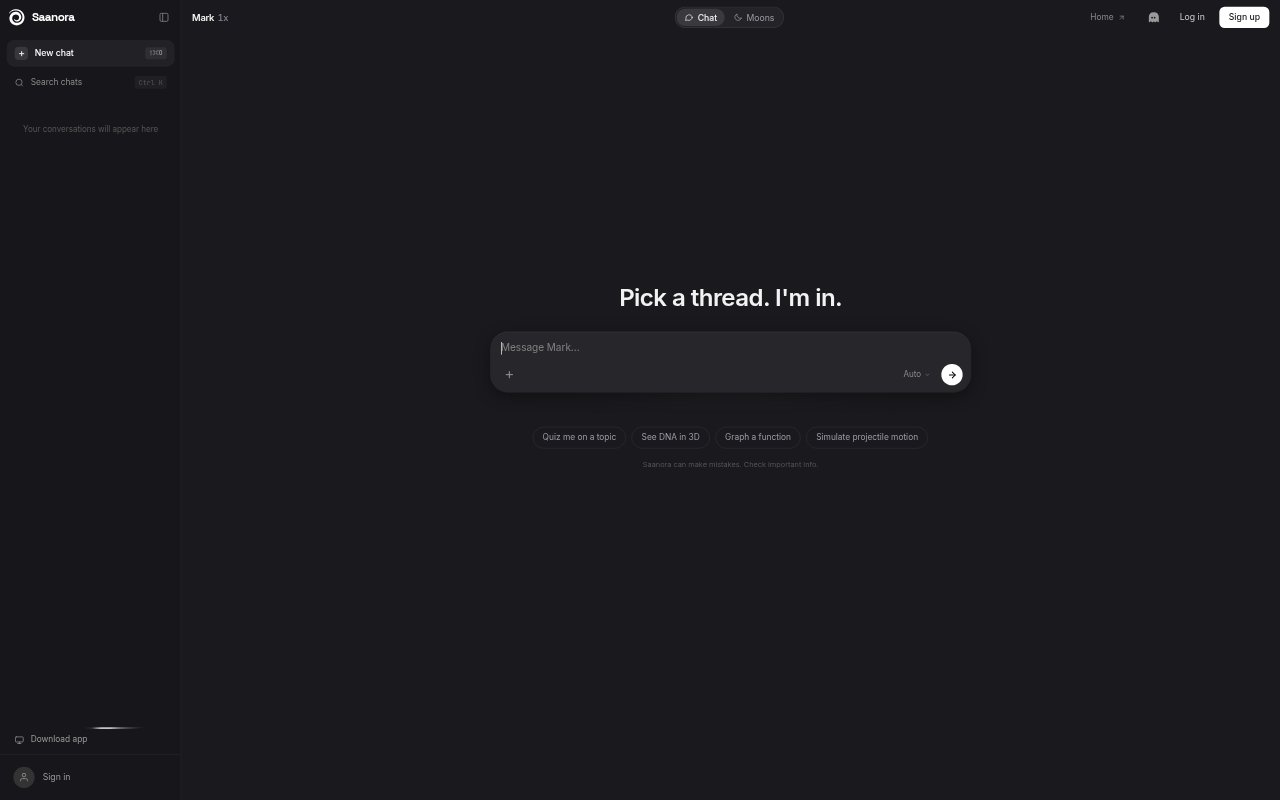
What is Saanora?
Saanora is an AI assistant called Mark for people who want one place to ask questions, research topics, write and code. It works in more than 20 languages, can look up information on the web, cite sources and remember details across chats. Users can also work with files, create pictures and other outputs, and run always-on agents called Moons. A free plan is available, with Lite and Spark subscriptions for higher usage and more advanced models.
Saanora Features:
Response Modes: Quick is designed for short answers, Auto balances speed and reasoning, and Think works step by step through harder problems, with all three available on every plan.
Web Research: Web lookups are available in every mode, while Lite and Spark add Research for a deeper search across multiple sources with citations.
File Analysis: Users can attach up to five files of 100 MB each on Free, eight files of 300 MB each on Lite, or twelve files of 500 MB each on Spark.
Visual Outputs: Mark can make pictures and produce interactive 3D content, charts, diagrams and documents, as well as quizzes, flashcards and live simulations.
Persistent Memory: Chat history and cross-chat memory let Mark retain information across conversations rather than treating each chat as a fresh start.
Moons and Plugins: Moons are always-on agents that work on cloud computers, and a curated plugin directory includes connections such as Notion, Linear and GitHub with user-chosen permissions.
Saanora Benefits:
Fewer Tool Switches: Questions, research, writing, coding and visual tasks can be handled in one assistant, reducing the need to move between separate tools for everyday work.
Traceable Answers: Citations in Research help users check where information came from before relying on it in a report, decision or follow-up conversation.
Less Repeated Context: Cross-chat memory can spare users from reintroducing relevant details every time they start a new conversation.
Clear Usage Limits: A five-hour session and weekly usage are shown as percentages with reset times, making it easier to see how much capacity remains.
Choose Your Capacity: Free, Lite and Spark provide different usage levels and model capabilities, so users can match their subscription to everyday or more intensive work.
Use Cases:
Topic Research: Use Research on Lite or Spark to explore a subject across web sources and gather citations for a briefing or written report.
Writing and Coding: Draft text, revise a piece of writing or work through a coding question with Mark in the language suited to the task.
File-Based Questions: Attach documents and ask Mark to help examine their contents when preparing notes, summaries or answers about supplied material.
Study Materials: Create quizzes and flashcards or use live simulations to review a topic and practise concepts interactively.
Ongoing Agent Tasks: Set up a Moon for work that benefits from an always-on agent operating on its own cloud computer.