

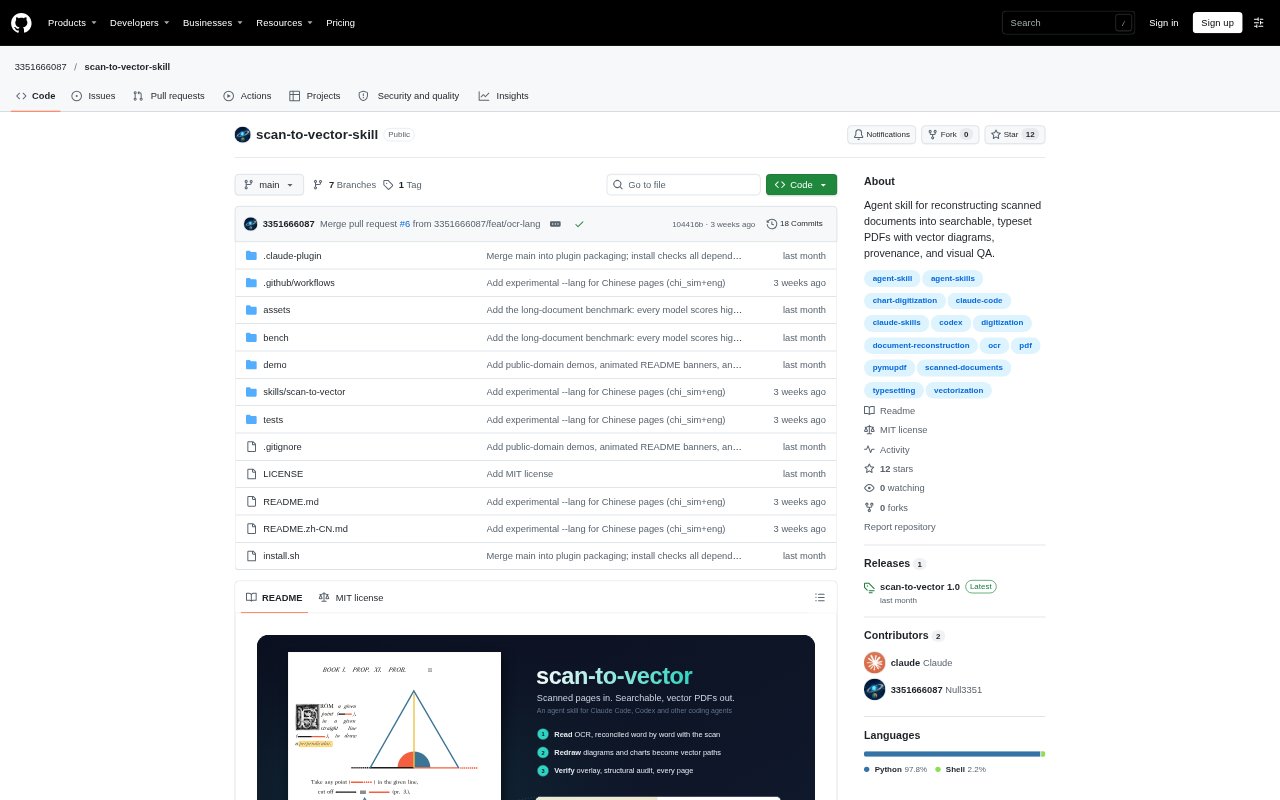
What is Scan-to-vector?
Scan-to-vector is an agent skill for rebuilding scanned pages as searchable, newly typeset PDFs rather than adding an invisible OCR layer to the original scan. It guides Claude Code, Codex, and other clients that load SKILL.md through a page-by-page process, with Python scripts for drafting and checking the output. Text becomes selectable, diagrams and charts can be redrawn as vectors, and photographs or engravings can remain as labelled image crops.
Scan-to-vector Features:
Page Reconstruction: A drafting command processes pages into a rebuilt document, recording measured positions in scan pixels instead of relying on visual estimates.
Searchable Text: The output places real, selectable text in a typeset PDF so readers can search and copy the document’s words.
Vector Graphics: Diagrams, chart lines, arrows, and inline symbols can be redrawn as vector paths that stay sharp when enlarged.
Chart Data: For charts, the workflow can recover values into a CSV file and draw the rebuilt chart from that data.
Image Crops: Photographs and engravings can be retained as cleaned, labelled raster crops instead of being redrawn as vectors.
Page Review: A page ledger, enlarged proofreading sheet, scan overlay, and structural audit help identify missing or misplaced content.
Scan-to-vector Benefits:
Readable Documents: Searchable, copyable text makes rebuilt scans easier to consult than image-only pages or PDFs with text hidden over the original.
Sharp Diagrams: Vector artwork remains clear at different zoom levels, making small labels and shapes easier to inspect or print.
Fewer Omissions: Page-by-page comparisons give reviewers a way to catch content that might otherwise be missed in a visual rebuild.
Traceable Decisions: The ledger records page-level work and editorial choices, so changes such as modernized spelling are not made silently.
Reusable Chart Values: Recovered chart data can be handled separately from the page image, giving users values they can inspect in a CSV.
Use Cases:
Reprinting Worksheets: Rebuild scanned classroom worksheets as clean pages with selectable instructions and diagrams that are suitable for printing again.
Restoring Manuals: Turn scanned manuals into searchable PDFs while redrawing their diagrams and preserving photographs as image crops.
Digitizing Old Books: Recreate historical book pages with searchable text, vector illustrations, and selected engraved details retained as crops.
Recovering Chart Data: Use the workflow when a scanned historical chart needs both a clean vector redraw and its underlying values in a CSV.
Rebuilding Forms: Process scanned forms or other structured pages when layout and page content need to remain visible in a rebuilt PDF.