

What is Scrawl?
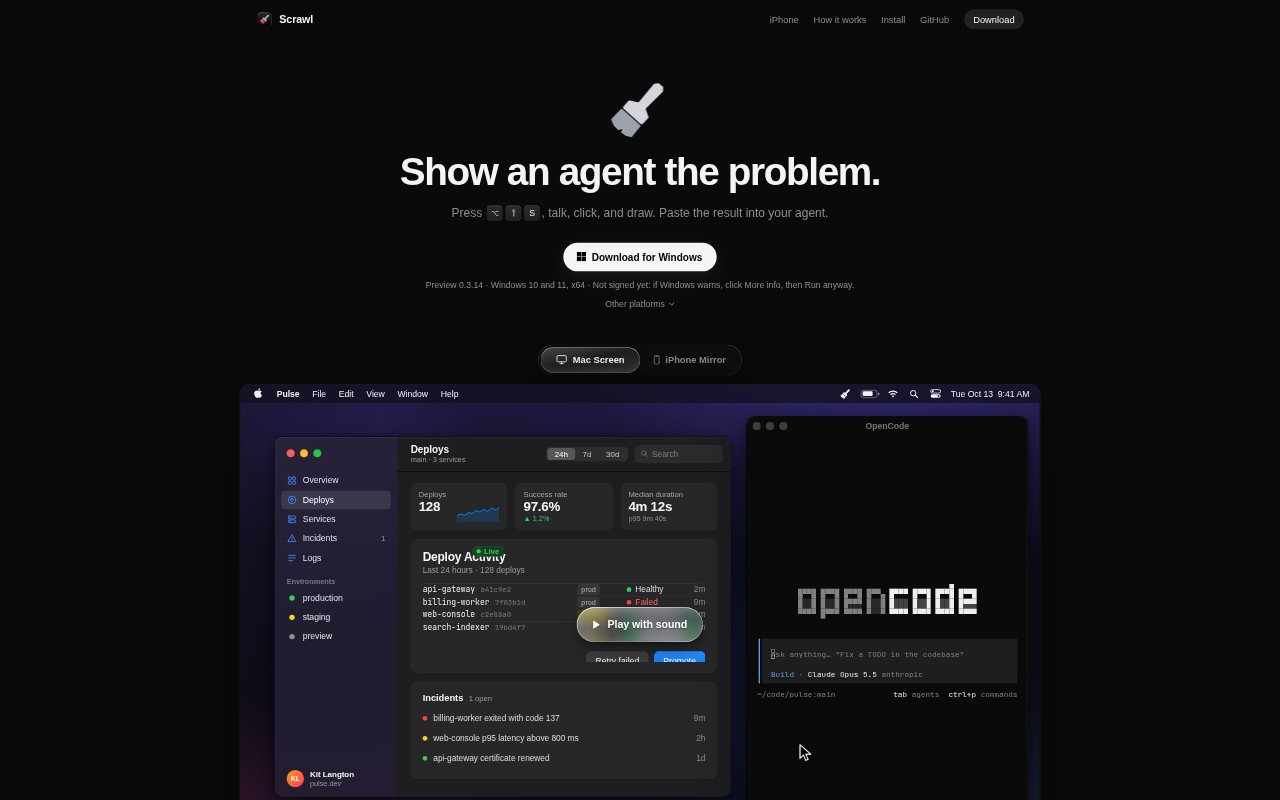
Scrawl is a desktop capture tool for people working with AI coding agents who need to show a visual problem rather than describe it from scratch. It records screen activity alongside voice, clicks and drawings, then packages the capture for pasting into an agent. It can also bring an iPhone screen onto a Mac or record within an iOS app using ScrawlKit.
Scrawl Features:
Screen Capture: Record your screen, voice, clicks and drawings together, then paste a capture into an AI coding agent.
Event-Based Frames: Scrawl captures a frame when you draw, click, say “look” or “now”, or when the screen changes.
Transcribed Speech: Speech is transcribed on your computer, with each sentence associated with the frame it describes.
Focused Crops: Record the whole screen while Scrawl crops each frame to the window where you drew or clicked.
Frame Lookup: An agent can request a dense grid of frames from a chosen time or around a phrase you said.
iPhone Recording: Show an iPhone screen in a Mac window and talk or draw over it, or use ScrawlKit to record inside your iOS app with taps and swipes shown on frames.
Scrawl Benefits:
Clearer Bug Reports: Showing the on-screen problem and the actions around it gives an agent visual context that can be hard to convey in a written description alone.
Less Manual Explaining: Voice narration and drawings let you point out what matters while demonstrating the issue, rather than writing a separate step-by-step account.
Relevant Context: Linking spoken sentences to frames makes it easier to connect an explanation to the moment it refers to.
Faster Review: Cropped frames and the option to inspect a dense set around a moment help keep attention on the relevant part of a capture.
Use Cases:
Desktop UI Bugs: Record a desktop interface behaving unexpectedly, click or draw around the problem, and paste the capture into a coding agent.
Interaction Problems: Demonstrate a sequence of clicks that leads to an issue, using narration to explain what should happen at each point.
iPhone App Issues: Show an iPhone app problem from a Mac, or record within an iOS app so taps and swipes appear on the captured frames.
Visual Change Requests: Show an agent a part of an app that needs attention and use voice or drawings to indicate the area and desired change.