

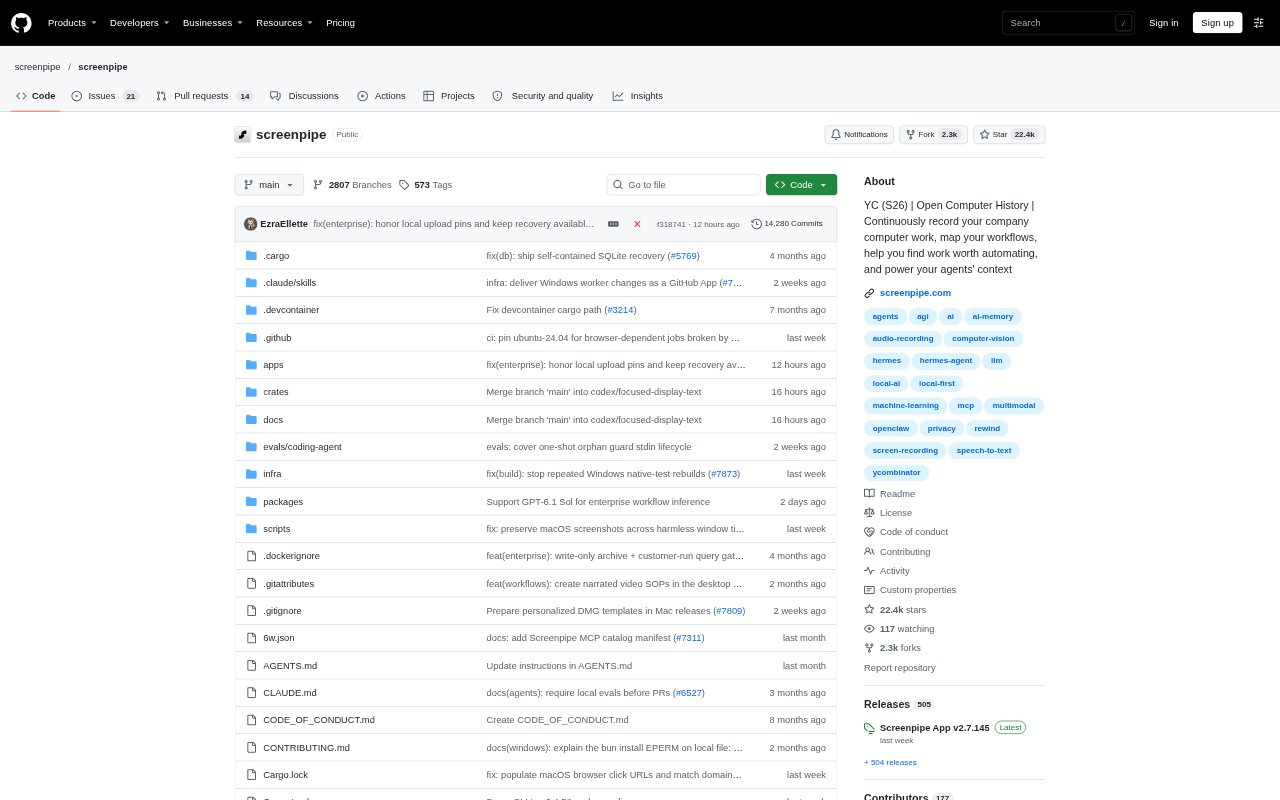
What is Screenpipe?
Screenpipe is a desktop app that captures screen, audio, and app activity to build a searchable history of computer work. People can search that history, review recurring workflows, and provide relevant context to AI tools and agents. It is designed for individuals and teams that want to recall work details, document procedures, or identify tasks that may be suitable for automation, with capture stored locally by default.
Screenpipe Features:
Screen and Audio: Capture screen activity, audio, meetings, and app history on macOS, Windows, and Linux, with accessibility data and OCR available for screen text.
Natural Language Search: Search recorded work and conversations using questions in everyday language, or scrub through the day to revisit a specific screen, document, or conversation.
Agent Context: Let compatible AI tools search work history through options including a local database, REST API, and MCP server.
Workflow Discovery: Review repeated activity across apps, inspect workflow steps and exceptions, and identify possible opportunities for automation.
SOP Drafting: Create draft procedures from captured work, check steps against recorded evidence, and edit, approve, or refresh instructions as processes change.
Privacy Controls: Exclude apps, windows, and URLs from capture, and redact sensitive fields on-device; capture history stays local by default.
Screenpipe Benefits:
Less Manual Recall: A searchable record can help you recover details from earlier work without relying on memory or retracing every app and conversation.
Faster Documentation: Starting procedures from recorded evidence reduces the amount of process writing people must do from scratch.
Clearer Automation Choices: Seeing repeated steps and exceptions helps teams assess what is worth improving before handing tasks to an agent.
More Useful AI: Giving an AI assistant relevant work history can make its responses and drafts better grounded in what happened on your computer.
Controlled Data Scope: Local-first capture and configurable exclusions let users decide which parts of their computer activity should be kept out of the record.
Use Cases:
Meeting Follow-Up: After a meeting, use captured conversation context to prepare notes, action items, a CRM update, or a follow-up draft.
Daily Work Brief: Assemble decisions, blockers, and next steps from the day’s activity into a sourced summary for personal notes or team updates.
Procedure Handoff: Record an approved process, draft its steps as an SOP, and have another teammate review and test the instructions before sharing.
Repeated Task Review: Examine recurring actions and handoffs across apps, such as invoice processing, to decide which steps could be improved or automated.
Coding Agent Context: Let an MCP-connected coding agent search relevant screen and conversation history for decisions that may inform a project change.