

What is Seclai?
Seclai is a production platform for building, testing, and deploying AI agents and LLM workflows. Teams can assemble agents visually or in code, connect content sources for retrieval, and run agents through HTTP endpoints or SDKs. It brings model selection, evaluation, governance, memory, and run monitoring into one runtime for developers and organizations operating AI applications beyond a prototype.
Seclai Features:
Visual Workflows: Build agents in a visual workflow builder, connect knowledge bases to workflow steps, and configure agents with help from an AI assistant.
Content Sources: Connect websites, RSS feeds, REST APIs, and uploaded files including PDFs, documents, audio, and video for indexing and retrieval.
Model Selection: Choose from more than 200 models from major providers, including Anthropic, OpenAI, Google, and Meta, at individual agent steps.
Governance Policies: Set natural-language policies for safety, privacy, and compliance, then assign thresholds for flagging or blocking content.
Agent Evaluation: Define evaluation sets and run them locally, in CI, or in production with the same evaluation semantics.
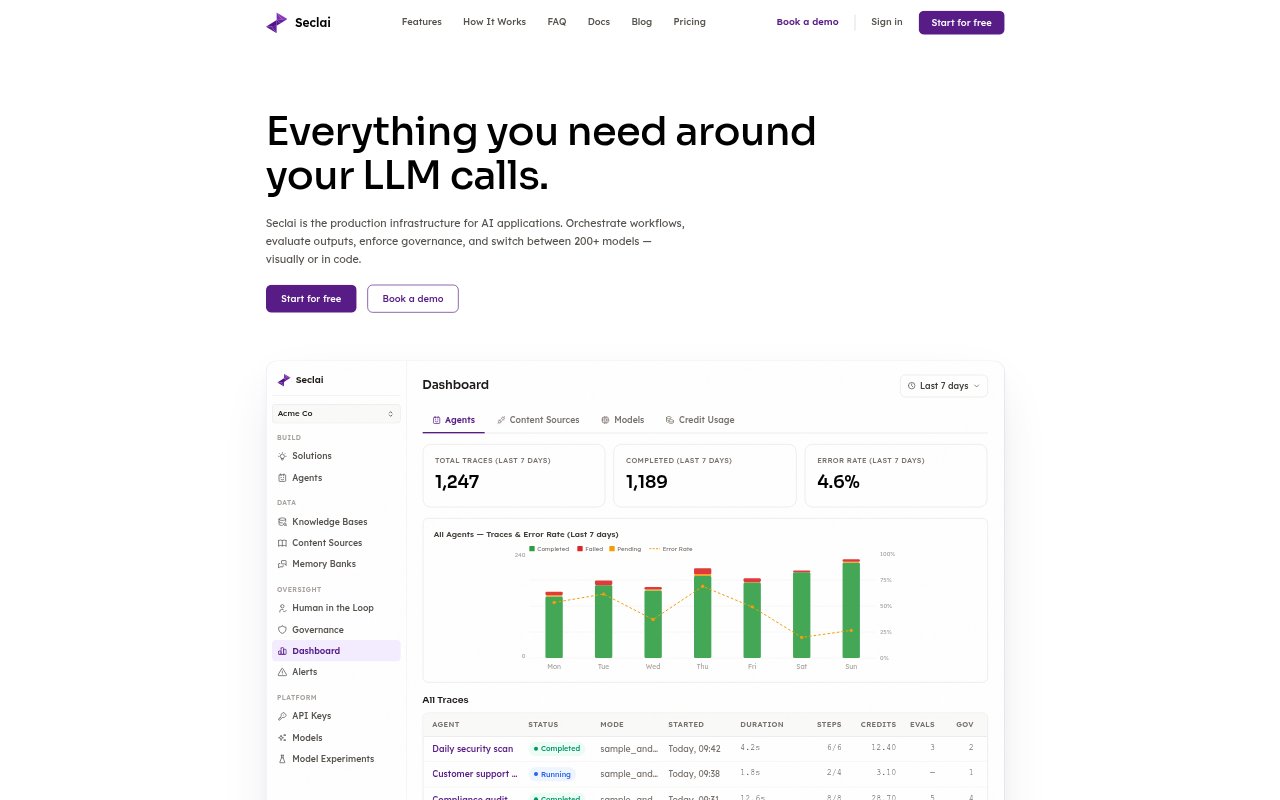
Run Traces: Inspect step-level status, latency, credits, and governance results, then replay a run from the dashboard.
Memory and Validation: Use persistent conversation and general memory banks, structured output validation, and evaluation-based retry loops.
Seclai Benefits:
Less Assembly: Teams can start with agent infrastructure in one runtime instead of sourcing and connecting separate components for orchestration, retrieval, evaluation, and monitoring.
Easier Debugging: Step-level traces and replay help teams investigate where a multi-step run slowed down or produced an unexpected result.
Safer Releases: Testing workflows with the same evaluation semantics used in production helps teams check for quality regressions before and after deployment.
Flexible Models: Teams can compare or change models without rebuilding workflows, prompts, and data connections around a different provider.
Clearer Spend: Per-model, per-agent, and per-step cost tracking with budget controls helps teams understand usage and manage credit consumption.
Use Cases:
Support Agent: Build a customer support agent that retrieves answers from company content and deploy it behind an HTTP endpoint.
Policy Screening: Screen agent inputs, outputs, or source content against safety, privacy, and compliance rules before content reaches users.
Knowledge Assistant: Create an assistant that searches a changing collection of website pages, feeds, files, or API content for relevant information.
Release Testing: Run a saved set of evaluation cases locally or in CI to check an agent before shipping a workflow change.
Conversation Memory: Build agents that retain conversation or general context across sessions for workflows that depend on information from earlier interactions.