

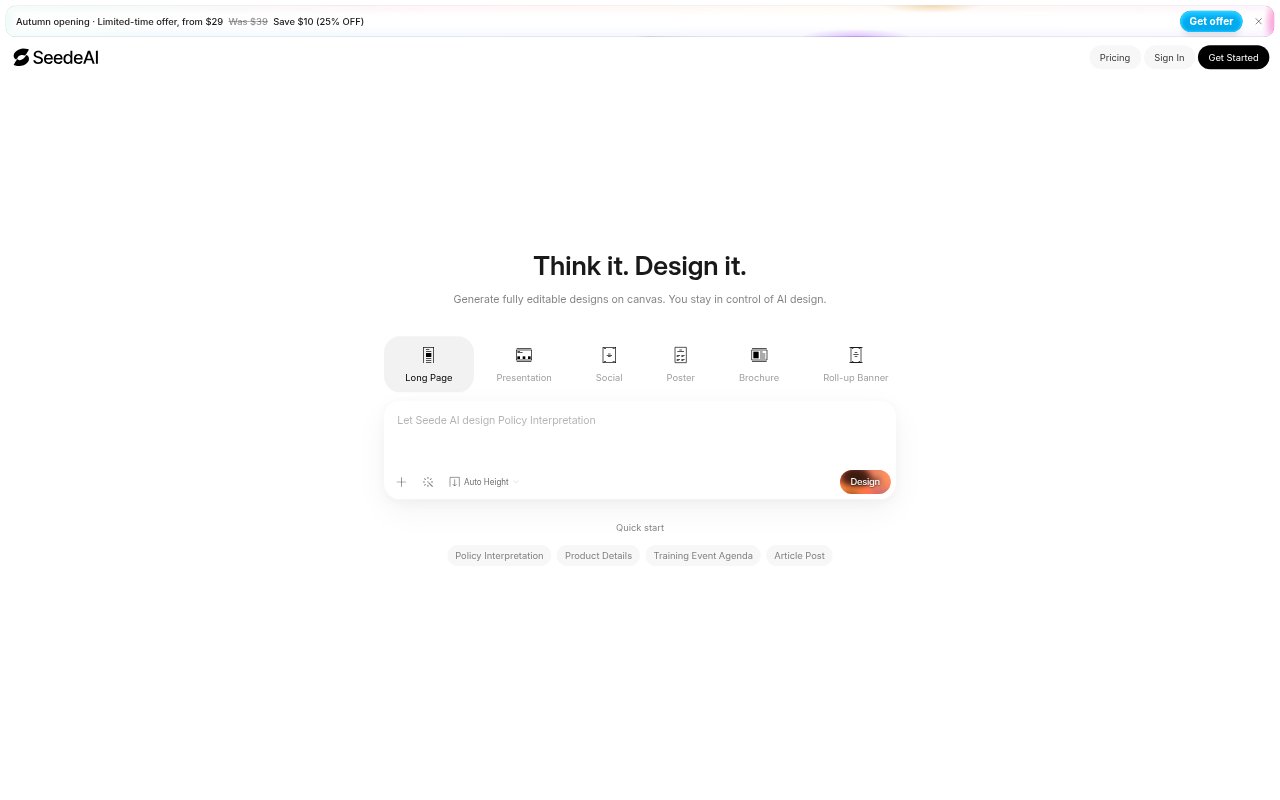
What is SeedeAI?
SeedeAI is an AI-powered design tool for turning ideas into fully editable designs. It is presented for people creating assets such as social media graphics, posters, and newsletters, as well as other designs. The product offers a free starting option and an upgrade for access to more features, giving people a way to explore AI-assisted design before deciding whether they need the expanded feature set.
SeedeAI Features:
Idea-Based Design: SeedeAI uses AI-powered design tools to turn a user's idea into a design, connecting the starting concept with a finished visual.
Editable Designs: The designs it creates are fully editable, so the output is not limited to a fixed, unchangeable image.
Social Media Designs: The tool supports creating designs for social media, one of the specific kinds of visual content included in its design use cases.
Poster Designs: Poster creation is included among the design tasks SeedeAI is positioned to support, alongside its other named formats.
Newsletter Designs: Users can create newsletter designs, extending the tool's stated scope beyond social media graphics and posters.
Free Starting Option: SeedeAI offers a free way to start, with an upgrade available for people who want access to more features.
SeedeAI Benefits:
Room to Revise: Because the designs remain editable, users can work with the generated result as a design they can change rather than a finished image they cannot adjust.
Idea to Visual: Starting from an idea gives users a direct route into visual design, without requiring them to begin with an already-made design.
Multiple Design Needs: Support for social media, posters, and newsletters lets users address several kinds of creative work with the same design tool.
Try Before Upgrading: A free starting option lets users explore the product before choosing whether an upgrade for additional features fits their needs.
Use Cases:
Social Media Graphics: Use SeedeAI to create designs for social media when preparing visual content for a social channel.
Poster Creation: Use the tool to create a poster design when a project calls for a standalone poster rather than a social media graphic.
Newsletter Layouts: Create a newsletter design when preparing visual material for a newsletter, one of the formats specifically covered by the product.
Other Design Ideas: Bring a different design idea to the tool when the project does not fit the named social media, poster, or newsletter categories.