
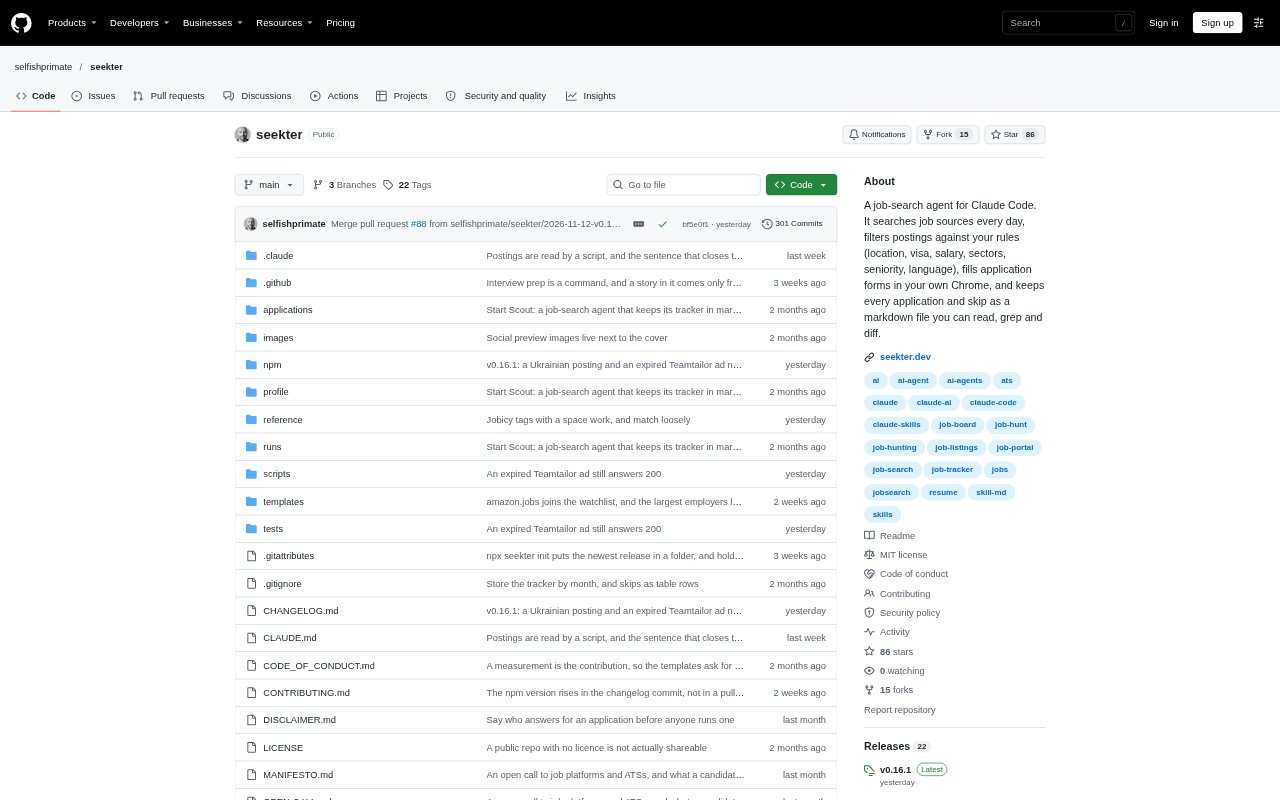
What is Seekter?
Seekter is an open-source job-search agent for people who want to automate a structured search while keeping applications and decisions on their own machine. It runs through Claude Code, searches job sources on a daily run, checks postings against a personal profile, and fills forms in the user's Chrome browser. It also records applications, skips, replies, and interview preparation in files. Seekter itself is free under the MIT licence, but running it requires a paid Claude plan or Anthropic API account, the Claude in Chrome extension, and Node.js 20 or newer.
Seekter Features:
Daily Job Search: The daily run checks sources in order, including links you provide, the freehire API, LinkedIn, and other boards; LinkedIn reading is off by default.
Profile Based Filters: Filter postings using personal rules for location, visa, salary, sectors, seniority, and language, then give each posting a fit score.
Browser Form Filling: Seekter fills application forms in your Chrome browser when a posting fits, but does not guess answers, solve CAPTCHAs, or fill LinkedIn Easy Apply.
Application Tracker: Store applications and skipped postings as monthly Markdown records, including status, notes, submitted answers, and reasons for skipping.
Search Management: Use commands to log replies and manually submitted applications, review search results, and report on the funnel by source, location, title, and other categories.
Interview Preparation: Prepare for screenings, hiring-manager calls, portfolio reviews, tests, or async video interviews using the posting, application, company site, and your own stories.
Seekter Benefits:
Fewer Repeat Checks: Deduplication across sources helps prevent the same posting from being evaluated or applied to more than once.
Clearer Decisions: Fit scores and recorded skip reasons make it easier to understand which opportunities reached the application stage and why others did not.
Reliable Records: Keeping submitted answers alongside each application gives you a record of what you told each employer.
Visible Search Progress: A tracker and funnel report help you see replies, interviews, pending hand-offs, and patterns across your search.
Truthful Applications: Answers draw on your profile and fact bank rather than invented details, helping keep applications grounded in your own experience.
Use Cases:
Daily Role Search: Set up target roles and search rules once, then run a working-day search for postings that match your location, seniority, and other criteria.
Application Follow Up: Log a rejection, interview invitation, offer, or application you submitted by hand so it appears in your tracker.
Inbox Review: Ask Seekter to sweep webmail in Chrome for employer replies and flag messages that require you to take action.
Interview Practice: Before a scheduled interview, review the role's requirements and prepare answers using examples from your own work history.
Tracker Migration: Bring an existing job-search tracker from a Notion, Airtable, or Google Sheets export into Seekter using a CSV file.