

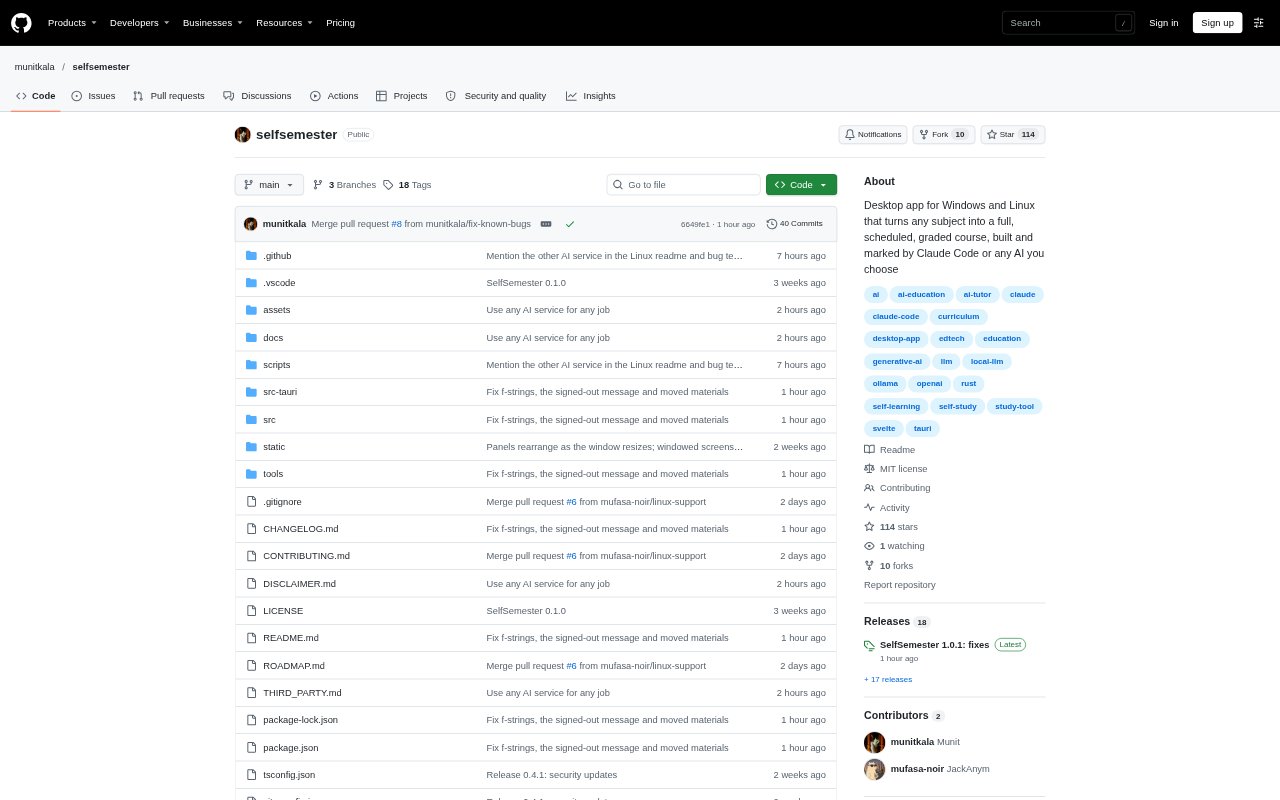
What is selfsemester?
SelfSemester is a desktop app for Windows and Linux that turns a subject into a scheduled course with lessons, homework, quizzes, assignments and exams. It is designed for people who want a structured way to study, whether they use Claude or another AI service to prepare and mark work, or write a course themselves. Courses can include real deadlines and marks, but transcripts document personal study and are not accredited qualifications.
selfsemester Features:
AI Course Planning: Name a subject and share your goals and level, then review a proposed syllabus and a readiness report before approving course creation.
Scheduled Lessons: Courses release material day by day, with weekly modules, a syllabus, a gradebook and course materials organized in a classroom.
Quizzes and Marking: Quizzes are marked automatically, while typed answers, photos and PDFs of handwritten work can be assessed against a rubric.
Interactive Lessons: Lessons can include LaTeX maths, equation-based graphs, original diagrams, interactive figures, self-checking drills and a Python playground.
Choose Your AI: Use Claude Code, an AI API, a local model or a command-line program, and assign different services to planning, writing, marking and checks.
Course Builder: Create a course without Claude, or build from your own PDFs, Word files, slides, notes, images and other reference materials.
selfsemester Benefits:
Study With Structure: Scheduled releases and deadlines turn a broad subject into manageable study sessions instead of leaving learners to plan every step themselves.
See What Needs Work: Marks, rubric feedback and explanations give learners a way to review performance and identify answers or concepts that need another look.
Learn At Your Pace: Course creation can be paused and continued later, and learners can start with completed weeks rather than waiting for the whole course.
Keep Studying Offline: After course materials are built and downloaded, lessons and study work can be used offline, while marking and course creation need internet access.
Keep Course Data Local: Course data stays on the computer, with online access limited to the AI service the learner chooses to use.
Use Cases:
Independent Exam Study: Build a course around an exam specification, then use its syllabus and units to work through the listed standards in sequence.
Learn From Documents: Turn existing PDFs, slides or notes into lesson and assignment materials for a subject you are already studying.
Practice A Language: Study language lessons that play words and phrases using recordings, computer voices or synthesized sounds where recordings are unavailable.
Study Music Theory: Use lessons with playable tones or chords and sheet-music tools when learning material where sound is part of the subject.
Explore Coding Lessons: Use a lesson's Python playground to run code while studying programming or another topic that benefits from working examples.