
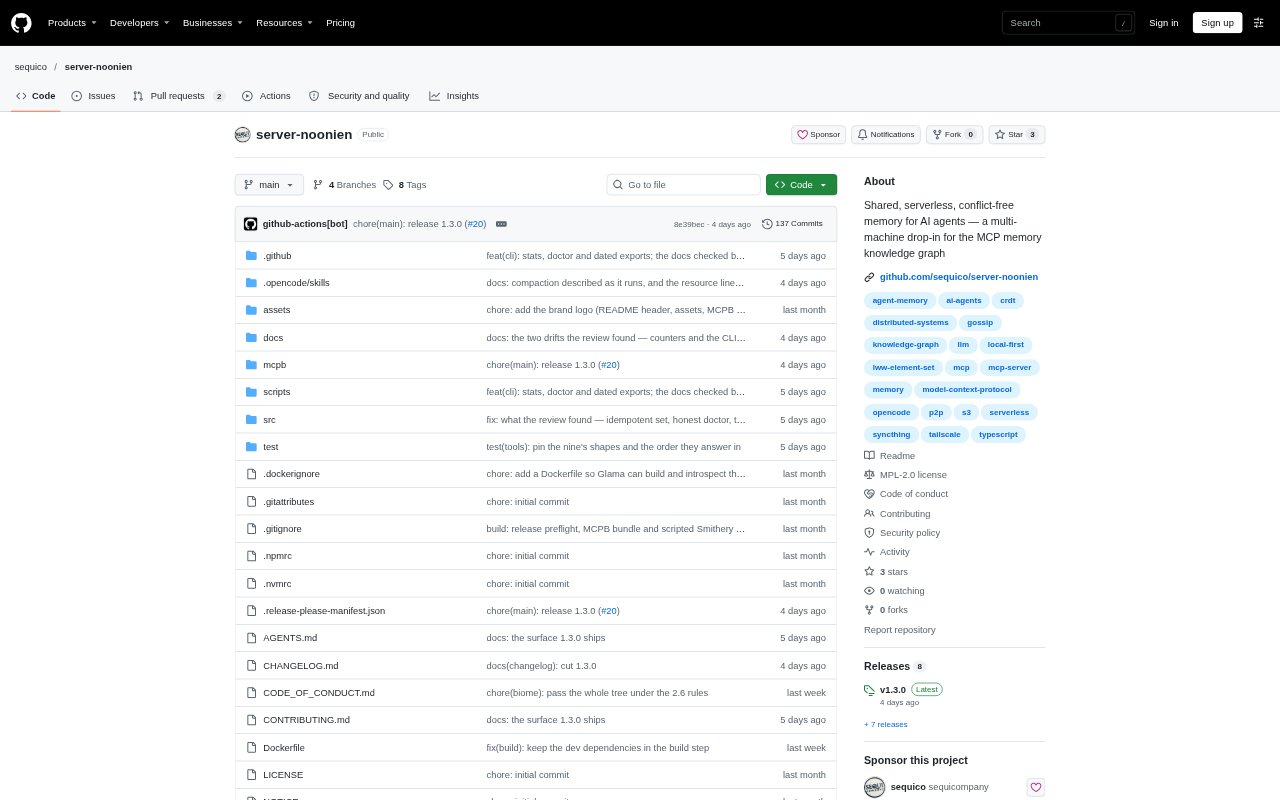
What is server-noonien?
server-noonien is a local-first MCP memory server for AI agents that need a persistent knowledge graph. It stores entities, observations and relations in append-only shards, then can synchronize them between machines with a peer-to-peer daemon or through a shared folder or S3-compatible bucket. Its nine core tools use the same names, inputs and outputs as the official MCP memory server, making it suitable as a replacement for developers who want memory shared across machines without a central server.
server-noonien Features:
MCP Memory Tools: The server provides the same nine core memory tools, inputs and outputs as the official MCP memory server, plus update, merge and conflict-reading extensions.
Peer-to-Peer Sync: The nooniend daemon replicates each machine's shard directly to other nodes over a LAN or VPN, without requiring a shared folder.
Conflict-Free Graph: Memory changes merge through an LWW-Element-Set CRDT, so nodes that have seen the same operations converge on the same graph.
Local-First Storage: Each machine reads and writes its own append-only shard and keeps a full local replica that remains available offline.
Storage Backends: Choose a file-based shared area or an S3-compatible bucket as the transport for shards instead of using the peer-to-peer daemon.
Import and Export: The noonien maintenance CLI can import an official server-memory JSONL file and export the folded graph as JSON or a dated snapshot.
server-noonien Benefits:
Avoid Lost Writes: Independent shards and conflict-free merging help preserve changes made on different machines instead of letting one machine's write silently replace another's.
Keep Working Offline: Because each node has its own local copy, agents can continue using memory when the network is unavailable and synchronize again later.
Retain Data Control: Keeping memory in local storage or a chosen bucket avoids requiring a hosted memory service or cloud account.
Simplify Replacement: Matching the official server's core tool interface lets users switch the memory server entry without changing their agent's tool calls.
Use Cases:
Switching Workstations: Keep an agent's knowledge graph available when moving between machines by running a node on each and syncing their shards.
Offline Agent Work: Use an MCP agent in a setting with intermittent connectivity while keeping its local memory available for reads and writes.
Sharing Agent Memory: Let several machines use a common knowledge graph by connecting their nodes over a LAN or VPN with no shared folder.
Migrating Memory Files: Bring an existing official server-memory JSONL file into the graph with the noonien import command.
Choosing Storage: Use a reachable shared folder or S3-compatible bucket when those storage options fit an existing setup better than direct peer-to-peer sync.