

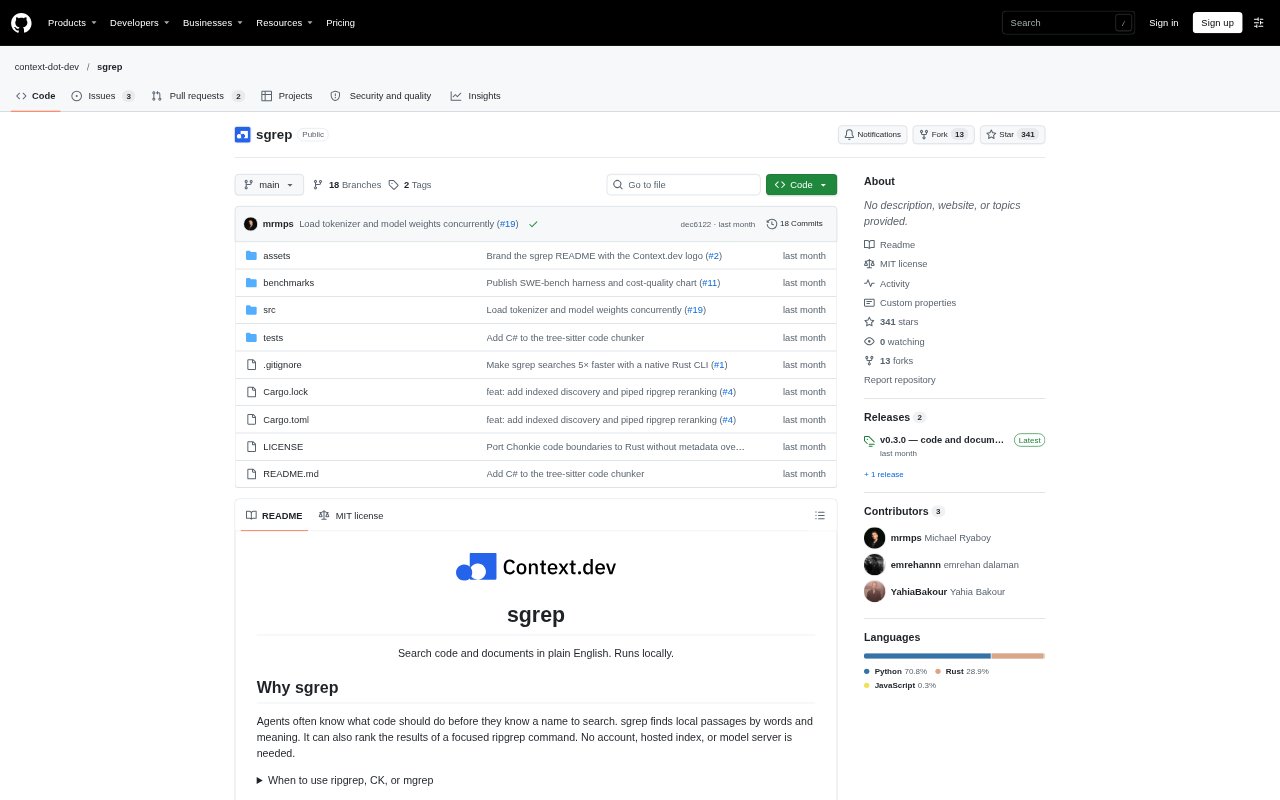
What is sgrep?
sgrep is a command-line search tool for finding code and document passages with plain-English queries. It combines semantic and keyword matching to surface relevant local files even when a searcher does not know the exact function or identifier name. Developers and AI agents can use it to explore a codebase or documentation folder without sending source or queries to a hosted service. It runs on a local CPU and can also rank results from a focused ripgrep search.
sgrep Features:
Meaning-Based Search: Search code and text with a natural-language description of the behavior or information you want to find.
Hybrid Ranking: Combines semantic scores with BM25 keyword matching, while giving exact, case-sensitive identifier matches priority.
Code And Prose: Automatically selects a code or text model based on candidate file types, with an option to choose either model explicitly.
Syntax-Aware Chunks: Splits supported programming languages into syntax-aware passages and uses text chunks for other files.
Ripgrep Ranking: Ranks passages supplied by ripgrep through standard input or a saved results file, limiting search to those matches.
Local Search Cache: Keeps an index and downloaded models locally, checks for source changes, and supports later searches without network access.
sgrep Benefits:
Faster Code Discovery: Searchers can start with the behavior they are looking for instead of guessing function names or crafting several exact-text patterns.
Private Source: Keeping queries and source on the machine avoids uploading project content to a hosted search service.
Offline Follow-Up: After the initial model and parser downloads, later searches can work offline, which suits disconnected or restricted environments.
More Focused Results: Combining meaning and keyword relevance helps surface useful passages without relying only on broad or overly narrow text patterns.
Inspectable Output: File paths, line ranges, source passages, and optional score details make it easier to check why a result appeared.
Use Cases:
Unfamiliar Codebase: Ask where a particular behavior is implemented when you have joined a project but do not yet know its naming conventions.
Bug Investigation: Look for code related to a failure condition, such as what happens when a scrape fails or a request needs retrying.
Documentation Lookup: Search Markdown, text, or other supported prose files for an explanation such as how refunds work.
Agent Retrieval: Give a coding agent local passages about a task so it can inspect relevant implementation before proposing a change.
Targeted Search Review: Use ripgrep to gather matches for known terms, then rank those passages by how closely they relate to a broader question.