

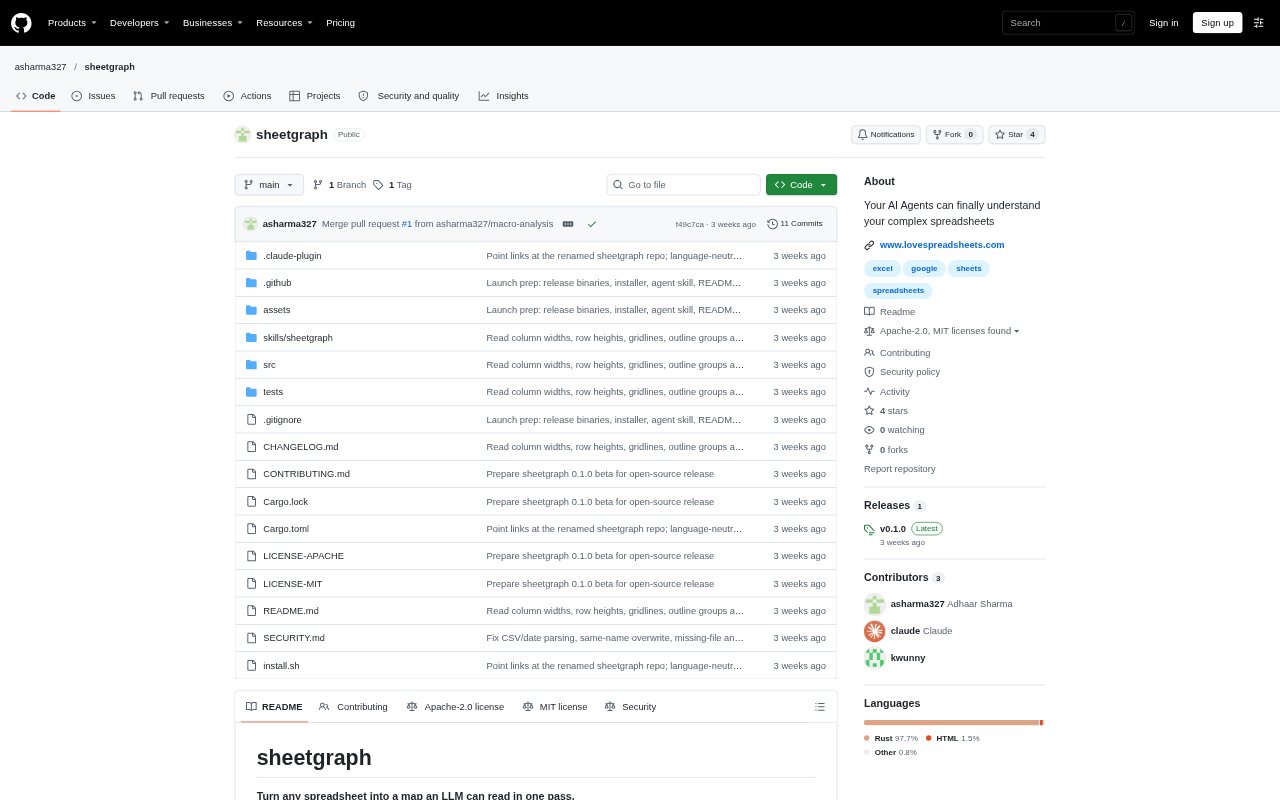
What is sheetgraph?
sheetgraph is a local command-line tool that turns Excel and Google Sheets workbooks into a compact report, a formula dependency graph, and a file of cell-level data. It is designed for people who need to inspect complex spreadsheets and for AI agents that need to understand workbook structure before answering questions about it. It can also trace cell references across sheets and extracted workbooks.
sheetgraph Features:
Workbook Extraction: Extracts Excel and Google Sheets files, including xlsx, xlsm, xls, xlsb, ods, and csv, into a report and supporting files.
Formula Groups: Groups repeated formulas and shows where formulas have been replaced by typed-in values, including the locations of those breaks.
Dependency Graph: Maps how sheets, formula groups, charts, pivots, macros, and external workbooks relate through reads, writes, imports, and other links.
Cell Lookups: Provides commands to inspect exact cell values and formulas, search workbook content, and trace a cell’s precedents and dependents.
Workbook Details: Reports on tables, column profiles, validations, conditional formatting, named ranges, charts, pivots, scripts, and other workbook structures.
Agent Skill: Includes an agent skill that can extract a workbook, read its report, and use cell lookup and trace commands to check details.
sheetgraph Benefits:
Less Repetition: A compact report can give a reader or agent a useful overview without requiring it to process a raw dump of every spreadsheet cell.
Faster Debugging: Visible formula breaks and cell dependencies help narrow down where an unexpected total or calculation may have gone wrong.
Grounded Answers: Looking up exact cells after reviewing the overview helps an agent check workbook values before using them in an answer.
Local Data Handling: Local files can be processed on the user’s machine, so those files do not need to leave it for extraction.
Cross-Sheet Clarity: Seeing how sheets and workbooks feed one another makes it easier to follow calculations that span multiple tabs or files.
Use Cases:
Investigate Totals: Trace a total that looks wrong back through its precedent cells and check whether a formula was overwritten with a typed value.
Explain a Workbook: Give an AI agent a report of an unfamiliar budget, tracker, or ledger so it can inspect the workbook’s layout and formulas.
Review Data Flows: Follow how one sheet or external workbook supplies data to formulas, summaries, charts, or other sheets.
Inspect Spreadsheet Scripts: Review workbook macros and scripts to see which procedures run, which ranges they use, and what they change.
Search Workbook Content: Find a term across spreadsheet values, formulas, notes, comments, and macro code when investigating a specific topic.