

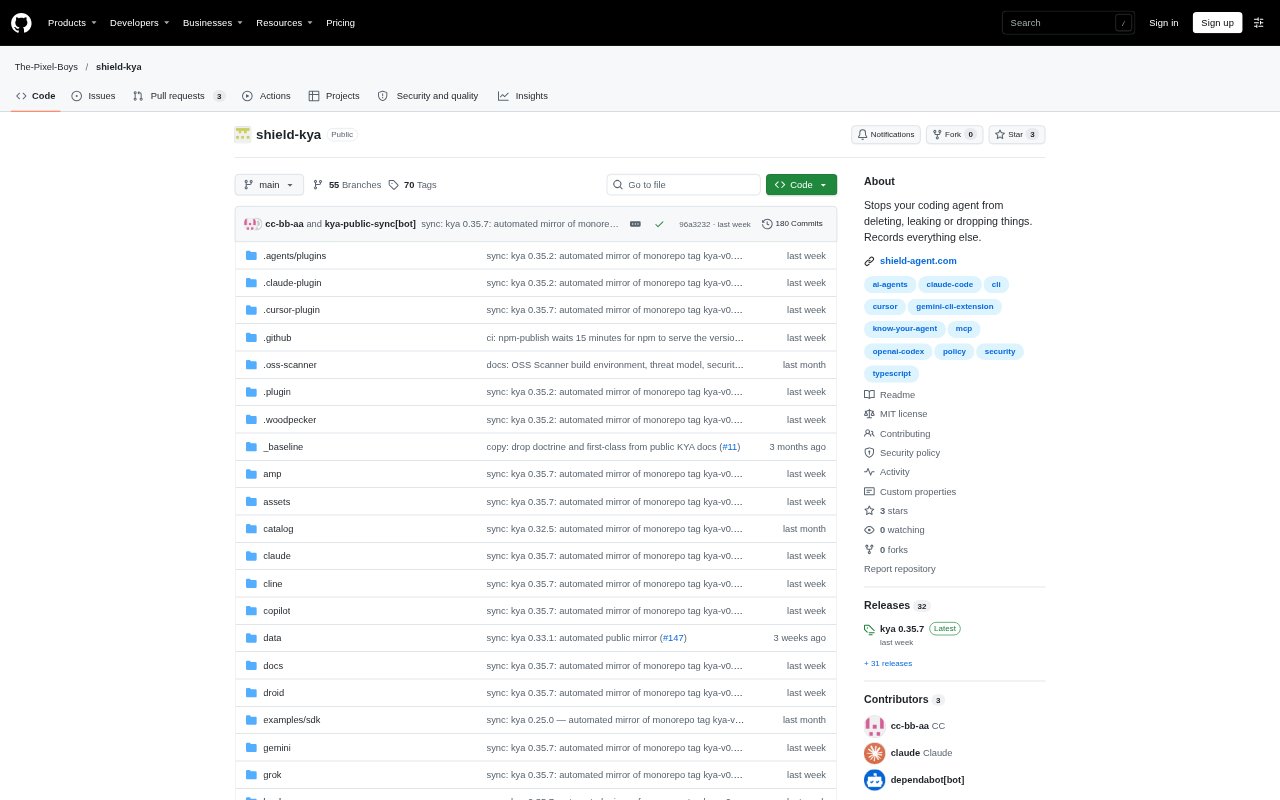
What is Shield KYA?
Shield KYA adds a policy gate and audit trail in front of AI agents, especially coding agents that can change files, infrastructure, or production systems. Its open-source CLI connects supported hosts to a local gate and activity dashboard; a hosted console adds a shared workspace for agent identity, policy, and approvals. Teams can use it alongside tracing tools: Shield decides whether an action may run, while keeping a record of the decision and activity.
Shield KYA Features:
Tool Call Policies: Tool calls can be allowed, denied, or held for approval under a policy that applies across development and runtime environments.
Destructive Command Blocks: The CLI blocks listed actions such as wiping system files, reading credential files, sending secrets to external hosts, and deleting infrastructure.
Activity Trail: A local dashboard records tool calls, including file paths or shell commands, and the hosted console provides searchable activity and session timelines.
Human Approvals: Actions that require approval wait in a queue for a person to approve or reject them before they run.
Agent Identity: A registry tracks named agents and versions, with controls to kill or revoke an agent and manage session clearance.
Personal Data Redaction: Sensitive fields are replaced with placeholders before prompts are sent to a model, and trail records can show what was redacted.
Host Recipes: Setup recipes connect coding hosts including Claude Code, Cursor, Codex, Gemini, Grok, and Kimi to the gate.
Shield KYA Benefits:
Fewer Risky Actions: Blocking configured destructive commands helps reduce the chance that an agent will erase data, expose credentials, or make an unintended infrastructure change.
Clearer Reviews: Records that identify the agent, action, policy decision, and approver give teams context to review what happened later.
Human Control: Teams can keep high-stakes actions from running until an operator has considered and approved them.
Less Trace Exposure: Replacing sensitive fields before model prompts helps avoid leaving raw personal data in model traces by default.
Try It Locally: The MIT-licensed CLI and local dashboard let teams start without adopting a hosted workspace.
Use Cases:
Coding Agent Safety: Add a guard to IDE or CLI coding sessions that records ordinary tool activity and blocks selected destructive commands.
Production Operations: Require a person to approve agent-requested restarts, deployments, or other external actions before they proceed.
Infrastructure Changes: Apply policy and keep an activity record when agents interact with cloud resources, databases, containers, or repositories.
Incident Review: Use session timelines and trail records to investigate an agent action or review which policy decision allowed or denied it.
Compliance Evidence: Run a Trust Baseline certification to review gaps and gather evidence about an agent setup.