

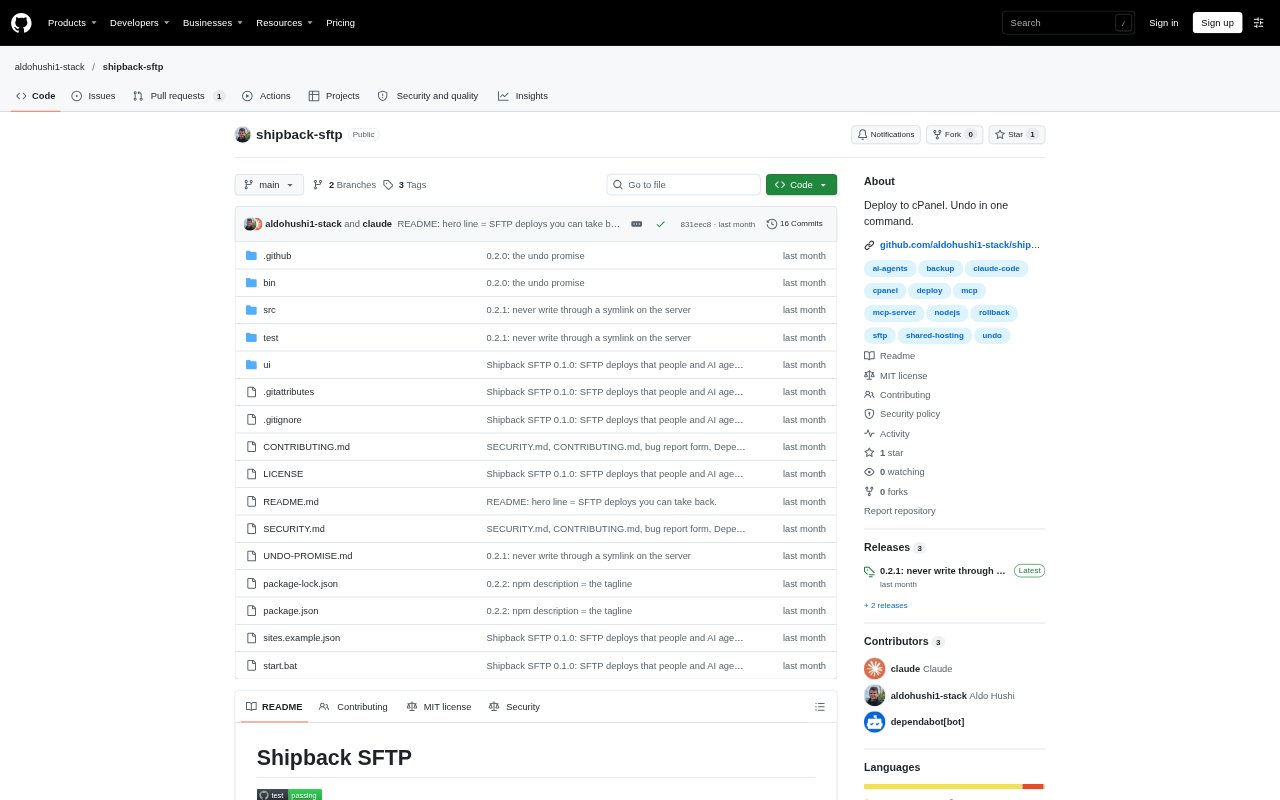
What is Shipback?
Shipback is a deployment and rollback tool for moving a local folder to an SFTP host, including cPanel, Plesk, DirectAdmin and VPS servers. It is designed for people managing websites on shared hosting, where a server-side Git workflow may not be available. Deploys, pulls and restores can be run from the command line, a local interface or an MCP client, so people can work directly or delegate tasks to an agent.
Shipback Features:
SFTP Deployments: Deploy a configured local folder to an SFTP site, with options to preview the upload, use a different folder or exclude selected files.
Pre-Deploy Backups: Before replacing or deleting server files, Shipback saves their existing copies and records which files the deployment added.
Atomic File Uploads: Files upload beside their live versions and are swapped into place as a whole, so an interrupted transfer leaves the existing file intact.
Conflict-Aware Restore: Restore checks whether live files have changed since deployment, stops on conflicts and backs up the current files before making changes.
Server Change Checks: A pull preview identifies files added or edited on the server since the last deployment, and a pull backs up local copies before replacing them.
Agent and App Access: An MCP server offers deployment previews, deploys, pulls and restores, while a local interface supports site setup, browsing, one-off uploads and history.
Shipback Benefits:
Recover From Mistakes: A mistaken or unwanted deployment can be reversed without manually rebuilding the previous set of server files.
Protect Live Edits: Checking for changes before restoring helps prevent a rollback from silently erasing work someone made directly on the server.
Avoid Broken Uploads: Whole-file swaps reduce the chance that a dropped connection will leave a partially uploaded file in place.
Delegate With Guardrails: Preview-based agent actions and limits on destructive options help teams delegate routine website updates while retaining safeguards.
Use Cases:
Shared Hosting Updates: Deploy a website folder to a cPanel, Plesk or DirectAdmin account that provides SFTP but no server-side Git workflow.
Agent-Led Deployments: Let an MCP-compatible coding agent preview a website upload and deploy the approved plan to a configured host.
Recover a Bad Release: Restore files after a homepage change or other deployment causes a problem, while checking for edits made since that release.
Bring Back Server Edits: Review live changes made through a hosting control panel and pull them into a local project with local copies backed up.