

What is sideOS?
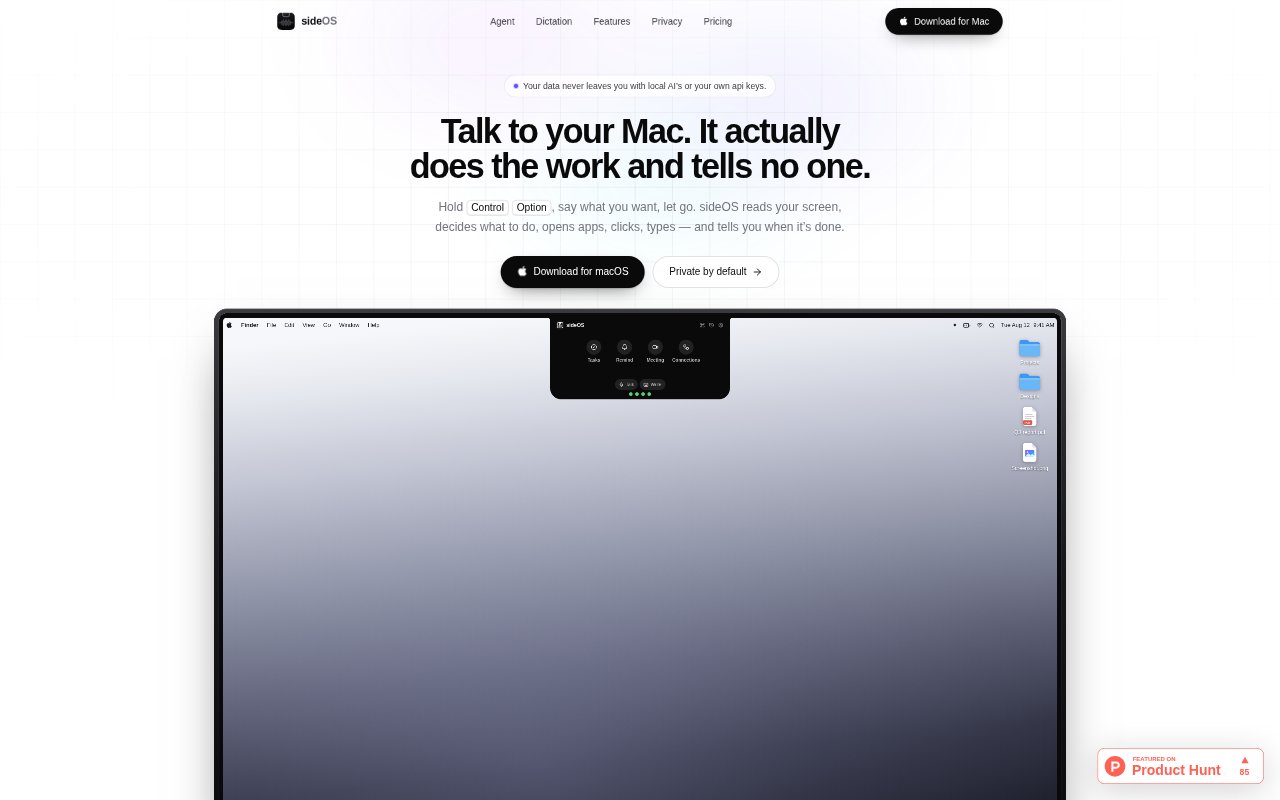
sideOS is a voice-driven assistant for Mac that lives in the MacBook notch. Hold a keyboard shortcut, speak a request, and it can read the current screen and operate apps; it can also run longer tasks in the background. It includes dictation, meeting recording and transcription, reminders, and connections to services such as Gmail, Calendar, Notion, Slack, and GitHub. It is aimed at people who want to control Mac work by voice and keep routine tasks moving without switching away from what they are doing.
sideOS Features:
Voice App Control: Speak a request and sideOS can read the screen, open apps, click controls, type text, press key combinations, and run AppleScript.
Screen Selection: Draw around an area while speaking to include that part of the screen in your request, and read interface elements through macOS accessibility.
On-Device Dictation: Dictate into the active cursor in any app using macOS speech recognition, with a hands-free mode and support for 62 languages on the classic engine.
Background Tasks: Run longer jobs separately from the chat using shell commands, files, web search, page reads, rendered PDFs, and AppleScript, with approval required for certain actions.
Meeting Notes: Record calls in Zoom, Meet, or Teams with one tap, then transcribe on the Mac, separate speakers, and create a summary with decisions and action items.
Reminders and Connections: Set one-time or repeating reminders by voice or typing, and connect services including Gmail, Calendar, Notion, Slack, and GitHub.
sideOS Benefits:
Fewer App Switches: Handle common Mac actions from the current screen instead of interrupting a task to navigate menus and windows yourself.
Keep Work Moving: Let longer requests run while you continue with other work, then return to the results when the task is complete.
Private Voice Capture: Keep dictation and meeting transcription on the Mac, so those speech workflows do not send audio to a cloud service.
Clearer Follow-Through: Turn meeting discussions into summaries and action items, making it easier to remember decisions and follow up after a call.
More Reliable Reminders: Keep due items visible in the notch and preserve overdue reminders until they are cleared, reducing the chance that a task slips by.
Use Cases:
Update an App: Ask sideOS to work with the screen in front of you, such as opening an app, filling in a field, or drafting a note.
Dictate Anywhere: Speak an email, message, or document text directly into the cursor without changing to a separate dictation tool.
Prepare Research: Assign a background task to research a market, read relevant pages, and produce a report or rendered PDF.
Capture a Meeting: Record a Zoom, Meet, or Teams call, then review its speaker-separated transcript, summary, decisions, and action items.
Schedule a Digest: Set a recurring reminder for a morning news digest and have the requested page prepared before the reminder rings.