

What is sill?
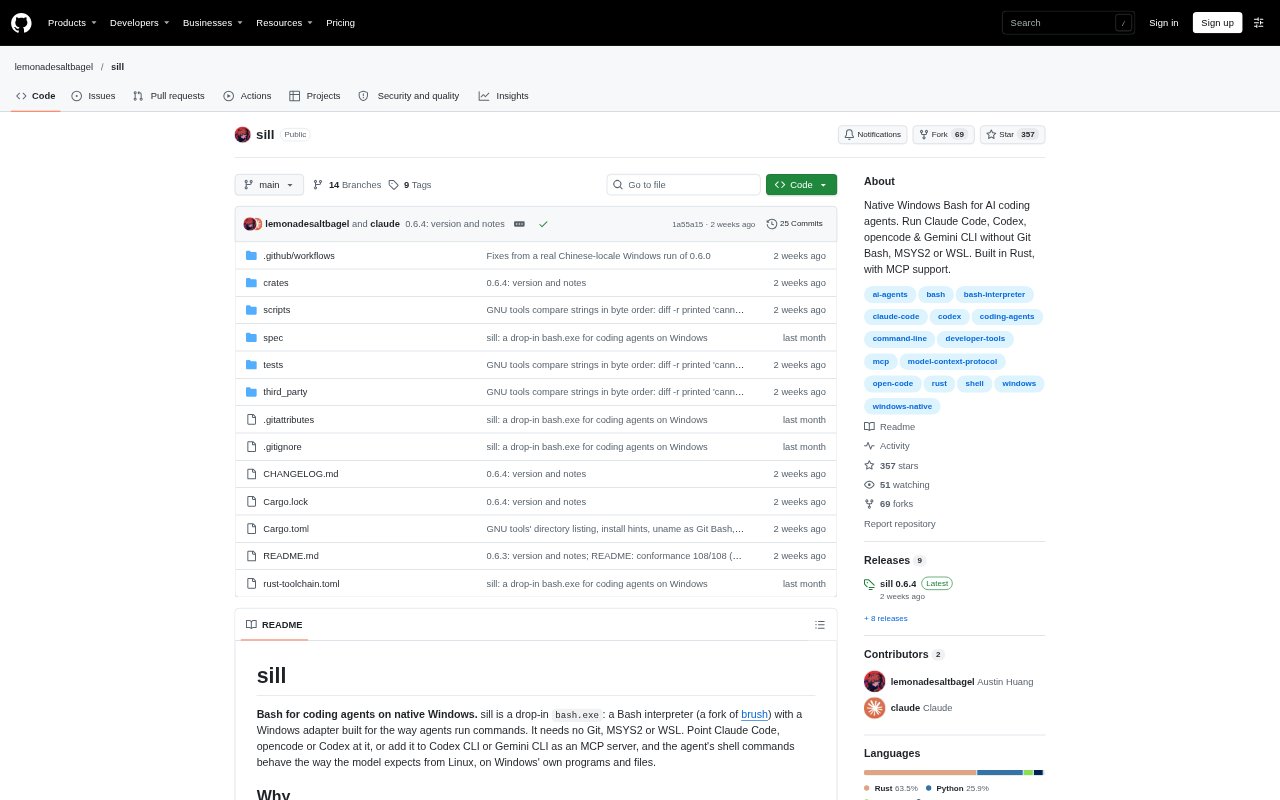
sill is a Bash interpreter for native Windows, packaged as a drop-in bash.exe and adapted for the way coding agents run commands. It lets agents use Bash-style commands with Windows programs and files without requiring Git, MSYS2 or WSL. Developers can point Claude Code or opencode at sill, or use its MCP server with Codex CLI, Gemini CLI, Claude Desktop and other MCP clients.
sill Features:
Windows Bash: The drop-in bash.exe runs Bash commands against Windows programs and files without requiring Git, MSYS2 or WSL.
Argument Handling: It passes arguments to .exe and .bat programs using their respective Windows command-line rules, preserving characters such as asterisks and quotes.
Paths and Encoding: It handles Windows and slash-style paths and supports non-English text through pipes, filenames and Git paths.
Agent Utilities: It includes tools used in agent workflows, including rg, ps, pgrep, make, jq, uname and stat.
MCP Commands: Its MCP server provides bash, bash_output and bash_kill tools for running commands, reading background-job output and stopping jobs.
Scripts and Processes: It runs shebang scripts and supports background jobs, while kill, pkill and killall can stop process trees.
sill Benefits:
Fewer Failed Calls: In the published agent task tests, sill produced fewer failed shell calls than Git Bash or PowerShell in many of the reported comparisons.
Native Workflows: Teams can run agent shell commands on Windows without first setting up a separate Unix-like environment.
Less Manual Recovery: Preserving arguments and paths can reduce the need to diagnose and retry commands that Windows has altered.
Manageable Servers: Background-job output and termination tools make it easier to keep a development server running during an agent session and stop it afterward.
Unicode Output: Handling non-English text across command output and filenames helps avoid unreadable or corrupted data in Windows workflows.
Use Cases:
Claude Code Setup: Point Claude Code's Bash tool at sill when you want its commands to run through a Bash interpreter on native Windows.
MCP Agent Shell: Add sill as an MCP server for Codex CLI, Gemini CLI or Claude Desktop so an agent can run commands and manage background jobs.
Makefile Projects: Use sill when an agent needs to build or test a Windows project whose workflow includes make.
Development Servers: Have an agent start an npm development server in the background, inspect its output and stop it when the task is done.
Unicode Windows Work: Use it for agent tasks involving non-English filenames or text, including work on Windows machines configured with a Chinese locale.
Native Builds: Run agent-driven MSVC builds and related scripts through Bash while keeping the build on Windows.