

What is Silo?
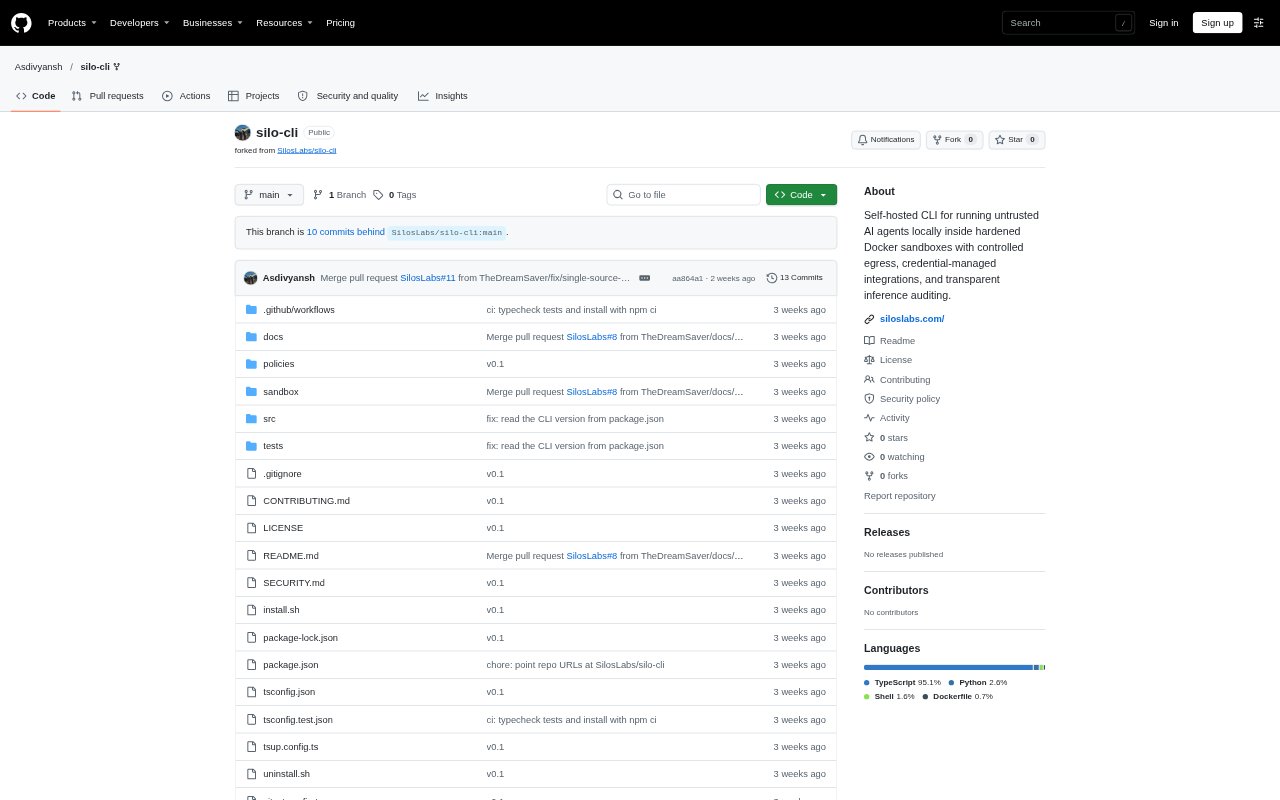
Silo is a self-hosted command-line tool for running AI agents inside hardened Docker sandboxes, with controls for network access, credentials, and activity logging. It includes a built-in agent runner and support for frameworks such as CrewAI, LangGraph, Aider, SWE-Agent, and OpenClaw, making it relevant to developers who need to run agents locally while limiting their access to the host. It requires Node.js 18+, npm, Docker, and an LLM provider key or local OpenAI-compatible endpoint; for now, installation is from source.
Silo Features:
Hardened Docker Sandboxes: Silo runs agents in Docker containers with a read-only root filesystem, restricted capabilities, a non-root user, and resource limits.
Policy-Governed Egress: A YAML policy engine evaluates outbound HTTP requests, while the proxy routes agent traffic to LLM providers and integrations.
Credential-Managed Proxy: The host-side proxy injects provider keys and integration tokens into requests so agents do not need direct access to those credentials.
Built-In Agent Runner: The CLI can run a task through an LLM tool-calling loop, executing shell commands and reading or writing files inside the sandbox.
Framework Support: Preconfigured sandbox images are available for CrewAI, LangGraph, Aider, SWE-Agent, and OpenClaw, with YAML definitions for adding other agents.
Browser Automation: A browser build profile adds Chromium to framework images, and OpenClaw can use a gateway daemon to coordinate browser sessions.
Audit Logs and Traces: Silo records proxy and tool-calling events in JSONL logs and can collect framework traces for supported integrations.
Silo Benefits:
Limit Host Exposure: Running agent commands inside a restricted container helps keep untrusted code away from the host system and its files.
Protect Credentials: Keeping keys and integration tokens on the host reduces the chance that an agent can read or directly reuse them.
Review Agent Activity: A unified record of requests and tool calls gives operators a way to inspect what an agent attempted during a run.
Control Network Access: Request-level policy checks let operators govern which outbound destinations an agent can reach.
Reuse Agent Frameworks: Teams can work with several established frameworks in a shared sandbox setup rather than building a separate runtime for each.
Use Cases:
Test Untrusted Agents: Run an experimental agent that can execute shell commands or edit files while limiting its access to the host.
Run Browser Agents: Build an OpenClaw sandbox with Chromium for browser automation tasks that need a controlled runtime.
Launch CrewAI Workflows: Build and start a CrewAI image to run a multi-agent workflow with proxy routing and optional trace collection.
Inspect Agent Runs: Use Silo's logs to review proxy requests and tool-calling activity after an agent completes a task.
Add A Custom Agent: Define an agent in YAML when its framework is not bundled, then build and start it within Silo's sandbox setup.