
What is simul subtitle?
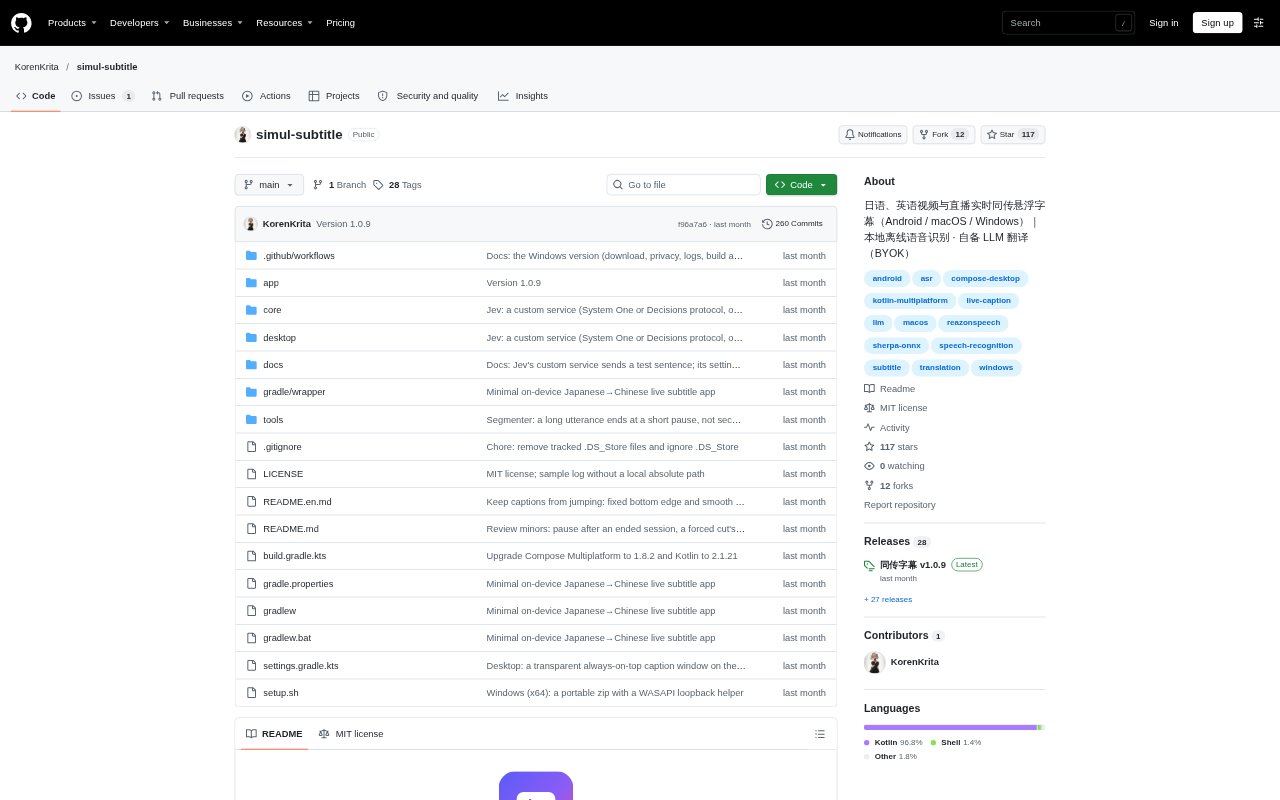
Simul Subtitle places translated captions over video and live audio on Android, macOS, and Windows. It is for people watching Japanese- or English-language content who want to read along without moving to a separate transcription window. Speech recognition runs locally, while translation uses an OpenAI-compatible service that users configure with their own API details. Captions can stay visible over a player or live-streaming app.
simul subtitle Features:
Floating Captions: The caption window can sit above video players, browsers, and live-streaming apps, and can be moved or resized.
Audio Capture: Android captures playback audio from a selected app unless system restrictions such as DRM prevent it, while desktop versions listen to system audio output.
Offline Recognition: Built-in ReazonSpeech and Silero VAD models recognize Japanese and English speech on the device without sending audio away.
Live Drafts: Captions update while a speaker is talking and become final at a pause or sentence end, with an option to wait until speech ends.
Custom Translation: Users can connect an OpenAI-compatible translation service with its address, model ID, and API key, then save multiple configurations.
Language Context: Translation targets include Chinese, English, Japanese, and Korean, with custom language choices, scene notes, and terminology lists.
Session Records: Finalized original and translated lines are saved with timestamps, and sessions can be paused and resumed without reloading the model.
simul subtitle Benefits:
Stay With Content: Keeping captions over the video makes it easier to follow dialogue without repeatedly switching between the media and a translation tool.
Keep Audio Private: Because recognition happens locally and only recognized text is sent to the configured translation service, the recording itself stays on the device.
Control Translation Spend: Using a service and API key of your choice lets you manage translation through that provider and pay according to your actual usage.
Improve Terminology: Background notes and saved terms give translations context for recurring names and specialized language.
Review Key Lines: Timestamped text records make it possible to revisit or share finalized dialogue after a viewing session.
Use Cases:
Watch Foreign Videos: Follow Japanese or English videos in a browser or local player while reading translated captions on the same screen.
Follow Live Streams: Read translated dialogue during a live stream without leaving the streaming app, including Bilibili, YouTube, or Twitch.
Watch VTuber Streams: Use the Bilibili VTuber scene preset or add stream-specific context and terminology for recurring names.
View on Mobile: Show captions over another Android app's playback when that app allows its audio to be captured by the system.
Review Translated Dialogue: Open or share saved original and translated lines after a session to check wording or revisit a particular passage.