

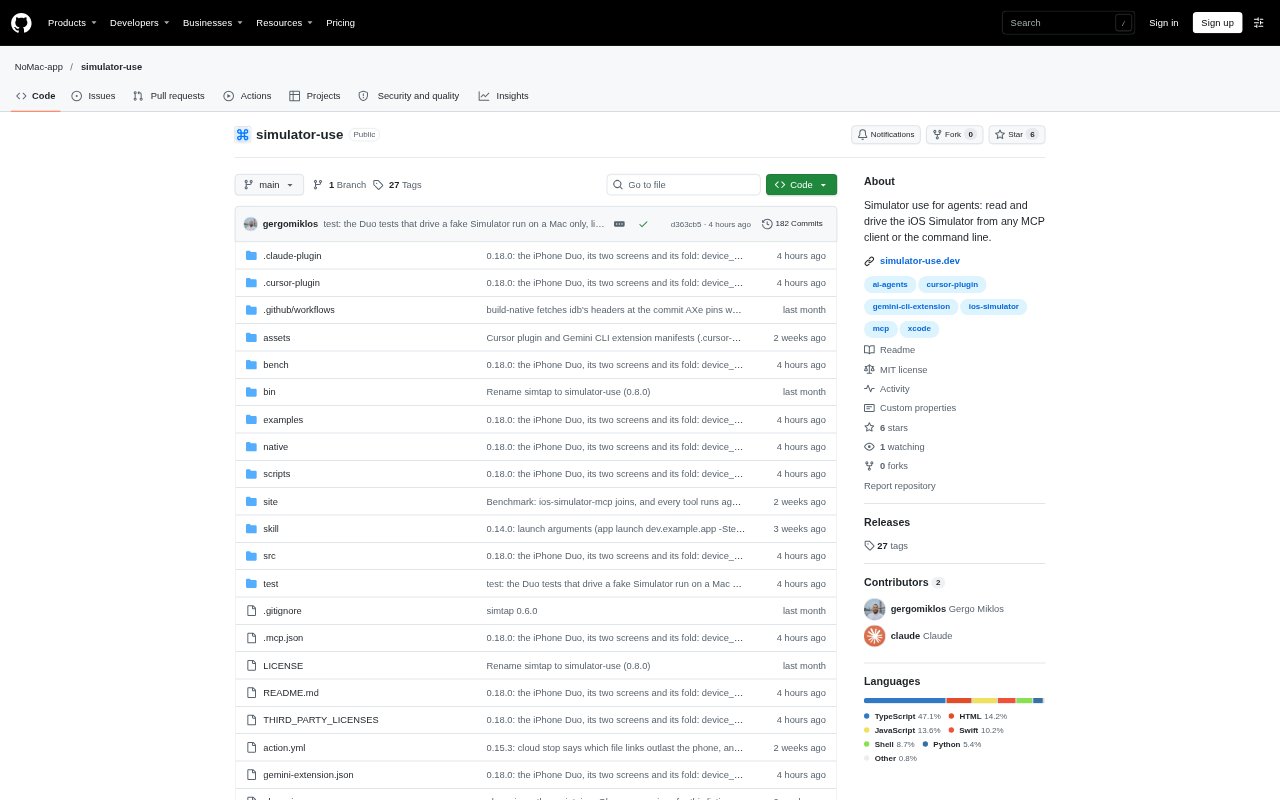
What is simulator-use?
simulator-use lets coding agents and developers operate an iOS Simulator through an MCP client or command-line interface. It can build and launch Xcode projects, read app screens as text, interact with controls, and run tests. The open-source tool runs on a Mac with Xcode, or on Linux, Windows, and Macs without Xcode by connecting to a NoMac cloud iPhone. Its tools are available through the same command set in both the CLI and MCP server.
simulator-use Features:
Build and Launch: Builds an Xcode project for the Simulator, installs and launches the app, and returns the first screen or build errors with file and line information.
Screen Reading: Reads accessible screen elements as concise text with labels, identifiers, states, and positions, and can provide screenshots or save a full-resolution PNG.
UI Interaction: Taps controls by label, identifier, or screen position, and can fill fields, scroll, swipe, hold, set sliders, and wait for text to appear or disappear.
Test Execution: Runs XCTest and XCUITest cases, reports each result as it finishes, and identifies failures with file and line details.
App Diagnostics: Retrieves app print output, system log lines, and crashes, and can record the Simulator screen as a video.
Device and Cloud: Selects and boots a Simulator, manages app permissions and device settings, or routes the tools to a NoMac cloud iPhone.
simulator-use Benefits:
Less Manual Testing: Agents can check app screens and carry out common interactions without a developer repeatedly tapping through the Simulator by hand.
Clearer Agent Context: Concise screen text gives an agent readable control labels and states without passing back a large accessibility tree.
Faster Issue Triage: Build failures, test failures, and crashes include actionable file or line details, helping developers locate problems sooner.
Fewer Silent Errors: Checked interactions report when typed text differs from the request or a tap changes nothing, so failed steps are easier to spot.
Flexible Test Access: Teams can run Simulator workflows from different operating systems or CI without requiring every machine to have Xcode installed.
Use Cases:
Agent App Development: Use Claude Code, Codex, Cursor, or another MCP client to build an iOS app, inspect its current screen, and interact with controls during development.
Sign-In Checks: Fill in credentials, submit a sign-in form, and wait for expected confirmation text or a visible failure response.
Pull Request Testing: Run Simulator tests for each pull request through the available GitHub Action, including from a cloud iPhone.
Failure Investigation: Reproduce an app issue, inspect its screen and logs, and use crash or test output to find a relevant source location.
Permission Testing: Grant, revoke, or reset app permissions, or leave iOS prompts enabled to check how the app handles permission requests.