
What is SIwithin?
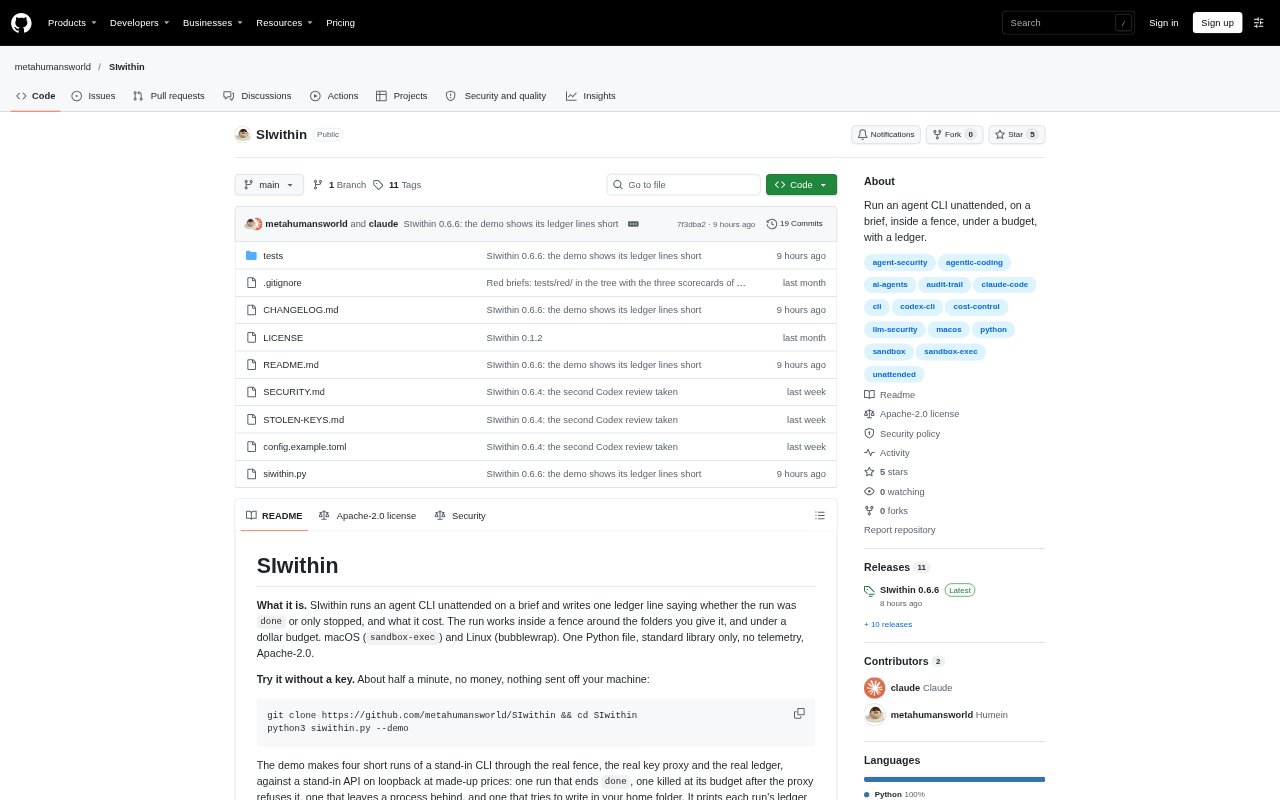
SIwithin runs Claude Code or OpenAI Codex on a supplied brief, with controls around the folders the agent can access, its runtime and spending. It is aimed at people who want to run coding or other CLI-based agent tasks unattended and keep a record of how each run ended and what it cost. It runs on macOS and Linux; the Codex adapter is not verified against a live CLI and requires a soft budget and open network access.
SIwithin Features:
Folder Fence: A run works in a chosen folder, can be granted additional read access, and can be made read-only; the home folder is refused.
Run Budgets: Set a spending budget for each run and a separate cap shared across runs, with a timer applying to every run.
Claude Key Proxy: For Claude, the run receives a temporary per-run token, while a loopback proxy adds the API key, meters requests and refuses requests past budget.
Completion Checks: Use required and forbidden text checks to define a completion condition; a run is marked done only if the CLI finishes and the check passes.
Run Ledger: Each run leaves a ledger line with its status, cost, token usage, duration, model and run folder, along with a receipt.
Dry Run: Preview the planned run without executing it, and use the demo to see sample ledger outcomes without an API key.
SIwithin Benefits:
Bounded Access: Keeping work within designated folders helps reduce the chance that an unattended agent changes files outside the intended project.
Spending Visibility: Per-run costs and a shared cap make it easier to track agent spending across individual tasks and repeated runs.
Clear Completion: A stopped or unsuccessful run is not presented as done, helping users distinguish finished work from work that needs attention.
Reviewable Runs: The ledger provides a concise record of outcomes and usage, making it easier to compare what happened across unattended jobs.
Safer Preflight: Previewing a run before execution gives users a chance to check its setup without starting the agent task.
Use Cases:
Project Briefs: Run a coding brief against a selected project folder while limiting the agent's access to that workspace.
Documentation Pass: Ask a CLI coding agent to make a documentation pass, then review the recorded status, cost and changes in the run folder.
Test-Gated Tasks: Set a completion phrase such as a test result so the run is counted as done only when that condition appears.
Read-Only Review: Give an agent read-only access to a project when the task is to inspect its contents rather than make edits.
Repeated Agent Jobs: Run multiple briefs under a shared spending cap and use the ledger to review each task's outcome and usage.