

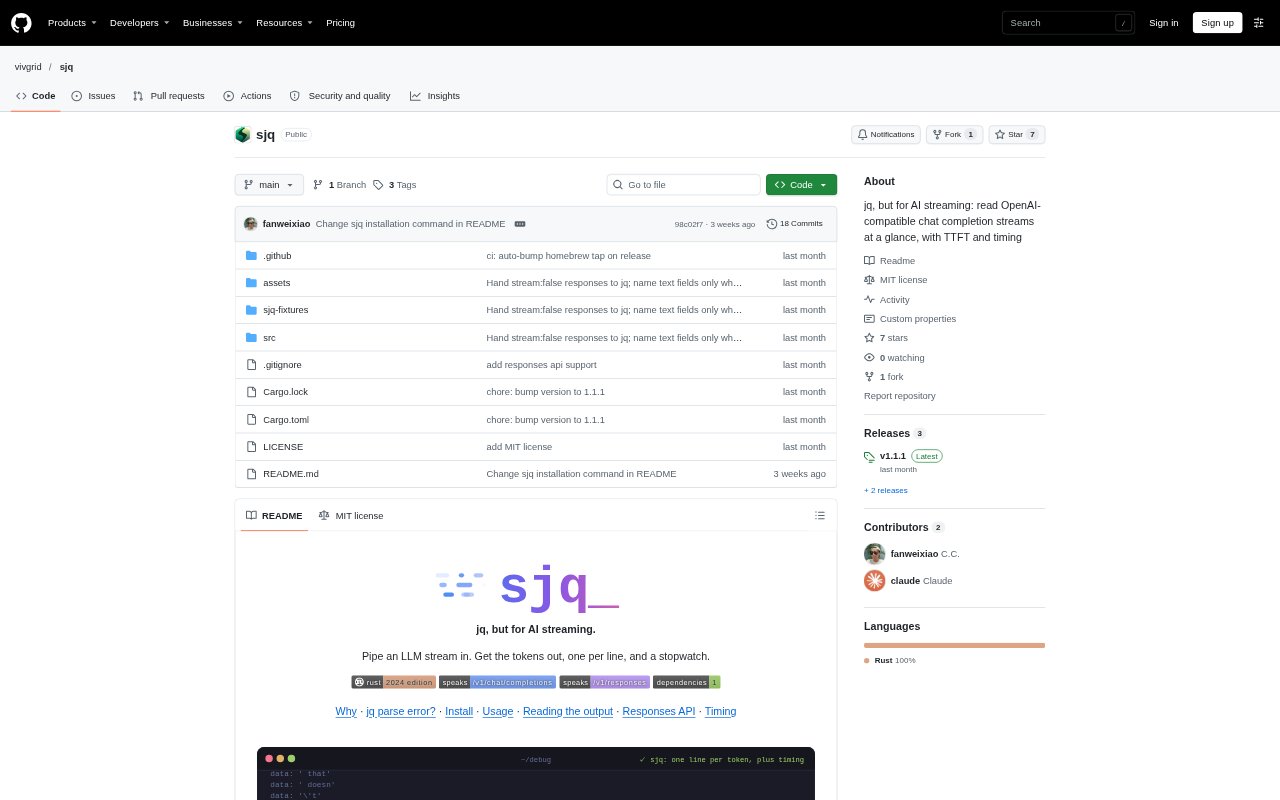
What is sjq?
sjq is a command-line tool for reading streaming responses from OpenAI-compatible language model APIs. It turns chat completion and Responses API event streams into concise, one-line output, showing the text and other changes as they arrive, then reports timing information. Developers can run it alongside curl, pipe a response into it, or replay a saved stream; it can also format non-streaming JSON with jq when jq is installed.
sjq Features:
Stream Parsing: sjq reads Server-Sent Events as they arrive and prints the new information in each event instead of repeating the full JSON envelope.
API Support: It handles OpenAI-compatible chat completion streams and the Responses API, including their different event and payload formats.
Field Output: Output identifies changes such as answer content, reasoning, tool calls, refusals, finish reasons, and token usage while retaining provider field names.
Event Checks: For Responses API streams, sjq checks repeated completion text and sequence numbers, showing mismatches or unexpected values rather than hiding them.
Timing Details: At the end of a live stream, it reports measures including time to first token, total duration, and generation speed, with connection timings available through its curl mode.
Input Options: Run sjq with curl, pipe a response body into it, or pass in saved stream files; it also formats non-streaming JSON through jq when available.
sjq Benefits:
Quicker Inspection: Short lines focused on each event’s new content make it easier to follow a response than scanning repeated blocks of JSON.
Focused Agent Context: Filtering out repeated stream envelopes keeps irrelevant metadata from taking up space when a coding agent processes the output.
Clearer Timing: Separate timing measures help developers distinguish connection delays, the first generated token, and the arrival of the answer.
Easier Debugging: Visible changes and stream inconsistencies help developers investigate missing events, unexpected fields, or differences between streamed text and completion events.
Flexible Review: The same compact output can be examined live or produced from saved streams, making it practical to revisit a response without sending the request again.
Use Cases:
API Development: Inspect a chat completion endpoint while building or testing an application that consumes streamed model responses.
Agent Pipelines: Place sjq between an API request and a coding agent so the agent receives the response without the repeated stream envelope.
Latency Checks: Compare when reasoning, tool calls, or answer text first appear while investigating a slow or stalled model response.
Stream Debugging: Review Responses API events to spot sequence gaps or completion text that does not match the text emitted in earlier deltas.
Saved Response Review: Replay a captured stream file to examine its event-by-event output without making a new live API request.