

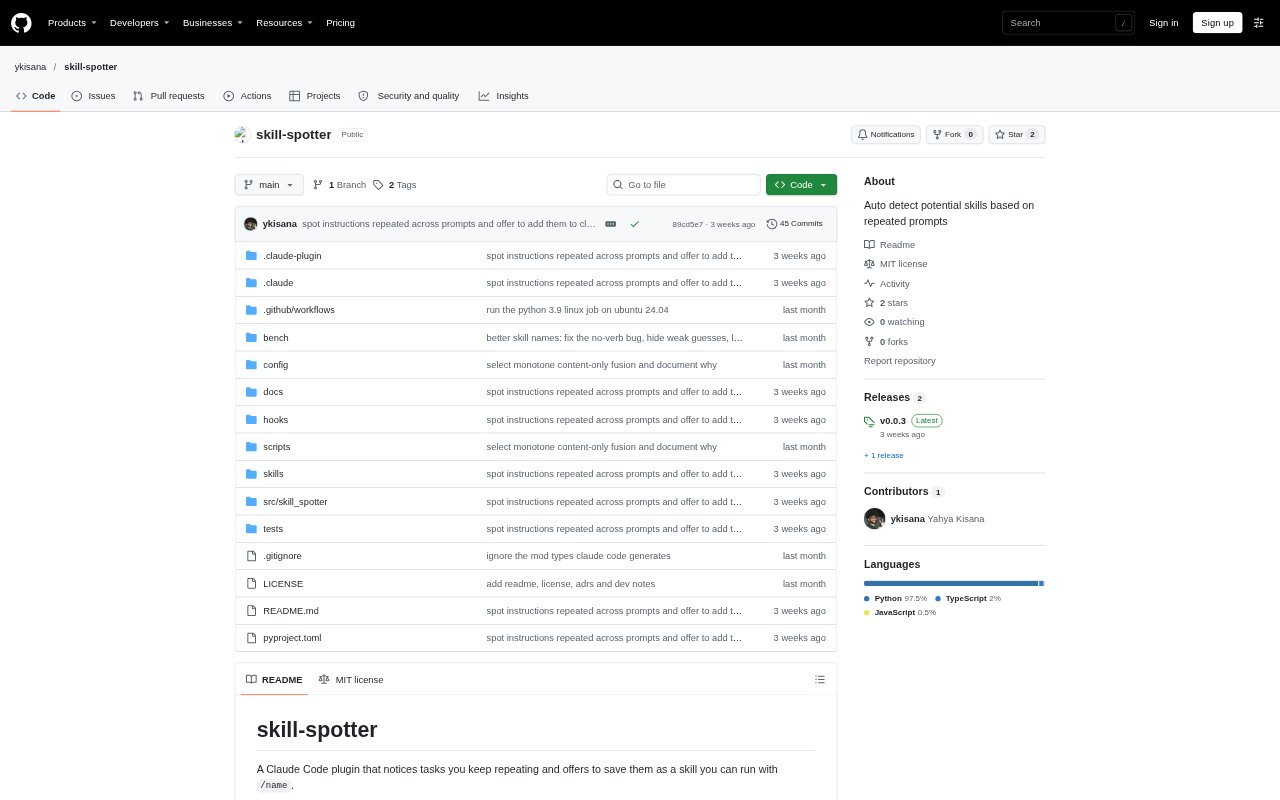
What is skill-spotter?
skill-spotter is a Claude Code plugin that looks for tasks and instructions you repeat, then suggests turning them into reusable skills or entries in CLAUDE.md. It compares your prompts with the commands, files, and tools Claude used, so it can recognise similar work even when the wording changes. Suggestions are optional: you decide whether to draft a skill or add a rule, and can review patterns and skill usage with its commands.
skill-spotter Features:
Task Matching: The plugin compares prompt wording and Claude's actions, including commands, files, and tools, to group repeated work and multi-prompt workflows.
Skill Suggestions: It suggests a skill after a task occurs three times across at least two sessions within 30 days, and does not suggest trivial patterns such as file reads alone.
Skill Drafting: The draft command gives Claude the recorded prompts and steps to create a skill that can be run with a slash command.
Instruction Detection: It identifies rules repeated across prompts and can suggest adding a general instruction to your personal or project CLAUDE.md file.
Local Data: Prompts and activity records are kept in a local SQLite file, with pattern-based secret removal and no telemetry or networking in the recording hooks.
Safety Controls: Risky steps such as deployment, force operations, or recursive deletion produce skills that require you to start them and ask before the risky step.
Review Commands: Status shows detected patterns and skill use, while commands let you pause suggestions, delete stored data, or import zsh and bash history.
skill-spotter Benefits:
Less Repetition: Common tasks can become short slash commands, reducing the need to restate the same request and steps in future sessions.
More Consistent Work: Saving a workflow helps preserve the sequence Claude followed, which can make recurring project tasks easier to repeat.
Fewer Repeated Rules: Putting frequently repeated instructions in CLAUDE.md can save you from attaching the same preference to unrelated requests.
User Control: Suggestions do not create skills on their own, so you can decide which patterns are worth saving and when to use them.
Private Recording: Keeping the activity database on your computer avoids uploading recorded prompts and actions as part of normal matching.
Use Cases:
Changelog Updates: Turn repeated requests to update a changelog from recent commits into a skill that can be called again with one command.
Recurring Tests: Save a familiar sequence for running tests or other repeated shell routines, including routines imported from shell history.
Project Conventions: Move a repeated instruction, such as keeping work to one commit, into a CLAUDE.md file instead of typing it for each task.
Release Tasks: Create an explicitly started skill for recurring release work that includes a risky step, with confirmation before that step proceeds.
Workflow Review: Check which repeated patterns have been detected, dismiss or snooze unwanted suggestions, and see whether saved skills are being used.