
What is Skills Hub?
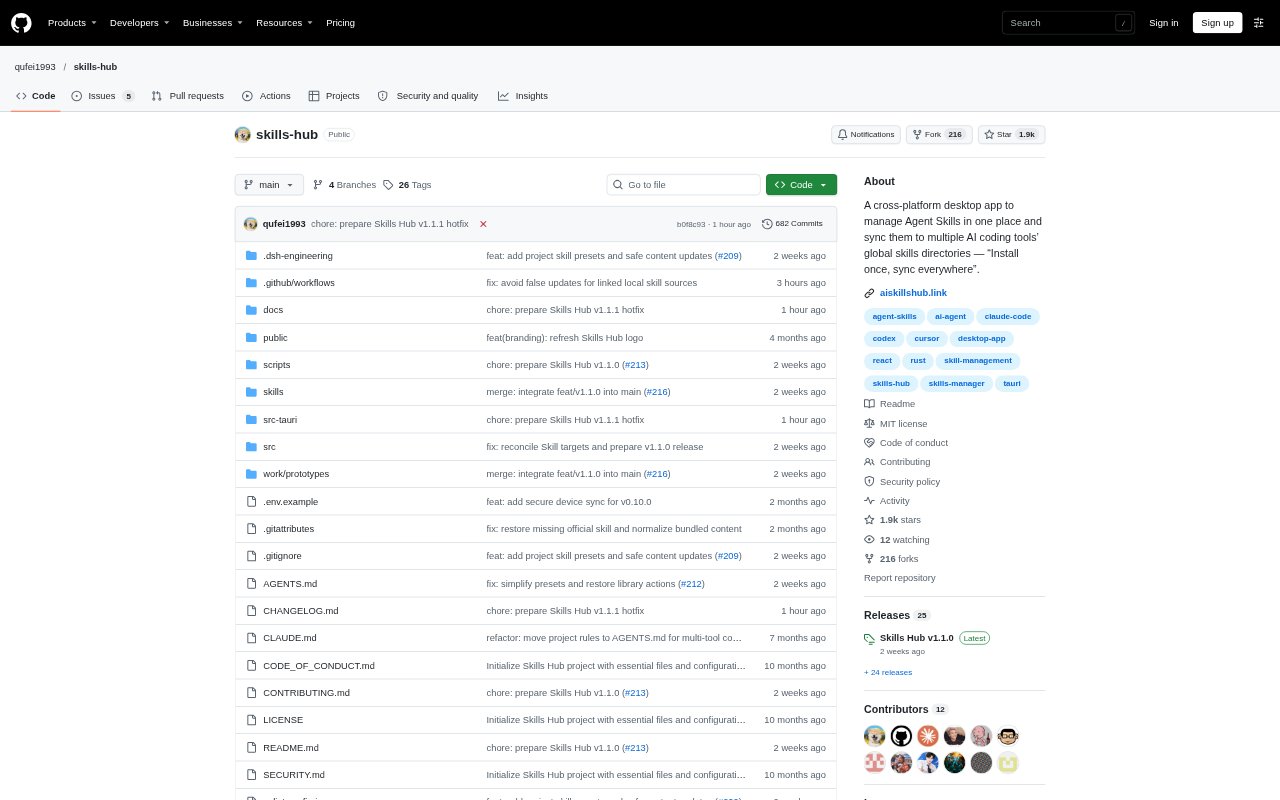
Skills Hub is a desktop manager for finding, installing, and organizing AI agent skills, then syncing them to coding tools and projects. It is aimed at developers who use AI coding agents and want one library for managing the skills those agents use. The app is available for macOS, Windows, and Linux, with a separate option to manage skills through a coding agent.
Skills Hub Features:
Skill Collections: Browse curated collections for development, design, writing, and research, with descriptions of their skills, sources, and use cases.
Skill Imports: Find individual skills or add them from Git repositories and local folders, then select which ones to install.
Tool Sync: Choose from 48 supported AI coding tools, including Claude Code, Codex, Cursor, and OpenCode, or specify a custom directory.
Install Scope: Install skills for global use or within a supported project, and select the target coding tools for each installation.
Bulk Management: Organize skills with tags, enable or disable them, and update multiple selected skills while keeping their saved settings.
Device Sync: Keep skill files, descriptions, and tags aligned across devices through a GitHub, GitLab, or Gitee repository.
AI Management: Enable a coding agent to install, update, and organize skills using the same library as the desktop app.
Skills Hub Benefits:
One Skill Library: A shared collection reduces the need to find and maintain separate copies of skills for each coding tool.
Consistent Setups: Syncing the same skill files and descriptions across devices helps keep work environments aligned.
Faster Discovery: Collections organized by work area make it easier to find skills relevant to the task at hand.
More Control: Choosing tools, tags, and install scope helps keep skills available where they are useful without applying them everywhere.
Simpler Upkeep: Bulk actions let users organize, enable, disable, and update several skills without handling each one separately.
Use Cases:
New Coding Setup: Set up an AI coding tool by choosing skills from a collection and installing them globally or for a supported project.
Tool Migration: Move a working set of skills to another supported coding tool by selecting it as an installation target.
Project-Specific Skills: Install only the skills needed for a particular project instead of making the same set available globally.
Team Device Sync: Keep skill files, descriptions, and tags aligned when managing a library across multiple devices with a supported Git repository.
Library Maintenance: Use tags and bulk controls to review a collection, disable skills that are not needed, or update selected entries.
Agent-Managed Skills: Ask a coding agent to install, update, or organize skills from the same library used in the desktop app.