

What is SlidePilot?
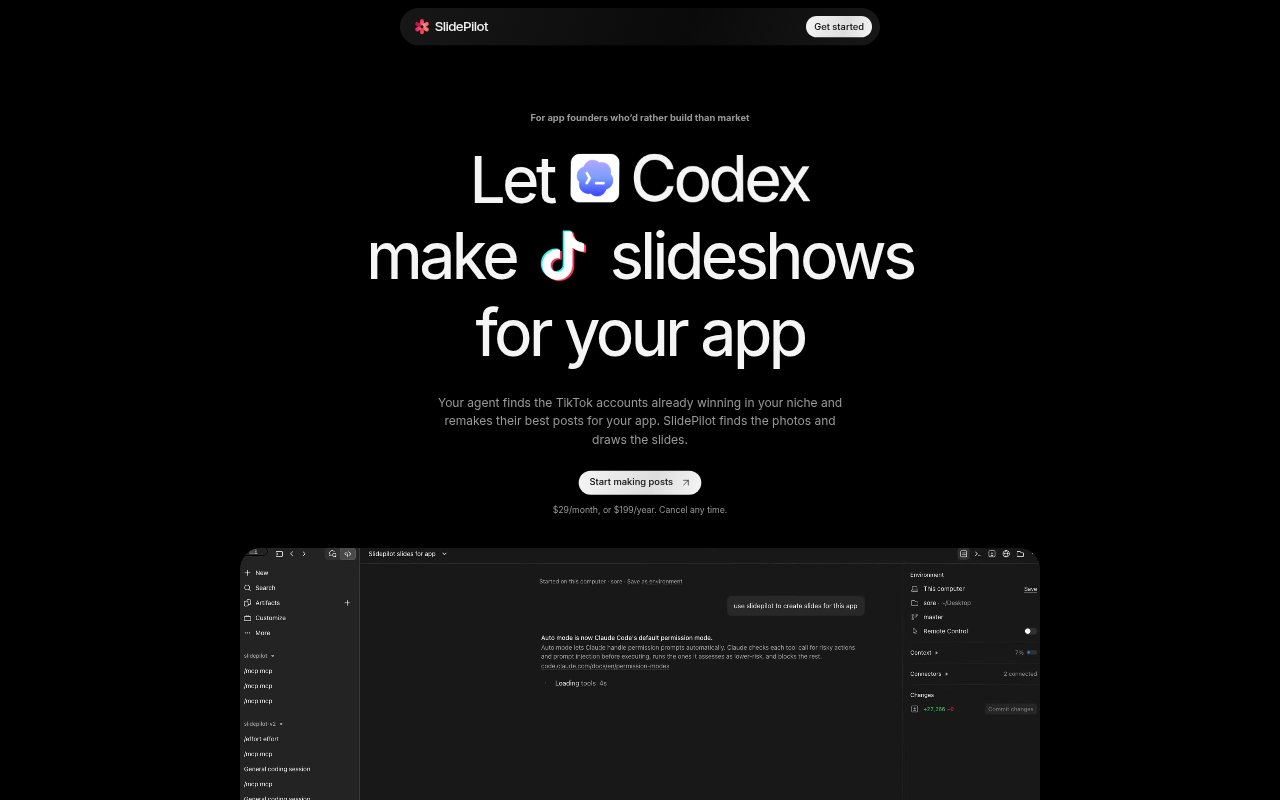
SlidePilot is a TikTok slideshow generator for app founders who connect it to a coding agent through MCP. The agent researches posts in the app’s niche and writes the slides, while SlidePilot finds photos and renders the finished images. Founders review and save the slides, then add a sound and publish them on TikTok. Plans cost $29 monthly or $199 yearly, and can be canceled any time.
SlidePilot Features:
Niche TikTok Research: Run up to 10 research searches a day to find TikTok accounts with successful posts in your app’s niche.
Slideshow Remakes: Share a TikTok photo slideshow to adapt its structure and pacing, with links to the post and account it is based on.
Slide Production: The connected agent writes the slides, and SlidePilot finds photos and renders the images for review.
App Store Screenshot: Include a real App Store screenshot on the final slide, or provide a screenshot link for a web app or other product.
AI Illustrations: Generate mascots, icons, and stickers without faces, with an allowance of up to 15 illustrations a day.
Post Deliverables: Receive six slides at 1080 × 1920 with a caption and hashtags, or a remake with the copied post’s slide count plus an app slide when needed.
Daily Production Limit: Both plans include up to 25 finished slideshows a day and work with Codex, Claude Code, Antigravity, and Cursor.
SlidePilot Benefits:
Less Design Work: Founders can avoid building each slideshow by hand and spend more of their working time on their app.
Clearer Content Direction: Researching accounts in a niche gives founders examples of posts and formats to use as a starting point.
Faster Iteration: A founder can ask the agent to change a hook, rewrite a slide, or swap a photo instead of rebuilding the whole post.
Review Before Posting: Finished slides are shared for the founder to save and check, keeping publication and sound selection in their hands.
Product Visibility: Showing the app’s actual screenshot in the slideshow helps viewers see the product being promoted.
Use Cases:
Promoting an App: Create TikTok photo slideshows that introduce an app and show its real App Store screen in the closing slide.
Planning Daily Posts: Use niche research and the daily slideshow allowance to prepare a steady stream of TikTok content while building an app.
Adapting a Reference: Give the agent a slideshow link when you want to borrow a post’s pacing or structure for your own app.
Refreshing a Draft: Ask the agent to shorten a hook, change an image, rewrite a slide, or add an app screenshot to an existing post.
Promoting a Web Product: Provide a screenshot link for a web app or another product when an App Store screenshot is not available.