

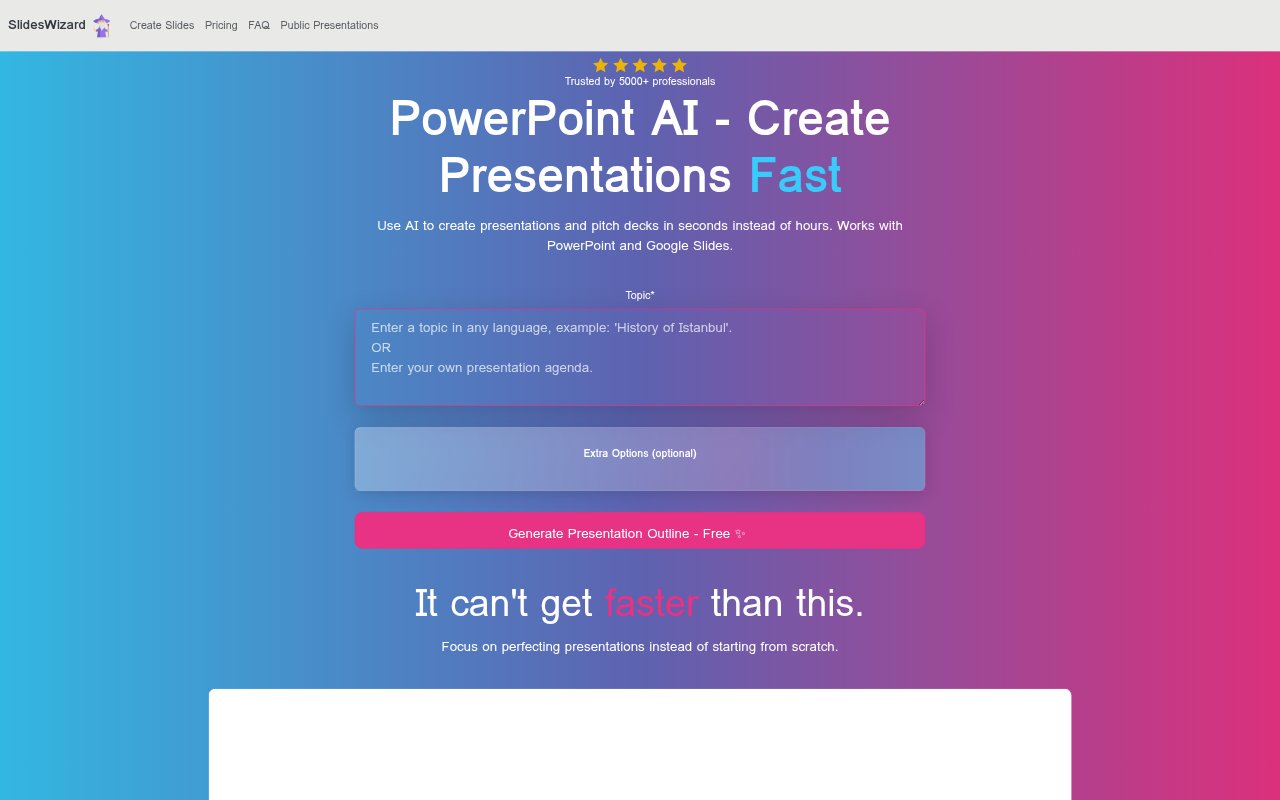
What is SlidesWizard?
SlidesWizard uses AI to turn a topic into a presentation or pitch deck, handling the outline, slide visuals, and speaker notes. It is for people who need to prepare slides without starting from a blank deck, whether they want to view the result online or take it into PowerPoint or Google Slides. Presentations can also be shared with others or downloaded as a PDF.
SlidesWizard Features:
Topic Generation: Enter a topic to generate a presentation, with the tool producing slides intended to cover a broad range of subjects.
Presentation Outline: SlidesWizard structures the presentation outline as part of its generation process, giving the content an arranged sequence rather than a blank start.
Speaker Notes: The generated presentation includes speaker notes, adding supporting material for the person delivering the slides.
Slide Layouts: Available layouts include bullet points, text with images, timelines, Venn diagrams, and pie charts for different types of slide content.
Relevant Images: The tool selects images based on each slide's content and adds them to the presentation, so visuals are matched to the subject.
Export and Sharing: Presentations can be viewed online, shared, or exported to PowerPoint and Google Slides, with a PDF download also available.
SlidesWizard Benefits:
Less Setup Work: Starting with an assembled draft reduces the effort of building a deck slide by slide before the content is ready to refine.
Faster Preparation: Automating the initial structure and visual selection can leave more preparation time for checking the message and tailoring it to an audience.
Clearer Delivery: Speaker notes give presenters material to refer to while talking, which can make it easier to explain the points on each slide.
More Visual Variety: Several layout types make it possible to present lists, chronological steps, comparisons, and proportions in forms suited to the content.
Flexible Finishing: Export options let users continue working in familiar slide software or provide a PDF when they need a portable presentation copy.
Use Cases:
Pitch Deck Draft: Founders can generate a first draft for a pitch deck from a topic, then review the sequence and adjust it for a particular audience.
Topic Overview: A presenter preparing an overview of a subject can use the generated outline and visuals as a starting point for a talk.
Process Timeline: People explaining a sequence of events or stages can use a timeline layout to show how the process unfolds.
Concept Comparison: A presenter describing how ideas overlap can choose a Venn diagram layout, while a pie chart suits proportion-based comparisons.
Presentation Sharing: Someone preparing slides for friends or collaborators can share the presentation online or export a copy for viewing elsewhere.