

What is Slidum?
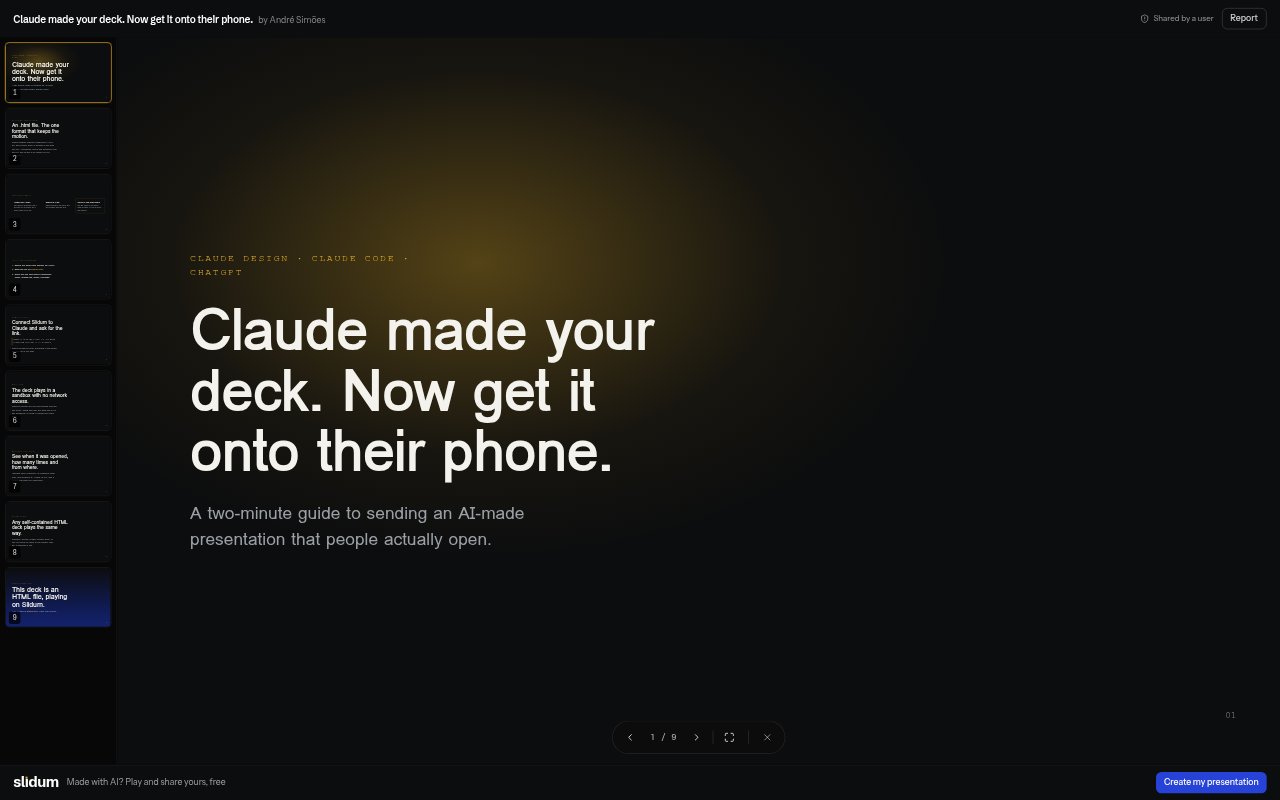
Slidum turns AI-generated HTML presentations into browser-playable decks that you can share with a link. It is for people who create presentations with tools such as Claude or ChatGPT and want recipients to view them without downloading a file or signing in. Decks run in an isolated sandbox, and the service includes options for organizing presentations, controlling access, and tracking opens.
Slidum Features:
HTML Playback: Paste an AI-generated HTML deck into Slidum to play it as a presentation in the browser.
Presentation Controls: The player supports full-screen viewing, keyboard navigation, slide thumbnails, and a slide counter.
Link Sharing: Share decks through public links or email invitations, which recipients can open without downloading or signing in.
Access Management: Invite specific people by email or enable a public link, then turn off that link when access should end.
Deck Library: Keep your presentations together in a library, with decks named and ready to play.
Open Analytics: Pro provides detailed view information, including when and from where people opened a deck and which invited guests viewed it.
Plan Limits: Free includes 10 presentations of up to 4 MB each, while Pro allows unlimited presentations of up to 25 MB each.
Slidum Benefits:
Easier Viewing: Recipients can get to the presentation directly instead of handling a file or following instructions to open it.
Less File Clutter: Keeping decks in one library makes it easier to find and revisit presentations than searching through a downloads folder.
Clearer Follow-Up: Pro view details help you decide whom to follow up with after sharing a presentation.
Safer Playback: Sandboxed playback limits the risk of a deck accessing your data, making external calls, or submitting forms.
Flexible Sharing: You can share broadly or restrict access to invited people, then revoke a public link if circumstances change.
Use Cases:
Seed-Round Pitch: Share an AI-generated pitch deck with prospective investors as a link they can open in a browser.
Quarterly Results: Present quarterly results to colleagues or stakeholders without asking them to download an HTML file.
Project Kickoff: Send a kickoff presentation to a project group and use email invitations when access should be limited.
Course Materials: Turn an AI-generated lesson or data-design deck into a browser-playable presentation for a class.
Plan Presentation: Share a proposed annual plan through a link, then use Pro analytics to see which invited guests opened it.