

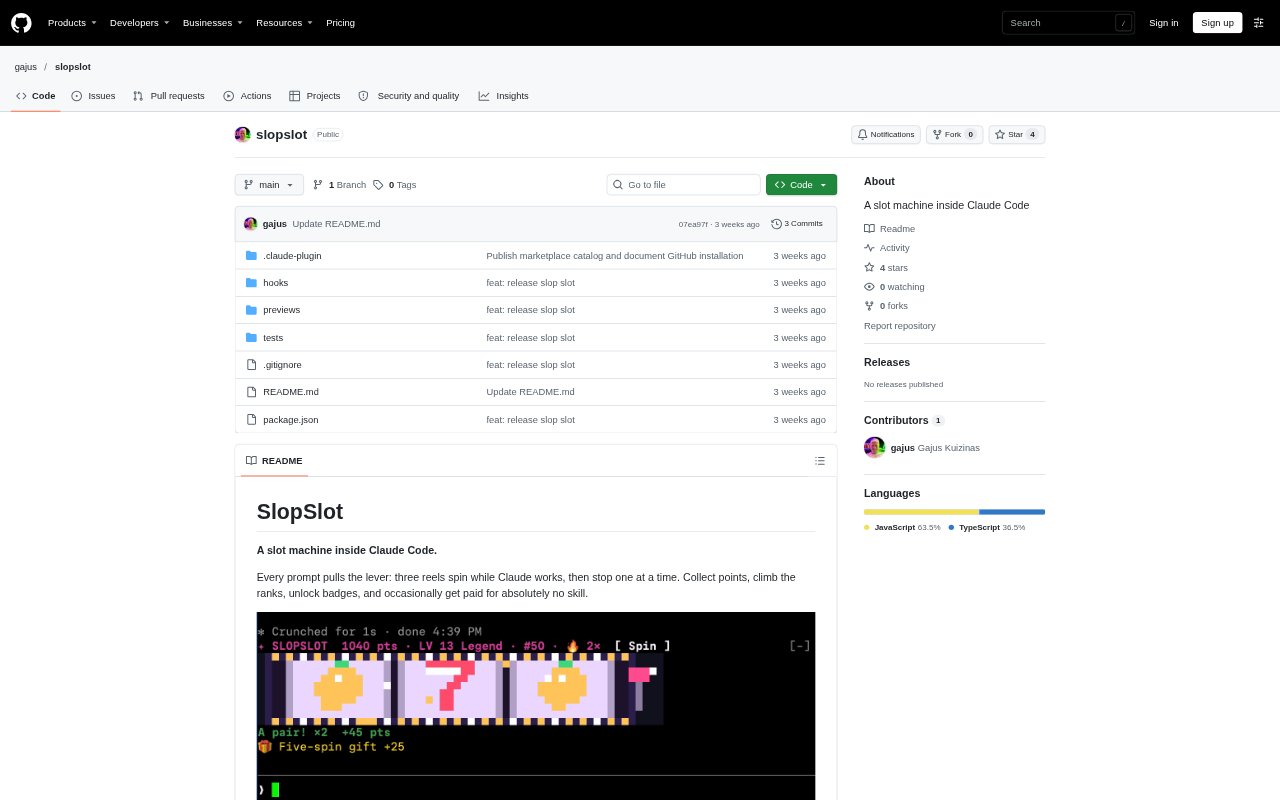
What is SlopSlot?
SlopSlot is a slot machine plugin for Claude Code that spins its reels automatically when you send a prompt. It adds animated artwork and a points-based progression system to a coding session, with commands for manual spins, rewards, status, and display controls. It is for Claude Code users who want a playful on-screen diversion while they work; it requires Claude Code 2.1.319 or later.
SlopSlot Features:
Automatic Spins: The reels spin when you send a normal prompt, while the prompt continues without waiting for the animation to finish.
Manual Spin: Run the spin command to play without making a model request, or open a larger cabinet view.
Animated Artwork: The terminal display uses pixel sprites, scrolling reels, chasing lights, a moving lever, and reward sparkles.
Desktop Display: The Claude Desktop renderer shows a shaded SVG cabinet, illustrated symbols, bouncing coins, and larger jackpot celebrations.
Points and Progress: Spins award points and XP, with levels, rank titles, win streaks, gifts, and six collectible badges.
Session Controls: Commands show rewards and status, turn the machine on or off, or reset session progress.
Local Operation: SlopSlot runs locally without network requests, model calls, file writes, or added text in prompts and conversations.
SlopSlot Benefits:
No Prompt Delay: You can keep working on a request while the reels spin, rather than waiting for the animation to end.
Lightweight Setup: Installation needs no dependencies, API keys, or build step, so there are few setup requirements.
Visible Progress: Points, levels, streaks, and badges give each session a clear record of in-plugin progress.
Flexible Display: A compact text display and separate cabinet view let you choose how much screen space the machine occupies.
Prompt Privacy: Local operation and the absence of prompt edits keep the plugin separate from your requests and conversation.
Easy Interruption: Turning the machine off stops automatic spins and animation timers without hiding other mods' prompt content.
Use Cases:
Coding Sessions: Add a brief game-like animation to routine Claude Code prompts while continuing with the coding task.
Manual Break: Run a spin between tasks without sending Claude a request or asking it to perform work.
Progress Check: Check points, level, badge count, and best spin when you want to see session progress.
Reward Discovery: View payout rules and badge conditions to understand how matching reels and streaks earn rewards.
Compact Workspace: Use the small-screen text display when the terminal has too little room for the full artwork.
Focused Work: Turn off the machine when you want automatic spins and the cabinet closed during a coding session.