

What is Slurp?
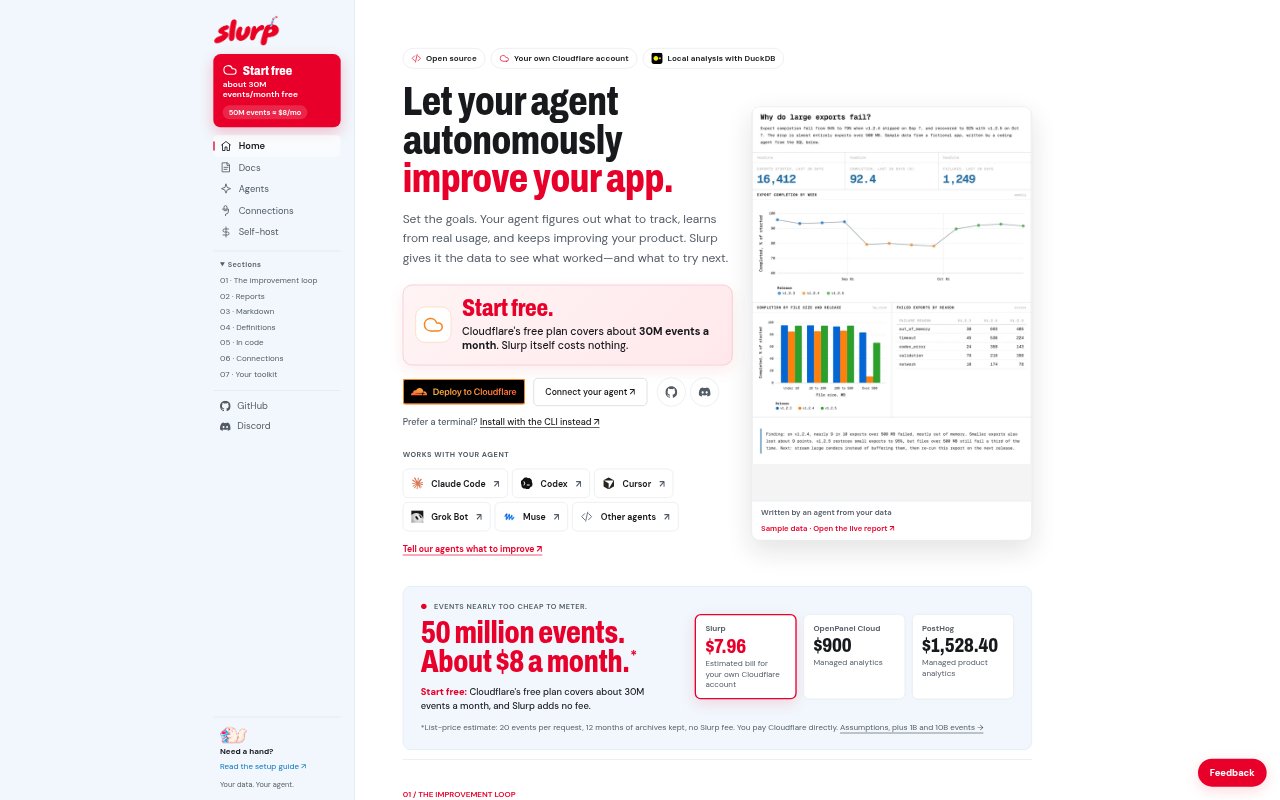
Slurp is an open-source product analytics tool for teams building apps with coding agents. It collects product events and feedback in a Cloudflare account you control, then lets an agent use that data to investigate product goals, prepare improvements, and check what changed after a release. Teams can query and report on the data with DuckDB SQL, while keeping goals and agreed metric definitions alongside their code.
Slurp Features:
Event Collection: Capture browser and Node events with Slurp SDKs, keep existing Segment or Sentry SDKs, or send events over HTTP.
Cloudflare Hosting: Run Slurp's Worker, Durable Objects, and R2 bucket in your own Cloudflare account rather than sending events to Slurp-hosted storage.
Agent Improvement Loop: Give an agent a product goal, let it plan what to track and examine usage, then measure results after changes.
Feedback Capture: Add a web feedback button for a message, optional rating, and email, with each submission recorded alongside product activity.
SQL Reports: Ask about retention, onboarding, failures, or a release and get a Markdown report with its SQL attached.
Metric Definitions: Write reusable DuckDB SQL definitions in the app repository so reports, agents, and teammates share consistent metric rules.
Report Exports: Export reports as self-contained HTML, PNG, or PDF files for viewing and sharing beyond the analysis workspace.
Slurp Benefits:
Clearer Priorities: Product goals and real usage give agents evidence for choosing focused improvements instead of relying only on guesses.
Traceable Findings: SQL attached to reports lets teams inspect how a finding was produced before deciding whether to act on it.
Consistent Metrics: Shared definitions reduce disagreements about who counts as active or whether test accounts belong in a number.
Data Control: Keeping event storage in a team's Cloudflare account lets it retain control of where its product data lives.
Lower Tool Costs: Slurp itself has no fee, so teams pay Cloudflare directly rather than adding a separate Slurp subscription.
Use Cases:
Improve Onboarding: Set a goal such as helping more people complete their first export, then investigate where users stop or encounter errors.
Review Releases: Compare product usage before and after a release to see whether a change affected the intended outcome.
Investigate Failures: Use event and error data to look for failure patterns, including issues associated with large exports.
Understand Retention: Ask an agent to report on retention using the same agreed metric definitions as other reports and teammates.
Collect Product Feedback: Add a feedback form to a web app and review what people say alongside the actions they take.