

What is Snippet?
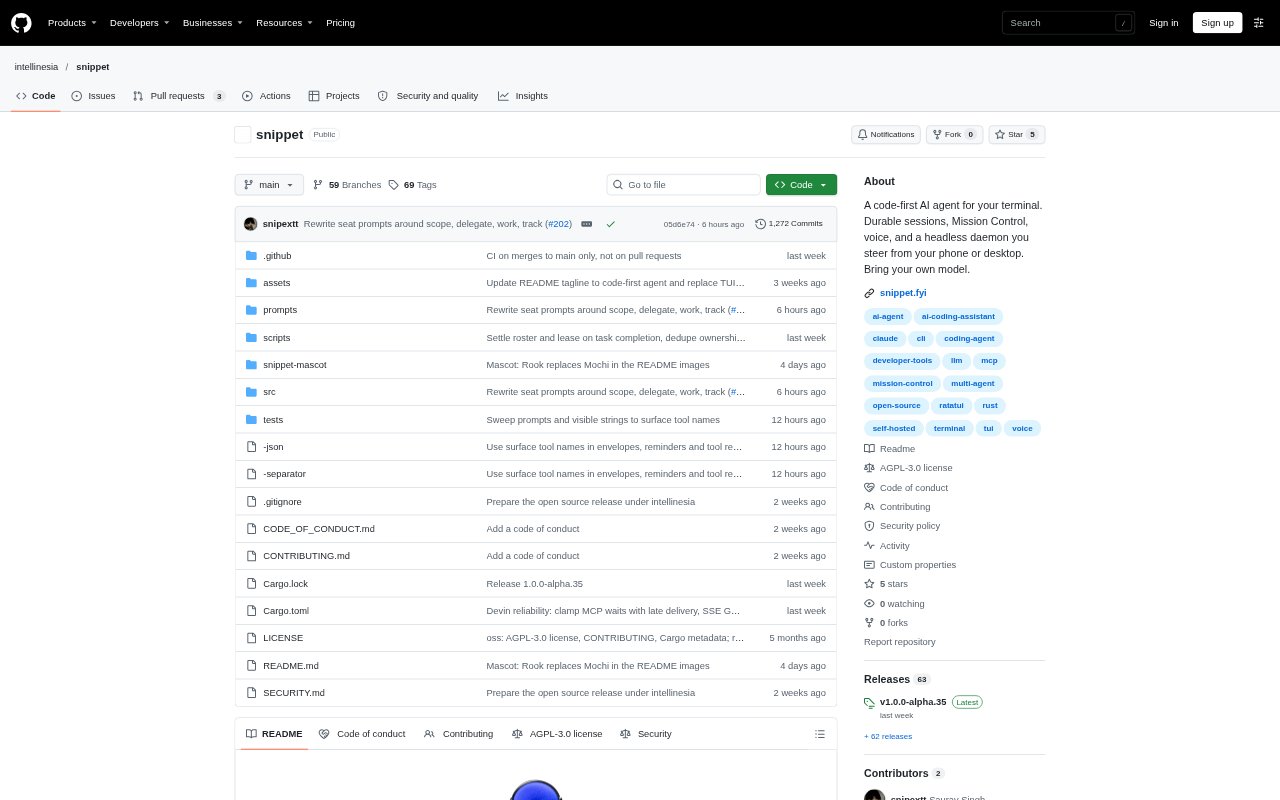
Snippet is a code-first AI agent that runs on your computer and works in your project from a terminal, desktop or phone app. You can ask it to handle work by voice or text, while Mission Control coordinates specialised agents and checks their results. It is aimed at developers who want an assistant for coding and project tasks, with sessions and project memory kept on their own machine.
Snippet Features:
Mission Control: A coordinating session can divide a goal among specialised agents, run tasks in parallel and check the results before returning them.
Terminal Sessions: Work in a terminal interface with durable sessions, checkpoints, rewind, searchable history and the option to stop a turn.
Remote Control: A daemon connects the computer running Snippet with companion apps for Android, macOS, Linux and Windows.
Project Memory: The agent keeps repository-specific rules, learnings and notes as editable files, shared across a repository’s worktrees.
Model Profiles: Choose profiles for providers including Anthropic, OpenAI, Gemini, OpenRouter, OpenAI-compatible endpoints, local models and ChatGPT subscriptions.
Work Tools: A stateful shell, file-change tool, image viewing, web search, background lanes and detached processes support project work.
Snippet Benefits:
Keep Work Local: Running on your computer lets you work with your project without placing a cloud copy of your code in the workflow.
Resume With Context: Saved sessions and searchable history make it easier to pick up earlier work without relying on memory or reconstructing every step.
Steer From Anywhere: The companion app lets you check in on work and guide the same sessions without staying at your computer.
Reuse Project Knowledge: Editable memory files help preserve project rules and lessons for later requests, rather than starting from scratch each time.
Choose Your Models: Multiple model profiles let you select a preferred provider or local model for different conversations.
Use Cases:
Repository Changes: Ask the agent to investigate a bug or make a code change in the project open in your terminal.
Background Checks: Delegate recurring project work, such as dependency checks, to run while you are away and review the results later.
Parallel Tasks: Give Mission Control a larger project goal and have it split the work among specialised agents.
Remote Review: Use the phone or desktop app to follow a session and respond to an agent’s request while away from your workstation.
Project Guidance: Keep repository-specific instructions and lessons in memory files so the agent can refer to them during future work.