
What is SolidCraft?
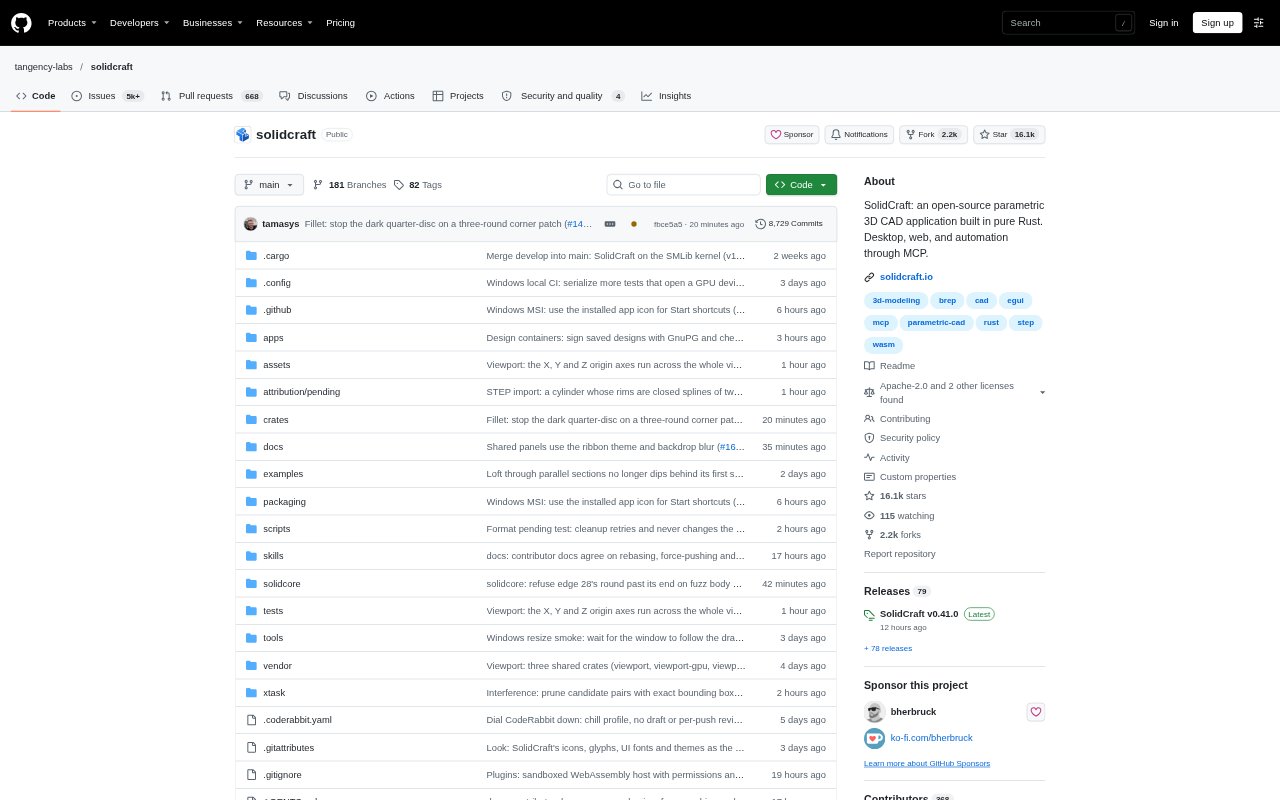
SolidCraft is an open-source parametric 3D CAD application for designing editable parts, assemblies, and sheet-metal components. It runs as a desktop app or in a browser, with a command-line interface and an optional MCP server for compatible AI agents. Sketches, dimensions, parameters, and modeling operations remain in a feature timeline, so designs can be revised and rebuilt. The project describes the software as early but usable for simple parts, and notes that supported geometry varies by operation.
SolidCraft Features:
Sketch Constraints: Create profiles from lines, arcs, circles, splines, or text, then apply dimensions and geometric constraints with solver feedback.
Editable Feature Timeline: Build a model from ordered features, then edit, suppress, rename, reorder, or delete operations to change its history.
Named Parameters: Assign names to dimensions, use unit-aware expressions, and save configurations for different versions of a design.
Solid Modeling: Create and modify solids with operations including extrude, revolve, sweep, loft, fillet, chamfer, shell, patterns, and mirror.
Assemblies and Joints: Organize components, define joints, and use motion studies, contact sets, interference checks, and mass properties.
Sheet Metal Tools: Create flanges and hems, fold or unfold parts, and produce flat patterns with bend information and DXF output.
File Exchange: Save native designs with editable history, exchange solid geometry through STEP or IGES, and import or export supported mesh formats.
SolidCraft Benefits:
Faster Revisions: Changing a named dimension can update dependent features together, reducing the need to rebuild a part manually after each design adjustment.
Traceable Design Changes: Keeping operations and parameters in the model history makes it easier to understand how a part was built and revisit earlier decisions.
More Useful Variants: Configurations and parameter-driven dimensions help keep related design versions organized instead of maintaining separate, disconnected models.
Earlier Fit Checks: Assembly inspection tools can reveal interference or fit issues while components are still being designed, before fabrication work begins.
Flexible Workflows: Desktop, browser, command-line, and agent-driven access let users choose a modeling setup without making AI assistance a requirement.
Use Cases:
Enclosure Design: Model a device housing with sketches, shell features, cutouts, vents, and named dimensions that can be adjusted for a different board or height.
Part Variations: Create related parts, such as brackets with different dimensions, using parameters and configurations to keep design changes manageable.
Assembly Review: Bring components together to inspect how parts fit, define their joints, and check for interference or movement issues.
Sheet Metal Layouts: Design a formed sheet-metal component, unfold it, and prepare a flat-pattern outline for further production review.
Agent-Assisted Modeling: Connect a compatible AI agent through MCP to run modeling commands, measure geometry, change parameters, or export a design.