

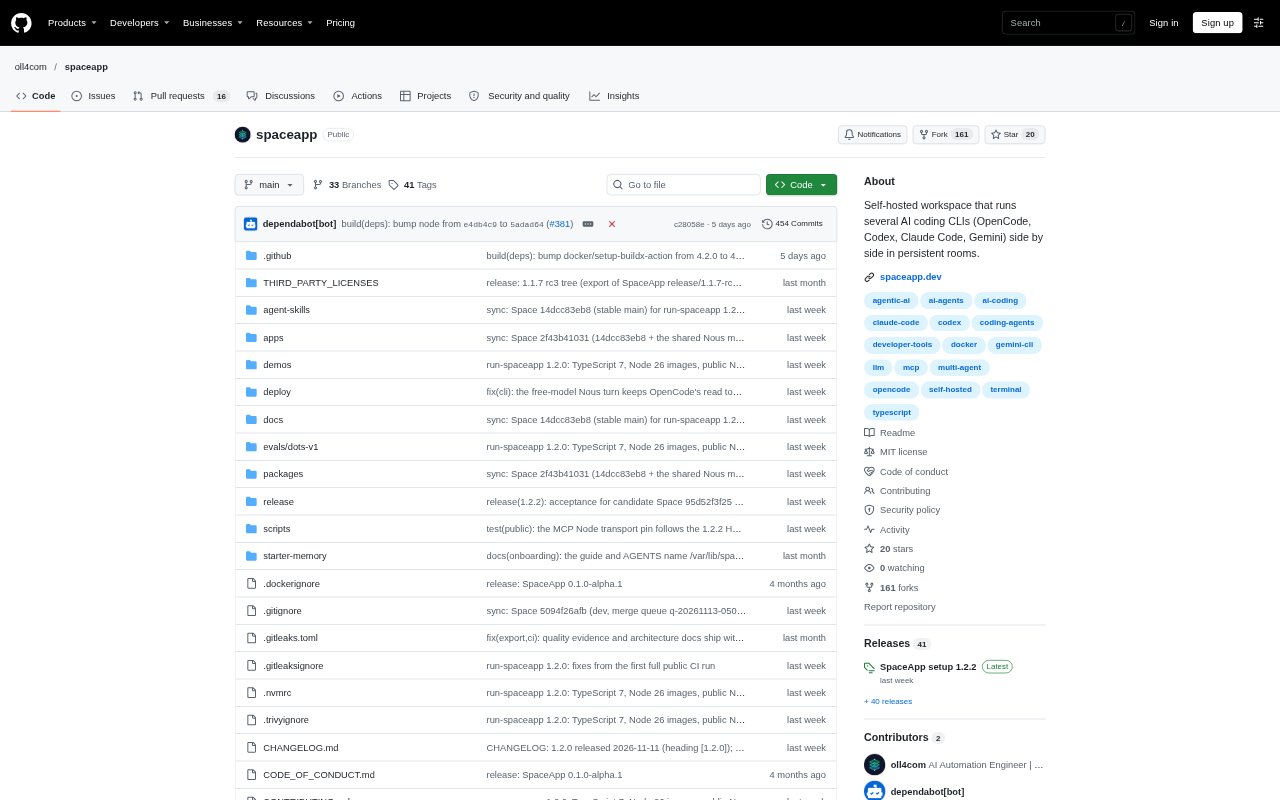
What is SpaceApp?
SpaceApp is a self-hosted workspace for people who use AI coding agents, including solo builders, small teams and agencies. It organizes agents and other tools into project rooms, where they can run in separate panes and share project memory. You can work in a pane yourself or give Nous a goal to coordinate the agents and ask for decisions when needed. SpaceApp runs in a browser on a machine you control and requires Docker to install.
SpaceApp Features:
Persistent Rooms: Organize agents and tools into project rooms with up to 16 panes per room, with sessions that keep running when you switch away.
Coding CLIs: Run coding tools such as OpenCode, Codex, Claude Code, Gemini CLI, Qwen Code and DeepSeek CLI side by side using your own accounts.
Nous Orchestration: Give Nous a goal and it reads pane progress, plans steps and directs agents, while asking for your input on decisions such as releases or changes of direction.
Shared Memory: Keep project decisions and knowledge in records that agent sessions can read and add to, so work can draw on information from earlier sessions.
Needs You Queue: Collect questions, approvals and sign-in requests in one place, with options for you to review and respond.
Vault and Gateway: Use the Vault to fill logins without showing credentials to agents, and route model access through Space Gateway using subscriptions before an API key.
SpaceApp Benefits:
Less Context Switching: Keeping agents and project tools in one workspace means you can move between tasks without juggling separate terminal windows.
Carry Knowledge Forward: Shared project records help reduce the need to repeat decisions and background information in every agent session.
Stay in Control: A central queue makes it easier to spot where a task needs your answer, approval or sign-in rather than checking each pane.
Delegate Routine Work: Let Nous coordinate work across agents while retaining a say in consequential decisions such as releases, deletions and changes in direction.
Keep Work Private: Running the workspace on a machine you control keeps your code, notes and logins within your self-hosted setup.
Use Cases:
Coordinate Coding Agents: Run different coding CLIs on a project at the same time, then use Nous to hand out steps and follow their progress.
Build a Site Update: Set a goal such as adding a pricing page and let agents work through the plan while you review the changes that need your decision.
Review a Release: Have agents check work such as tests, then respond to Nous when a release is ready for your approval.
Check Pull Requests: Schedule a recurring task to ask an agent to check for open pull requests and have the request sent to a CLI pane.
Manage Project Sign-Ins: Use managed browser panes and the Vault when an agent's work needs a login or one-time code without revealing credentials to the agent.