

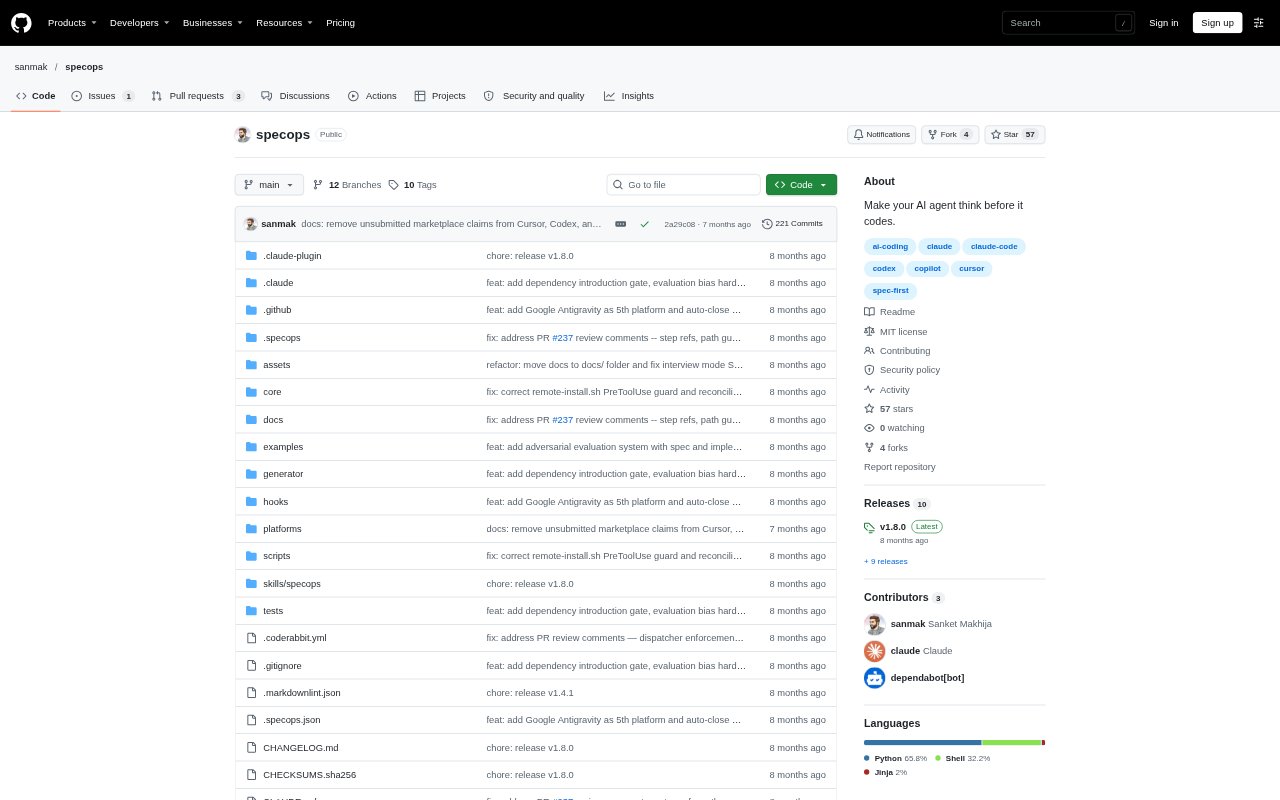
What is SpecOps?
SpecOps is an open-source workflow for people using AI coding assistants to plan and deliver software changes. It guides an agent through understanding a codebase, writing a specification, implementing ordered tasks, and checking acceptance criteria. Specs are stored as Git-tracked files, and the workflow works with Claude Code, Cursor, OpenAI Codex, GitHub Copilot, and Google Antigravity, so teams can keep their project context in one place across supported tools.
SpecOps Features:
Four-Phase Workflow: A single command starts a sequence to understand the codebase, specify requirements and design, implement tasks, and verify completion.
Structured Specifications: The workflow produces requirements, design, and ordered task files, with acceptance criteria written using EARS notation.
Git-Tracked Specs: Specs are saved as Markdown in the project, allowing them to persist across sessions and remain part of version control.
Team Review Gates: Configurable approval steps let teams review specifications before implementation proceeds.
Drift Checks: Automated checks and audit and reconcile commands help identify when specifications no longer match the codebase.
Multi-Spec Coordination: For large features, SpecOps can split work into coordinated specs with dependencies, execution waves, and initiative tracking.
Dependency Evaluation: Before a package is installed, a five-criteria gate evaluates scope, maintenance, size, security, and license.
SpecOps Benefits:
Fewer Assumptions: Agreeing on requirements and design before implementation can reduce corrections caused by an agent choosing an unintended approach.
Persistent Context: Git-tracked specs and a local memory layer help preserve decisions between coding sessions.
Reviewable Work: Teams can examine and approve the planned approach before code changes begin, rather than discovering mismatches afterward.
Clearer Completion: Verified acceptance criteria give teams a concrete basis for judging whether an implementation meets its requirements.
More Controlled Changes: Dependency checks and drift detection can surface package concerns and specification mismatches during development.
Use Cases:
Planning Authentication: Ask an AI coding assistant to define providers, design choices, and implementation tasks before building an OAuth feature.
Coordinating Large Features: Break a change spanning areas such as authentication and payments into dependent specs that can be executed in order.
Reviewing AI Plans: Use approval gates to let teammates assess requirements and design before an agent starts implementing a feature.
Resuming Development: Return to an ongoing project in a later session with specifications and saved local context available to the workflow.
Checking Project Drift: Run drift checks when implementation has changed and the team needs to compare the codebase with its existing specs.
Evaluating New Packages: Apply the dependency gate when an AI assistant proposes adding a package to a project.