
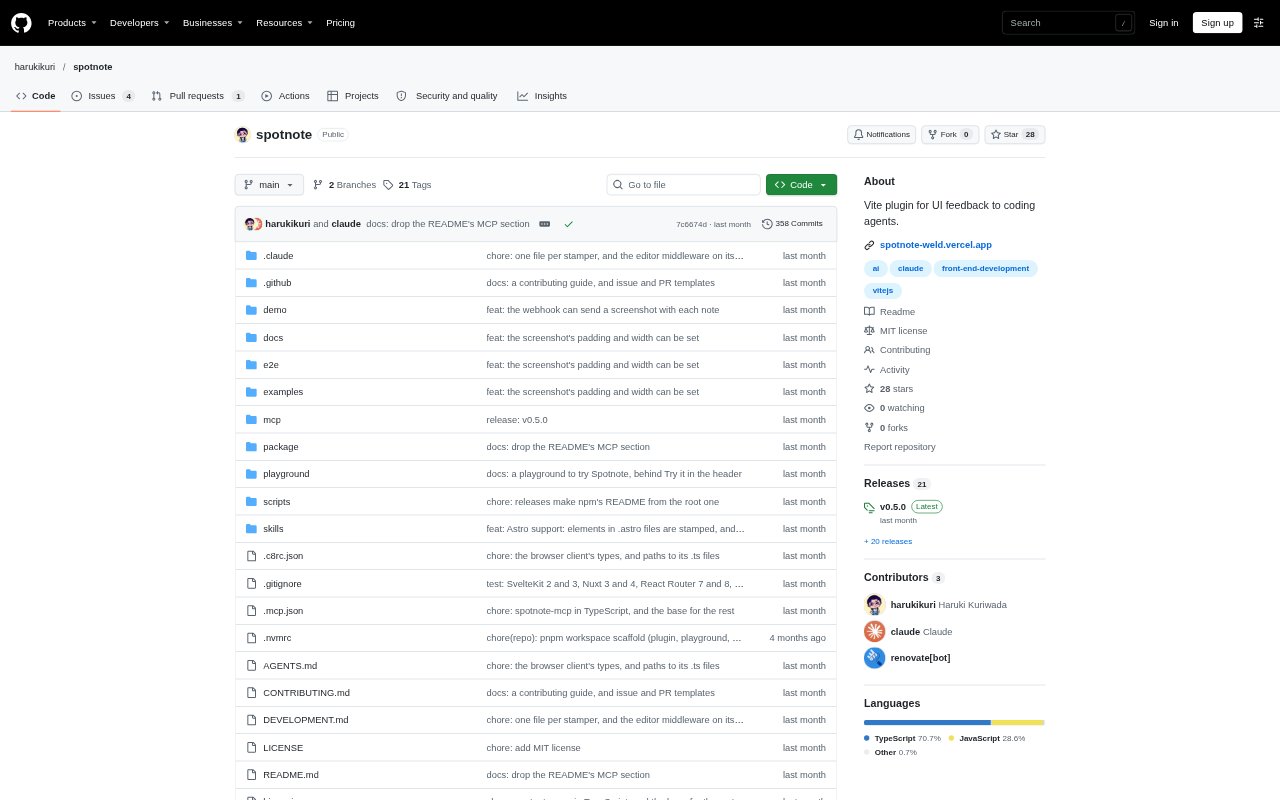
What is Spotnote?
Spotnote is a Vite plugin for sending precise UI feedback to coding agents. A developer clicks an element in a running app, writes what should change, and copies a prompt with the element’s source location. It supports React, Vue, Svelte, Solid, Astro, and other Vite frameworks, and is intended for development or enabled staging builds. Notes stay local unless you configure a webhook.
Spotnote Features:
Element Feedback: Click an element in the running app, describe the change you want, and copy the resulting note to your clipboard.
Exact Source Location: Each note identifies the element’s file, line, and column so a coding agent can locate the relevant source directly.
Element Context: Copied prompts can include the element’s text and markup, its rendered instance, where it is used, and its path through the source.
Computed Styles: The prompt can include current computed styles such as padding, color, font size, and border radius.
Vite Framework Support: Spotnote works with Vite 5 or later and frameworks including React, Vue, Svelte, Solid, and Astro, without imports in app code.
Webhook Delivery: Send notes as JSON to a URL you choose, with options for staging builds and screenshots of the noted elements.
Spotnote Benefits:
Less Source Searching: Agents can start from a file and line reference instead of spending time tracking down which component contains the reviewed element.
Clearer Requests: Element details and the written change request give agents more context, reducing ambiguity when feedback refers to a particular part of the interface.
Fewer Mix-Ups: For repeated components, instance and text details help distinguish the intended item from other elements rendered from the same source.
Faster Team Handoffs: Webhook delivery can move notes into a team’s chat or issue tracker without requiring someone to copy and paste each one.
Controlled Availability: Keeping the plugin to development or selected staging builds lets teams collect feedback without including it in ordinary production builds.
Use Cases:
Agent UI Fixes: A developer can click a button, card, or other interface element, describe a change, and pass the source-targeted prompt to a coding agent.
Visual Styling Review: When reviewing spacing, color, typography, or borders, include the element’s current computed styles alongside the requested adjustment.
Repeated Component Feedback: When a page contains many copies of a component, use the element text and instance details to identify which rendered item needs attention.
Staging Review: Enable Spotnote in a staging build so reviewers can leave notes on the deployed interface and send them through a configured webhook.
Team Issue Handoff: Route each new UI note to a team chat or issue tracker, including its page and source location, instead of relaying feedback manually.