

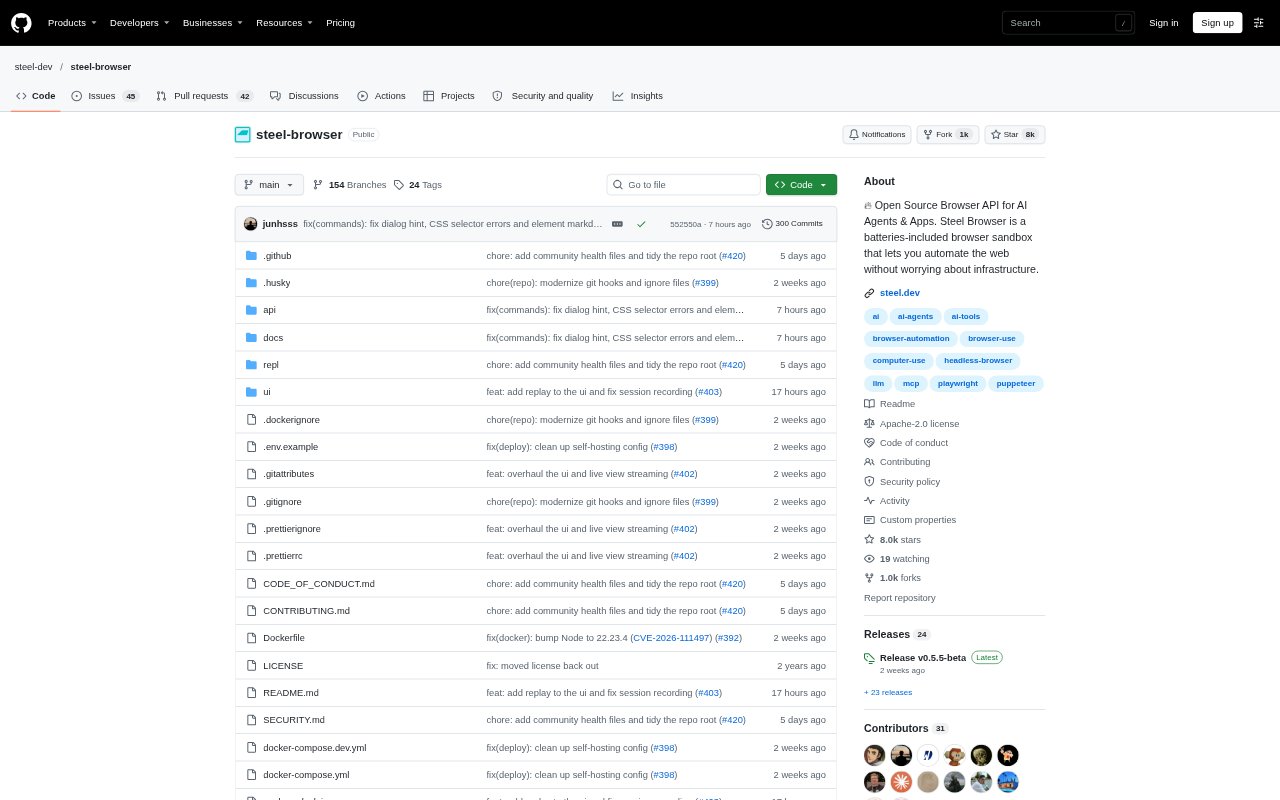
What is Steel Browser?
Steel Browser provides an API for creating and controlling cloud browser sessions used by AI agents and browser-automation applications. It gives developers managed browser processes and session state, with support for controlling Chrome through Playwright, Puppeteer or Selenium. Teams can use Steel Cloud or deploy the open-source browser themselves, making it relevant to projects that need web interaction without building their own browser infrastructure.
Steel Browser Features:
Session Controls: Create, start, steer and stop browser sessions through the API or CLI, then resume sessions with their existing cookies, tabs and state.
Browser Tool Outputs: Use browser endpoints to turn pages into markdown or readable text, and capture screenshots and PDFs from a run.
Persistent Profiles: Keep logins, browser history and other session state available between runs, with profiles that can be reused across sessions.
Run Observability: Inspect readable run traces in the UI or API, view sessions live, and replay completed sessions with recorded browser activity.
Stealth And Proxies: Configure stealth sessions with fingerprint rotation, human-like mouse movement, CAPTCHA solving and residential or datacenter proxies with location and IP options.
Developer Deployment: Connect through Python or Node.js SDKs, the REST API, Playwright, Puppeteer or Selenium, or run Steel locally or in your own cloud.
Steel Browser Benefits:
Less Infrastructure Work: Managed browser processes reduce the work of building and maintaining the browser lifecycle for web automation.
Stateful Automation: Persistent cookies and profiles help agents continue authenticated workflows instead of repeatedly starting with an unprepared browser.
Easier Debugging: Traces, live viewing and replays make it easier to find where an automated browsing run went wrong.
Flexible Operations: Cloud and self-hosted deployment options let teams choose whether browser activity runs in Steel’s cloud or their own environment.
Parallel Workloads: Concurrent sessions let teams handle independent web tasks at the same time rather than processing each one in sequence.
Use Cases:
Web Research: A research agent can visit multiple publications, collect relevant page content and assemble findings from web sources.
Shopping Assistance: An ecommerce assistant can compare retailer prices and availability before selecting products or filling a shopper’s cart.
Browser-Based Operations: An operations team can automate recurring updates in business tools where an API is unavailable, including repetitive forms and clicks.
Sales Research: Sales workflows can gather account details from public websites, enrich lead records and update a CRM using source pages.
End-to-End Testing: QA engineers can run browser tests against real sites and inspect session recordings when a flow breaks.