

What is Studsmith?
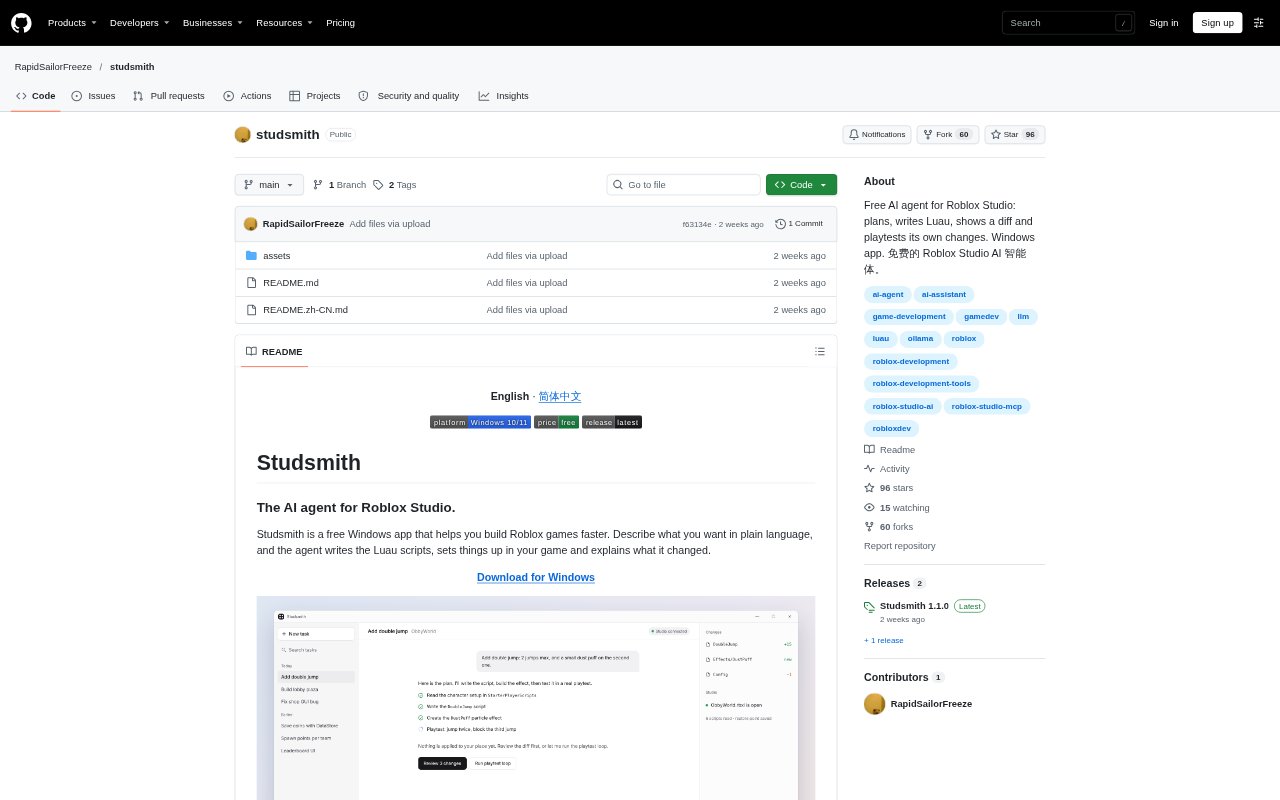
Studsmith is a free Windows app for building games in Roblox Studio with help from an AI agent. Describe a feature or task in plain language, and Studsmith can plan the work, write Luau scripts, make changes in the game, and explain what it did. It can also run playtests and help fix script bugs. The app supports a local model or your own API key and requires Windows 10 or 11 (64-bit).
Studsmith Features:
Plain-Language Planning: Describe a Roblox game task in everyday language, and Studsmith produces a plan before making changes.
Luau Script Writing: The agent writes Luau code for requested game features and can explain the changes it makes.
Game Object Setup: Describe objects you want in your game, and Studsmith can create and organize them in your place.
Change Review: Review a diff of proposed changes before applying them to your Roblox game.
Restore Points: Undo an individual change or restore an entire task using saved restore points.
Playtest Loop: Studsmith can run your game, read errors, and attempt fixes in a timeline of playtest activity.
Script Bug Help: Find and fix bugs in scripts with explanations written in plain language.
Studsmith Benefits:
Faster Development: Describe the work you want rather than starting each task by writing code and arranging every change yourself.
Clearer Changes: Seeing a plan and an explanation helps you understand what the agent intends to do and what it changed.
Safer Iteration: Reviewing diffs and keeping restore points makes it easier to check experimental edits and back out of unwanted results.
Quicker Debugging: Having the agent inspect playtest errors and attempt fixes can reduce the manual effort involved in tracking down script problems.
Model Choice: Using a local model or your own API key gives you a choice in how the agent is powered.
Use Cases:
Add Game Features: Describe a new gameplay feature in plain language, then review the plan and Luau changes before applying them.
Set Up Objects: Create and organize objects in a Roblox place from a description of the scene or game setup you need.
Fix Script Bugs: Use the agent to find a bug in a game script and get a plain-language explanation of the issue.
Test Recent Changes: Run a playtest after editing a game and let Studsmith read errors and attempt fixes.
Review Agent Edits: Check a proposed diff before accepting code or object changes to an existing Roblox game.