

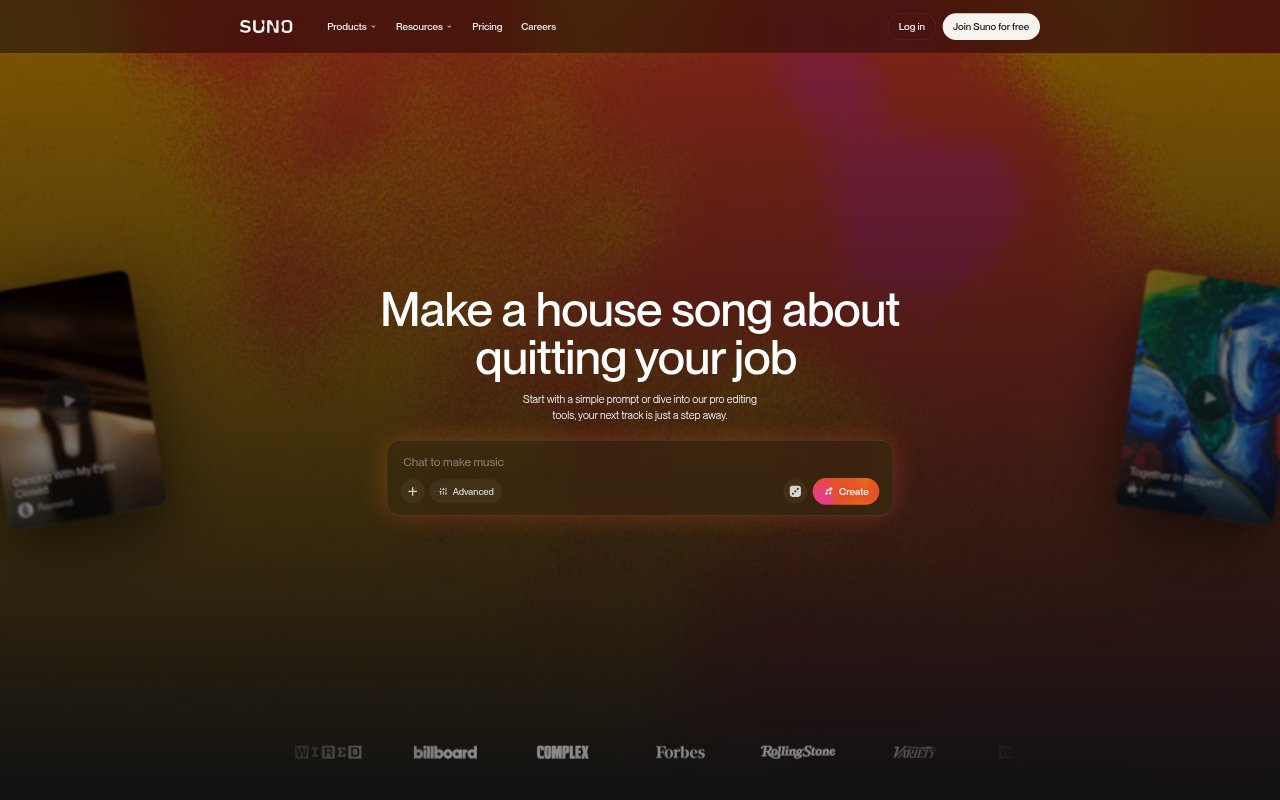
What is Suno?
Suno is an AI music creation tool for people who want to make songs from a text prompt, lyrics, or an audio idea. It generates complete tracks with vocals, lyrics, instrumentation, and production, and offers editing tools for refining what it creates. Newcomers can describe a genre, mood, or theme in plain language, while experienced creators can work with stems, custom models, and a multitrack audio workspace. Suno also lets users discover and share music.
Suno Features:
Prompt-Based Songs: Describe a genre, mood, theme, or song idea, or provide your own lyrics, to generate a track with vocals, instrumentation, and production.
Song Editing: Use the Song Editor and granular creation controls to refine a track, then regenerate or extend it as your direction develops.
Stem Separation: Separate a mix into vocal and instrumental stems, with additional stem separation options available on paid plans.
Audio Uploads: Upload audio to create with your own material, with plan limits for upload length and additional options for working with existing songs.
Suno Studio: Work in a browser-based generative audio workstation with multitrack editing, MIDI, effects, automation, and custom plugin design.
Custom Voices: Record or upload your voice, create custom models, and use Persona Voices to shape the vocal identity of your music.
Remix and Sharing: Remix tracks, explore music made by other creators, and share your own songs with friends and the wider Suno community.
Suno Benefits:
Lower Entry Barrier: People without music training can turn a written idea into a complete song without first learning to play instruments or produce a track.
Faster First Drafts: A prompt can provide a starting point with vocals and arrangement, leaving creators to spend their effort choosing a direction and refining the result.
More Creative Control: Editing, remixing, stem separation, and audio uploads give users ways to adjust generated material instead of treating each song as a finished output.
Flexible Production: Creators can move from quick song generation to more detailed multitrack work in the same browser-based music environment.
Clearer Usage Rights: Paid plans include commercial use rights, giving creators a plan-based option when they need music for commercial projects.
Use Cases:
Songwriting Drafts: Turn a lyric, melody idea, or theme into a rough song arrangement to explore how it might sound with vocals and instrumentation.
Video Backgrounds: Create music for a video when a creator wants a track shaped around a particular genre, mood, or subject.
Podcast Music: Develop a musical track for a podcast project, using a paid plan when commercial use rights are needed.
Ad Concepts: Generate song ideas for an advertising project and use a paid plan for commercial rights when the music is intended for commercial use.
Remix Experiments: Try alternate directions for an existing track by remixing it, extending it, or separating its vocal and instrumental parts.