
What is Suta?
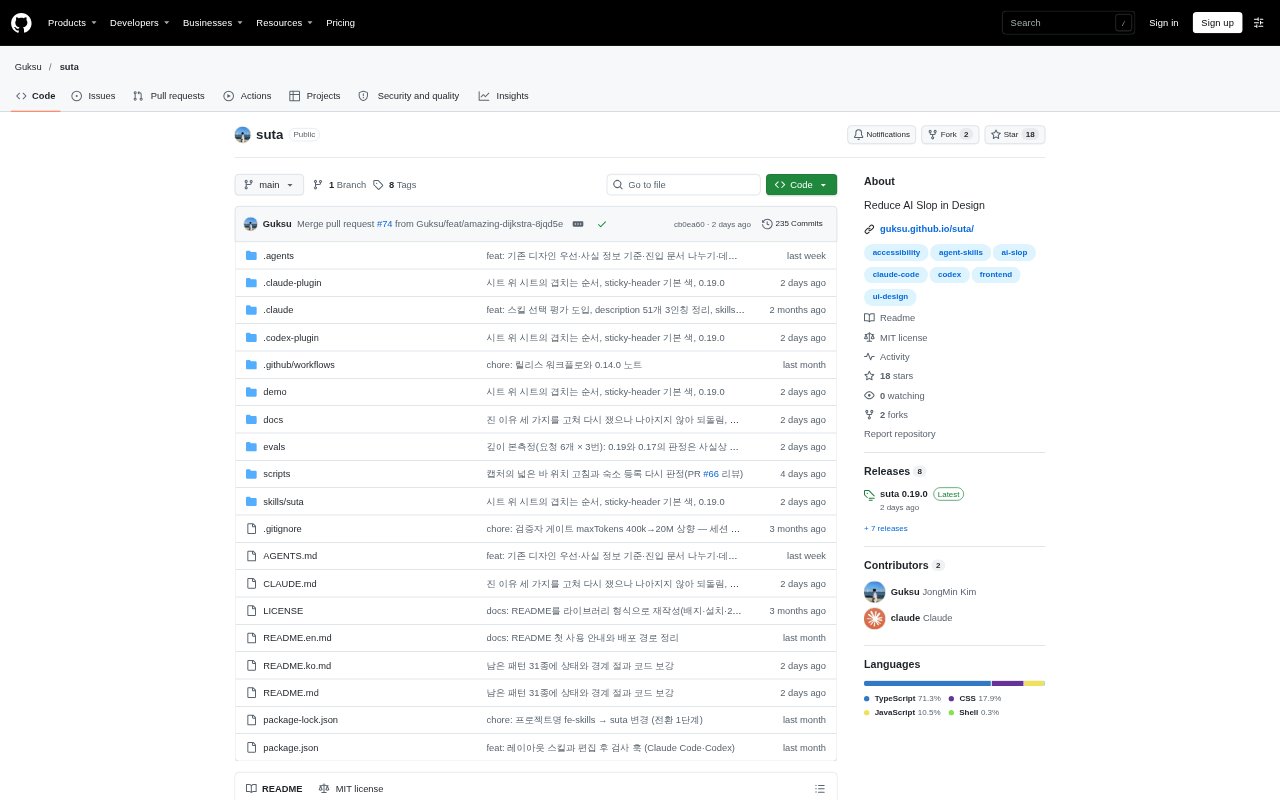
Suta is a skill and plugin for Claude Code and Codex that guides AI coding agents as they build React interfaces. It provides reusable UI patterns and rules for keyboard access, focus behavior, small-screen layouts, contrast, and reduced motion. With the plugin, a post-edit check reports certain issues in changed files; the skill can also be installed without that check for other agents. It is intended for developers using AI agents to create or update React screens.
Suta Features:
UI Guidelines: Rules cover keyboard access, dialog focus, overflow on screens 320–390px wide, text contrast, and reduced motion.
Reusable Patterns: The library includes 57 interface patterns, such as modals, bottom sheets, toasts, dropdowns, selects, form inputs, and gestures.
Pattern Code: Each pattern includes a dependency-free TypeScript core, a React wrapper, and CSS, with keyboard and screen-reader handling.
Post-Edit Checks: The Claude Code and Codex plugin checks each edited file and sends errors back to the agent with file and line details.
Style Warnings: The check flags issues such as text under 11px, oversized grid shells, layout-property animation, and missing reduced-motion blocks, while reporting style warnings separately.
Design System Fit: Suta preserves existing project tokens and components, applying its own visual defaults only when a project has no design standard.
Suta Benefits:
Fewer Manual Fixes: Developers can catch some accessibility and layout problems during agent-driven edits instead of relying only on later review.
Consistent Interaction: Shared guidance and pattern code can help keep keyboard behavior and focus handling consistent across screens.
Smaller Screen Readiness: Checking for narrow-screen overflow gives teams an earlier chance to address layouts that may otherwise extend beyond a phone display.
Existing System Fit: Teams can use the guidance alongside their established design tokens and components rather than replacing their visual system.
Clearer Debugging: File-and-line reports point developers or agents toward the location of detected errors, reducing the effort needed to find them.
Use Cases:
Dialog Implementation: Use the modal pattern and focus guidance when an agent builds a dialog that should move keyboard focus into the dialog and back out afterward.
Mobile Forms: Apply the form patterns and narrow-screen checks when generating a sign-in, booking, or other multi-field screen for small displays.
Dashboard Screens: Use Suta while an agent creates a dashboard with grids and controls that need to remain usable on compact screens.
Motion Review: Run the post-edit check on interface changes that include animation, particularly when the screen should respect reduced-motion settings.
Project Updates: Install the skill when an agent is adding a new React screen to a project that already has its own components and design tokens.