

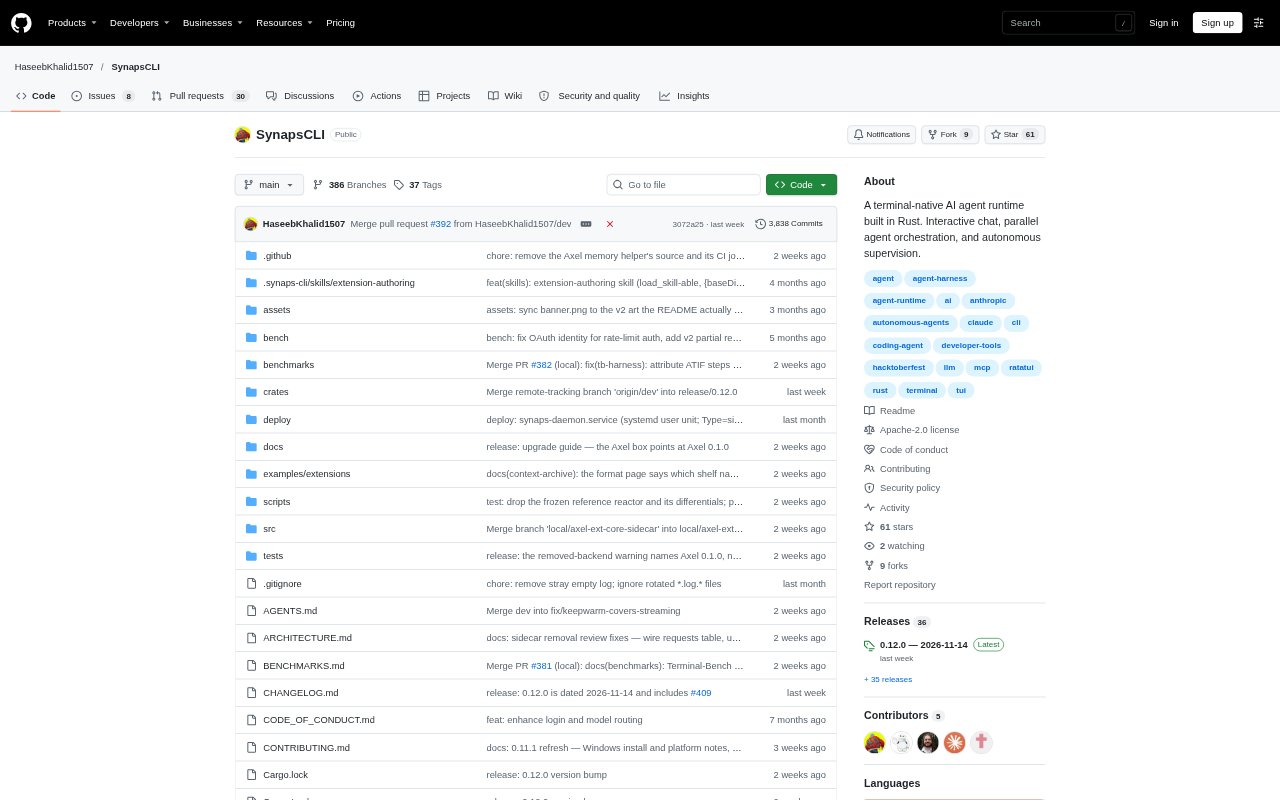
What is Synaps?
Synaps is a terminal-native AI agent runtime for people who want to work with AI agents from the command line. It provides an interactive interface for chatting with an agent, running named subagents in parallel, and managing sessions through a shared background daemon. You can connect subscription-based providers, API keys, cloud model services, or local models. Synaps runs on Linux, macOS, and Windows 10/11, and is designed for users comfortable working in a terminal.
Synaps Features:
Model Providers: Connect models through subscriptions, API keys, cloud identity providers, OpenAI-compatible endpoints, or local services such as Ollama.
Parallel Agents: Create named subagents that work at the same time, open each in its own view, and steer them while they are running.
Persistent Sessions: A background daemon owns sessions, lets multiple terminal clients attach to the same session, and can restore pinned sessions after a restart.
Credential Broker: Provider credentials stay in a broker, which gives agents short-lived, scoped tokens and supports multiple accounts for a provider.
File Attachments: Agents can read images, and a turn can include images, PDFs, and text added with the attach command.
Extensions and RPC: Add extensions written in any language, connect MCP servers, or access the engine through JSON-RPC and the daemon socket.
Synaps Benefits:
Flexible Model Choice: Teams can work with models they already access, choose a cloud route, or use a local model instead of being tied to one provider.
Shared Oversight: Keeping several clients on one live session makes it easier for collaborators to follow work and intervene without starting over.
Lower Context Waste: Caching prompts, deduplicating reads of unchanged files, and keeping large tool output on disk help make extended sessions more economical.
Longer Workflows: Project memory, compacted checkpoints, and sessions that can continue across days help preserve useful context between work periods.
Controlled Runs: Optional limits on rounds, tool calls, time, tokens, and cost give users ways to keep an agent run within defined boundaries.
Use Cases:
Parallel Development: Ask separate agents to handle concurrent software tasks, then inspect each agent in its own terminal view and redirect its work.
Persistent Project Work: Keep an agent session available across terminal restarts while working through a project that needs multiple sessions or days.
Scripted Agent Runs: Use the chat command with standard input and output to run an agent from a shell script, pipe, or CI workflow.
Document Review: Attach PDFs, text, or images to a turn when an agent needs those materials as context for a task.
Team Session Handoffs: Attach more than one terminal to a session so another person or terminal can observe, steer, or take over the conversation.