

What is sys2txt?
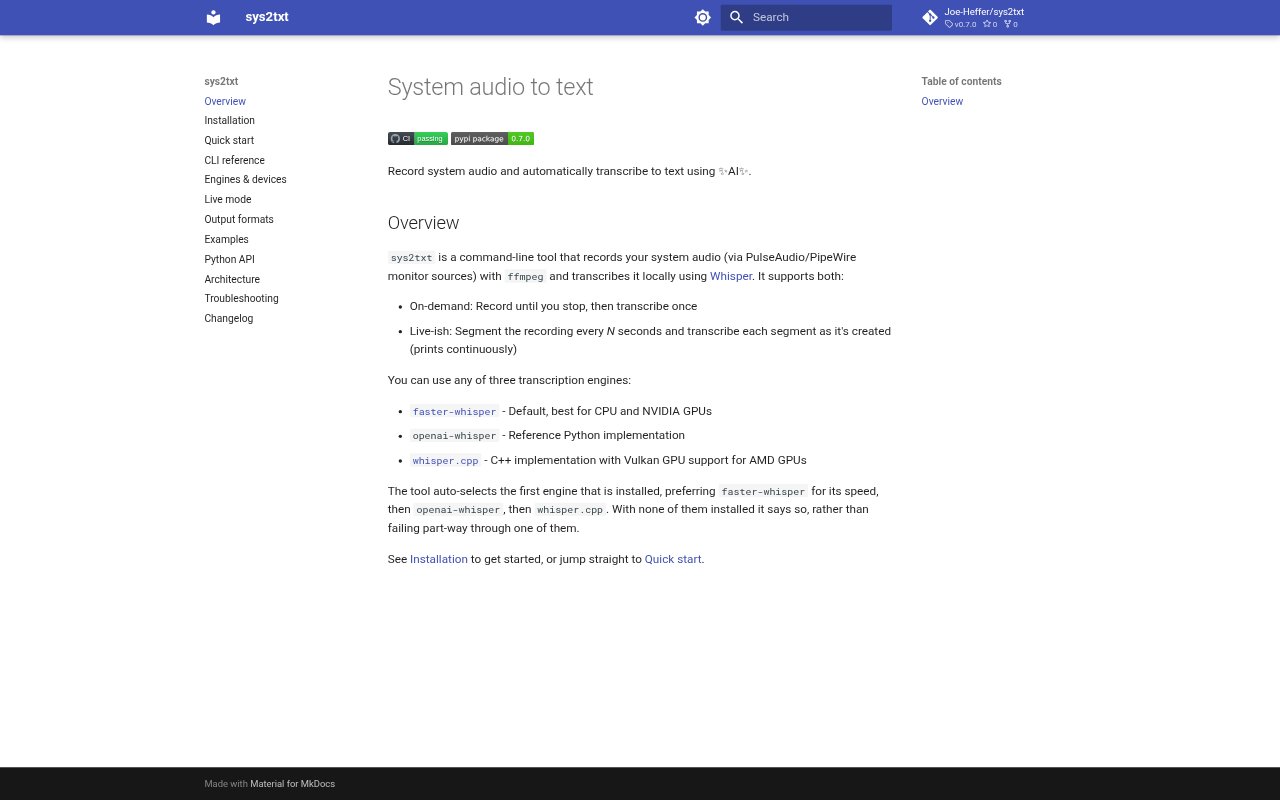
sys2txt is a command-line tool for capturing system audio and turning it into text with locally run Whisper transcription engines. It records audio from PulseAudio or PipeWire monitor sources using ffmpeg, then transcribes it after recording or as segments are produced. It is suited to people who want transcripts of audio playing on their computer and are comfortable using a command line.
sys2txt Features:
System Audio Capture: The tool records audio from PulseAudio or PipeWire monitor sources, using ffmpeg to capture sound played through the system.
On-Demand Transcription: In on-demand mode, sys2txt records until you stop it and then transcribes the full recording once.
Live Segments: Live mode divides a recording into segments at a chosen interval and prints transcriptions as each segment is created.
Whisper Engines: Transcription can use faster-whisper, openai-whisper, or whisper.cpp, with faster-whisper preferred when it is installed.
Engine Selection: The tool selects the first installed transcription engine, preferring faster-whisper, then openai-whisper, and then whisper.cpp.
sys2txt Benefits:
Local Processing: Because transcription runs locally, users can work with system audio without sending it to a hosted transcription service.
Flexible Hardware: The choice of engines accommodates different setups, including CPU and NVIDIA GPU use with faster-whisper and Vulkan GPU support for AMD with whisper.cpp.
Faster Review: Continuous segment output lets users begin reviewing recognized text before the full recording has finished.
Clear Setup Feedback: If none of the supported engines is installed, sys2txt reports that directly instead of failing partway through an engine run.
Use Cases:
Recorded Webinars: Capture a webinar playing on a computer and generate a transcript after the session ends for later review.
Live Listening: Run segmented transcription while listening to system audio when it is useful to see recognized text as the recording continues.
Audio Reference: Turn spoken material played through a computer into text that can be searched or consulted while working on a related task.
Local Transcription: Transcribe system audio on a machine where local processing is preferred over using a hosted transcription service.