

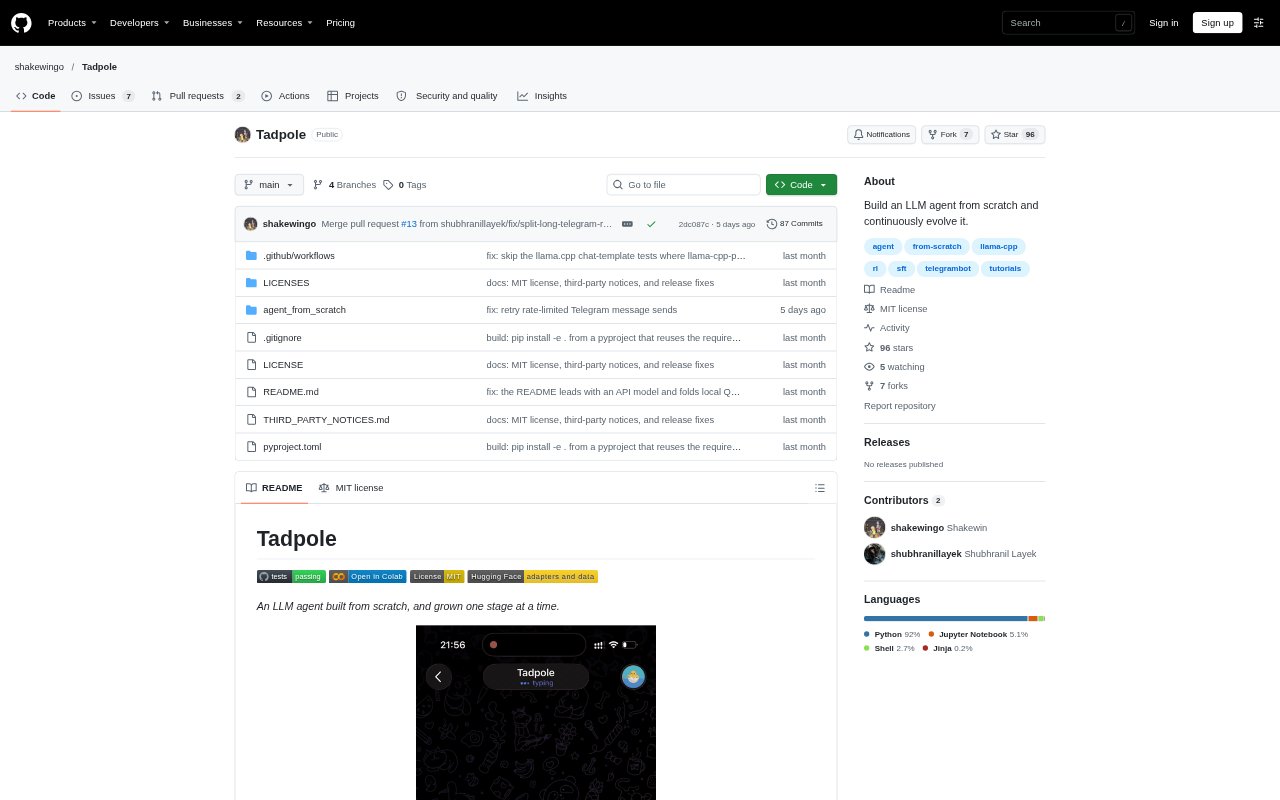
What is Tadpole?
Tadpole is a Python tool-using LLM agent that runs in a terminal or as a Telegram bot. It can use a local model or an OpenAI-compatible API, and includes tools for files, shell commands, web search and fetching pages. The repository also provides a staged, from-scratch tutorial for people who want to understand how the agent works, evaluate it and experiment with post-training.
Tadpole Features:
Tool Use: The agent can work with files, run shell commands, search the web and fetch web pages through a shared tool registry.
Model Options: Run Tadpole with a local model or connect it to an OpenAI-compatible API, including a self-hosted vLLM or LM Studio server.
Chat Interfaces: Use the agent from a terminal or configure it as a Telegram bot that responds to an allowed user ID.
Session Controls: Start or clear sessions, switch to a named session, and compact chat history using commands in the terminal or Telegram.
Context Management: Context budgeting and compaction create a summary checkpoint that can persist when the agent restarts.
Build And Evaluate: A walkthrough and staged code examples cover the agent loop, tests, benchmarking, supervised fine-tuning, expert iteration and a GRPO pilot.
Tadpole Benefits:
Flexible Deployment: Choose a hosted API or local model to fit an existing model setup, and use the same agent from a terminal or Telegram.
Persistent Conversations: Named sessions and summary checkpoints help preserve useful conversation context without keeping the full chat history in view.
Repeatable Learning: Focused tests and a stage-by-stage walkthrough make it easier to inspect how each agent mechanism is added and tested.
Measured Changes: A benchmark and independent verifier let builders compare post-trained models on held-out tasks rather than relying only on impressions.
Self-Hosted Control: Running the bot on an always-on machine gives users a way to keep their agent available without depending on a hosted Tadpole service.
Use Cases:
Terminal Assistant: Run a command-line agent to inspect or edit files, execute shell commands and gather information from web pages.
Telegram Bot: Set up a private Telegram bot for sending requests to an agent running on a home server, Mac or cloud VM.
Agent Tutorial: Follow the notebook and staged examples to learn how a tool-calling loop, sessions and context compaction are implemented.
Model Training: Use the included evaluation and training material to build verified demonstrations and experiment with LoRA adapters.
Agent Evaluation: Run the project’s benchmarks to compare model behavior on held-out tasks after changing model weights.