
What is Take One?
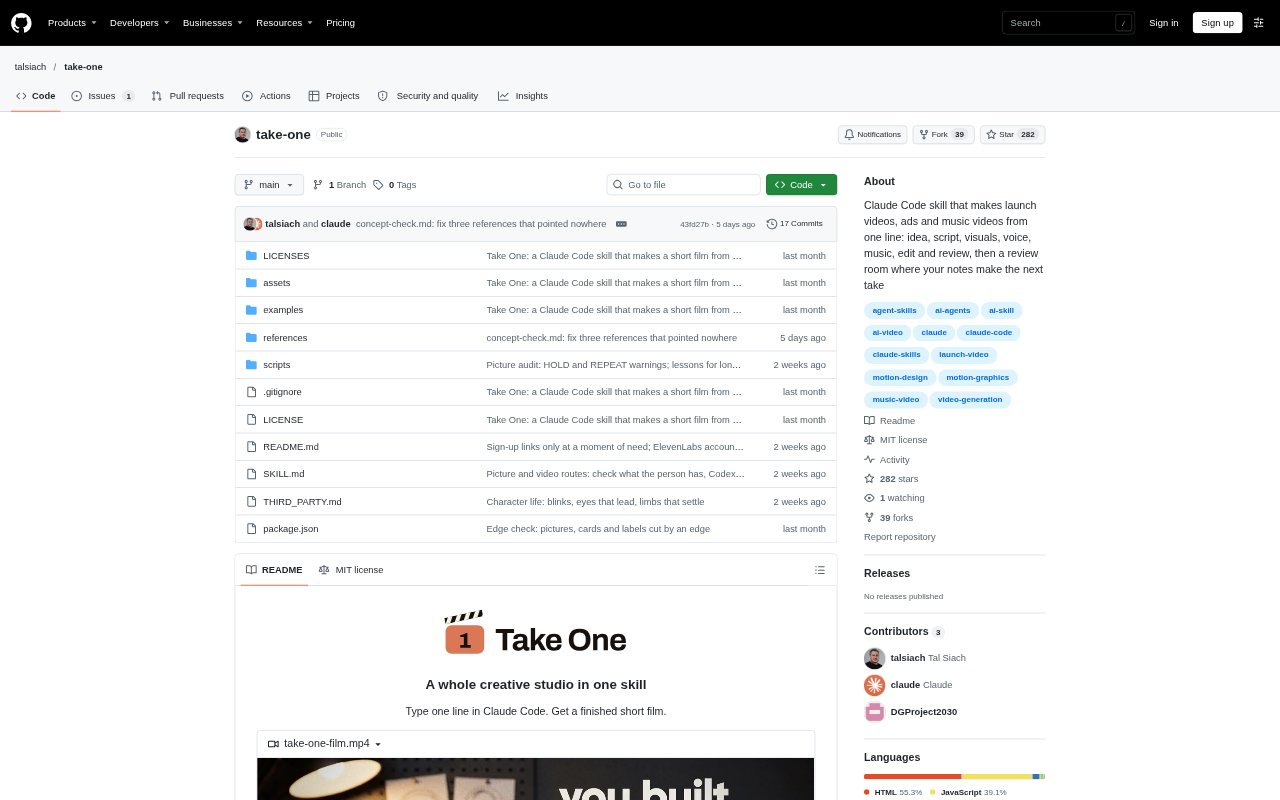
Take One is a Claude Code skill that turns a short prompt into a finished short film, with the process covering the idea, script, visuals, voice, music, editing and review. It is aimed especially at product and brand films, and can use a brand site, supplied assets or a creative reference to guide the result. Users can let it run through a first take or review the work at planned stages. It runs on the user's machine and has so far been tested on macOS.
Take One Features:
One-Line Brief: Start with a short request for a launch video, ad or music video, and Take One develops the project through its production stages.
Brand-Based Direction: It can study a product or brand site and use its typography, colours, images and copy to shape the film.
Staged Production: Choose a run-through to a reviewed first take, or pause at the idea, storyboard, sample frames, first cut and final.
Flexible Visuals: The film can use frames drawn in code, images from an image model, or selected moving shots from a video model.
Review Room: A local review page lets you click a frame and leave a note, which Take One uses to make the next take.
Film Deliverables: The output includes a 1080p, 60-frames-per-second MP4 with sound, accompanying posts for X and LinkedIn, and the reviewer's score.
Take One Benefits:
One Creative Workflow: Keeping planning, writing, visuals, sound and editing in one workflow reduces the need to coordinate separate production steps yourself.
Brand Consistency: Building from a real brand site and supplied materials helps the finished film reflect the product's existing identity and messaging.
Budget Control: You can use the code-only approach without paid services, and Take One asks before using paid services or credits.
Clearer Iteration: Frame-specific notes and review checkpoints make it easier to direct revisions around the parts of the film that need work.
Honest Review: A fresh reviewer scores the finished cut and reports open problems, giving you a clearer view of what still needs attention.
Use Cases:
Product Launch: Create a launch video for an app or product using its site, logo, screenshots and other materials as direction.
Brand Advertisement: Develop an ad around a brand's own colours, typography, images and copy, with optional generated pictures or moving shots.
Social Campaign: Make a short film for a social post and receive accompanying copy for X and LinkedIn.
App Walkthrough: Show a real app or website in a film by logging in and having Take One capture it in Chrome.
Music Video: Build a music-led film with illustrated looks, a reference image or video, and a song-service track if approved.