
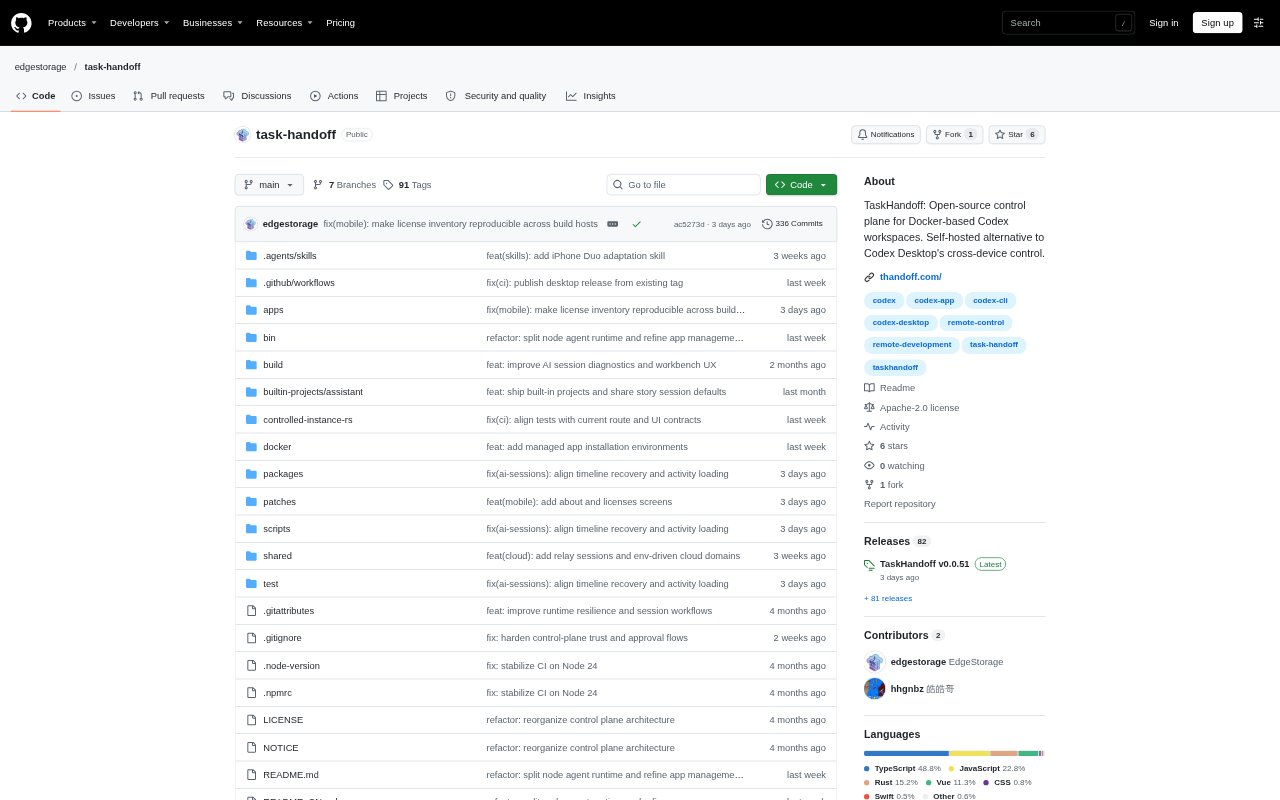
What is TaskHandoff?
TaskHandoff is a self-hosted control plane for managing AI development work across local and remote machines. It connects workspaces, AI sessions, instances, applications, and chat platforms, with clients for browsers, desktop computers, and iOS and Android devices. It is aimed at people who run AI coding work in multiple environments and want to manage those environments from one place; it is open source and currently in beta.
TaskHandoff Features:
Multi-Node Management: Connect local and remote machines, then inspect their resources and managed instances from a shared control plane.
Managed Workspaces: Create, start, stop, and restore isolated workspaces, using Docker as the primary runtime and local runtimes on Windows, macOS, and Linux.
AI Session Center: View and control AI sessions across instances, with session state updates delivered in real time over WebSocket.
Repository Workflows: Inspect repository files, changes, branches, and worktrees, and use managed Git credentials for repository operations.
Chat Integrations: Route messages, approvals, and actions from Telegram, DingTalk, WeChat, and Feishu or Lark to a selected instance.
Mobile Access: Use an iOS or Android client to connect directly to a user-managed Control Plane and work with sessions, instances, applications, and terminals.
TaskHandoff Benefits:
Centralized Oversight: A shared view of nodes, instances, and sessions makes it easier to understand where AI work is running without checking each machine separately.
Flexible Workflows: Being able to manage work from browser, desktop, mobile, or connected chat platforms lets people choose an interface that suits the task at hand.
Persistent Instances: Instances can continue running when the Control Plane is stopped or restarted, so maintenance of the management service need not end their work.
Reusable Setups: Saving installed tools and container configuration as environment templates helps teams start new instances with a familiar environment.
Self-Hosted Control: Running the Control Plane on infrastructure a user manages keeps deployment and node management in their own hands.
Use Cases:
Remote Coding Sessions: Check an AI coding session on a remote machine and continue working with it from a browser, desktop, or mobile client.
Multi-Machine Projects: Manage AI development work spread across a local computer and several remote nodes from one control plane.
Repository Review: Inspect a project's file changes, branches, or worktrees while coordinating Git operations for a managed workspace.
Chat-Based Approvals: Send messages or handle approval actions through a connected Telegram, DingTalk, WeChat, or Feishu or Lark chat.
Repeatable Environments: Create a Docker environment template from an existing instance and use it as the basis for another project workspace on that node.