
What is Taskman?
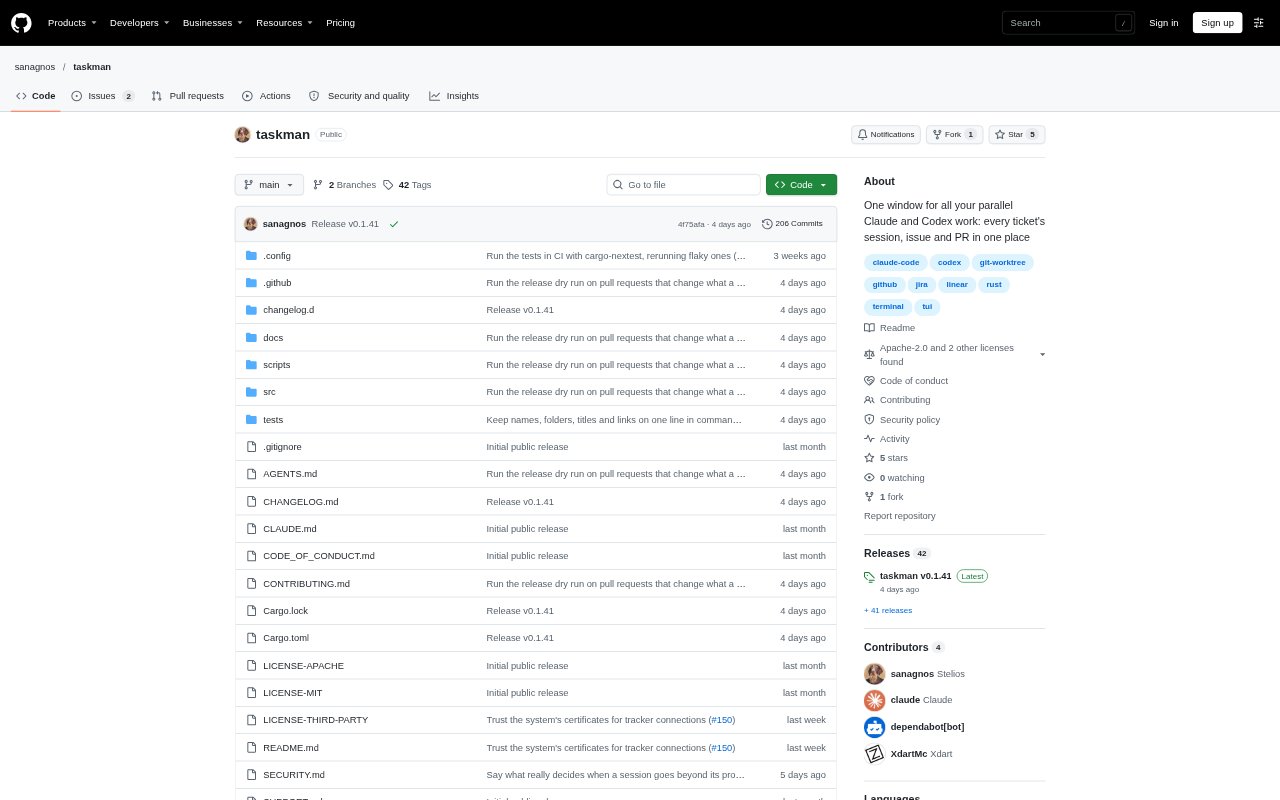
Taskman is a terminal interface for managing parallel software-ticket work with Claude Code or Codex. Each ticket gets its own CLI session and, in a Git repository, a separate worktree; the connected issue and GitHub pull request can appear alongside the session. Developers can connect Jira, Linear, GitHub Issues or local issue files, and use project agents to plan, delegate and coordinate ticket work.
Taskman Features:
Ticket Worktrees: In a Git repository, Taskman creates a separate worktree for each ticket, based on the latest main branch when the ticket is added.
CLI Sessions: Each ticket runs in its own session using the installed Claude Code CLI or, optionally, the Codex CLI.
Issue Panels: Taskman can show issues from Jira, Linear, GitHub Issues or local files beside their ticket sessions.
Pull Request Panels: With a GitHub remote and the GitHub CLI logged in, ticket views can show PR checks, reviews and status.
Session Status: A sidebar marks sessions waiting for permission or a decision, and sessions that have finished while you were elsewhere.
Agent Messaging: Claude sessions can message other sessions by ticket key or agent name, while project agents can add tickets and follow up.
Taskman Benefits:
Fewer Context Switches: Keeping a ticket’s session, issue and pull request together reduces the need to move among separate windows to follow its work.
Clearer Priorities: The shared status view makes it easier to spot which session needs a decision, without checking every session in turn.
Independent Ticket Work: Separate worktrees give concurrent ticket sessions distinct working directories, helping keep their code changes apart.
Less Relay Work: Agents can pass follow-up requests between sessions, reducing the need for a person to carry every instruction between them.
Use Cases:
Parallel Ticket Delivery: Use Taskman when a developer or team is running several Claude Code or Codex sessions across active software tickets.
Issue-Based Development: Connect a Jira, Linear, GitHub Issues or local-file tracker to work through tickets with their issue details close at hand.
Pull Request Follow-Up: Monitor checks and reviews alongside a ticket session while making changes to a GitHub pull request.
Delegated Ticket Planning: Set up a project agent to split planned work into tickets, start sessions for them and follow up with those sessions.