

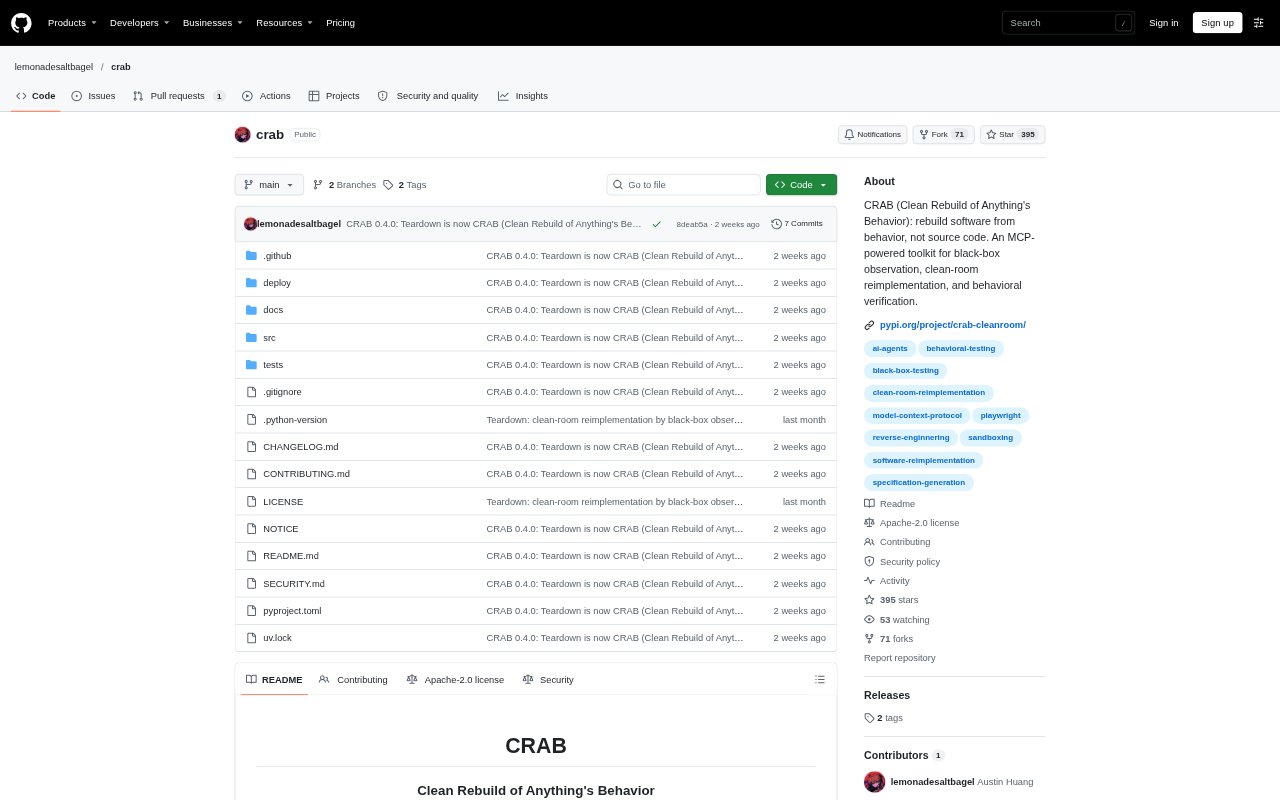
What is teardown?
CRAB, previously called Teardown, helps developers rebuild software features by studying how an existing app behaves rather than inspecting its implementation. An observer agent probes a command-line tool, web app, Android app, or experimental Linux desktop app, then turns its findings into a specification for a separate clean implementer. The tool is aimed at people who need to reproduce behavior while keeping the original code and implementation details out of the rebuild process.
teardown Features:
Behavior Observation: Drivers record user-visible outputs, file effects, accessibility details, and API exchanges without capturing source code or implementation-tier data.
UI Discovery: For supported apps, the observer explores screens, controls, fields, routes, and signed-in or signed-out states to map their behavior.
Fault Injection: Analysis can test how targets respond to conditions such as server errors, network failures, malformed responses, unreadable files, and airplane mode.
Rule Checking: CRAB checks behavioral rules against the original target and records whether each rule is corroborated or falsified.
Release Gate: Before releasing a specification, the gate checks for copied wording and real names, tracks coverage gaps, and supports recorded human approval.
Clean Rebuild: A separate implementer works from the released specification, while the gate checks the clone against the original and returns abstract pass-or-fail verdicts.
teardown Benefits:
Less Code Exposure: Teams can learn how a feature behaves without spending time tracing binaries, minified bundles, or obfuscated implementation.
Visible Unknowns: Unobserved behavior is called out as unknown, making gaps easier to assess instead of leaving them hidden in a seemingly complete spec.
Reviewable Process: Recorded approvals and a signed, hash-chained audit log make it easier to review what was released and why.
Focused Verification: Abstract verdicts let implementers check their work without receiving the original app's text or underlying evidence.
Local Analysis: Running CRAB locally keeps the app's analysis workflow on the user's machine, though agents still send tool results to their model provider.
Use Cases:
Feature Reimplementation: Use it when a product team wants to reproduce a useful feature from another app based on its observable behavior.
CLI Compatibility: Map a command-line tool's outputs, exit codes, diagnostics, and file effects before building a compatible replacement.
Web App Behavior: Document a web app's screens, field behavior, routes, and API responses as a basis for a separate implementation.
Mobile App Analysis: Probe an Android app's controls, visible text, system dialogs, and behavior when network access is disabled.
Clone Verification: Compare a clean-room implementation with the target to identify which specified behaviors still need work.