
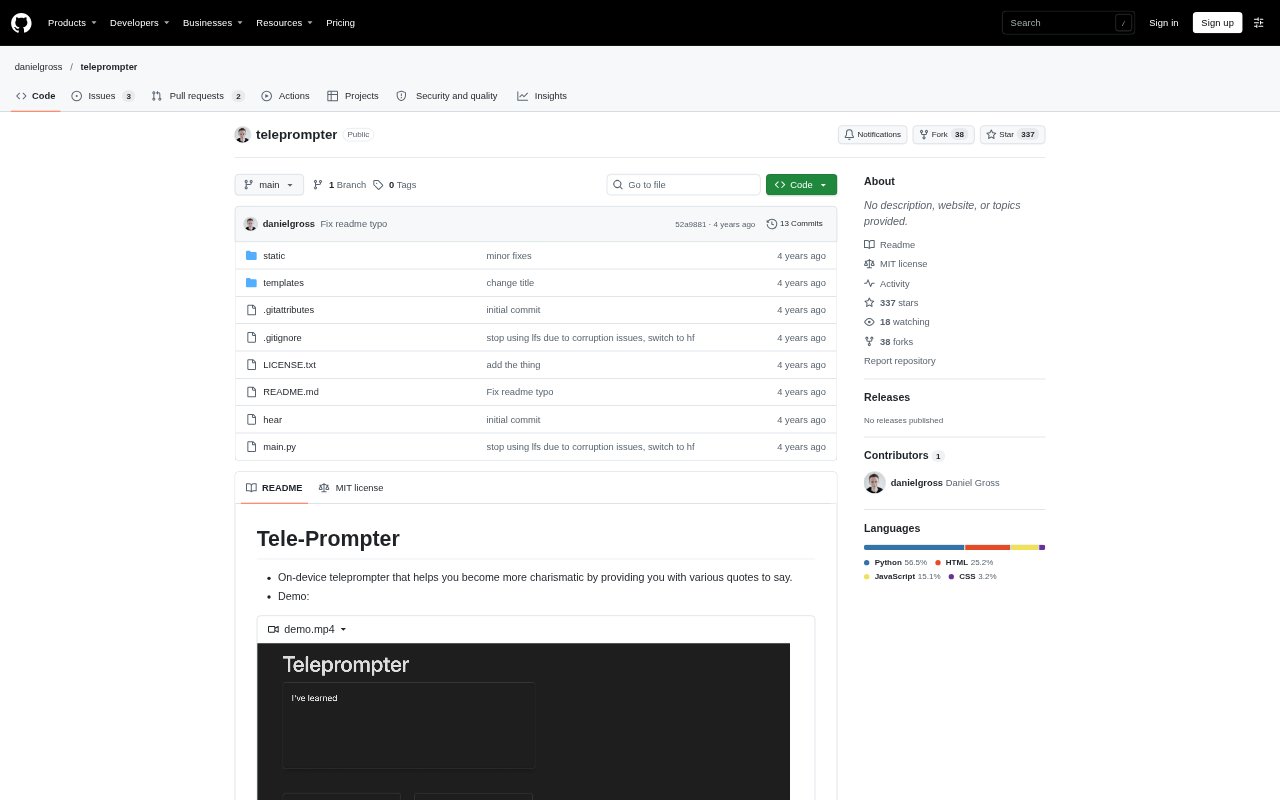
What is Teleprompter?
Teleprompter is an on-device speaking aid that presents quotes for you to say, with the aim of helping you become more charismatic. It uses speech recognition on macOS and offers a default mode based on semantic embeddings, plus a highly experimental fine-tuned model that can be selected when launching the program. The project is suited to people who want a locally run tool for practicing spoken delivery, rather than a hosted service or a general-purpose writing assistant.
Teleprompter Features:
Quote Prompts: The tool provides various quotes to say aloud, giving speakers ready-made material for spoken practice.
On-Device Operation: Teleprompter runs on the device rather than as a hosted web product, and its current speech-recognition setup is limited to macOS.
Speech Recognition: It uses the hear library or app for on-device speech recognition, which is required by the current implementation.
Semantic Embeddings: The default run uses semantic embeddings, providing the standard mode for working with the teleprompter.
Fine-Tuned Model: A highly experimental fine-tuned model is available as an alternate mode, selected by adding llm when starting the program.
Local Setup: The program is launched with Python and requires transformers, torch, and a general conda installation.
Teleprompter Benefits:
Ready-Made Material: Having quotes available to say gives a speaker something to work with without first having to prepare their own practice lines.
Local Practice: Because the tool runs on-device, practice can take place on a supported Mac without relying on a hosted teleprompter service.
Clear Starting Point: The semantic-embedding default gives users a defined way to begin, rather than requiring them to choose between modes before trying the tool.
Mode Experimentation: The alternate fine-tuned mode lets technically comfortable users compare an experimental approach with the default one.
Focused Rehearsal: A prompt-based format keeps practice centered on speaking aloud, rather than on drafting or editing a full script.
Use Cases:
Charisma Practice: Use the provided quotes as material for exercises aimed at becoming more charismatic while speaking.
Delivery Rehearsal: Run through spoken lines on a Mac when you want to practice saying prepared material aloud.
Prompted Speaking: Use quotes as starting points for short speaking exercises when you want a prompt instead of choosing a topic yourself.
Model Testing: Try the experimental fine-tuned mode alongside the default semantic-embedding mode when exploring how the two runs behave.
Local Tool Trial: Set up the Python project on a Mac to try an on-device teleprompter with speech recognition rather than a browser-based product.