
What is Termexo?
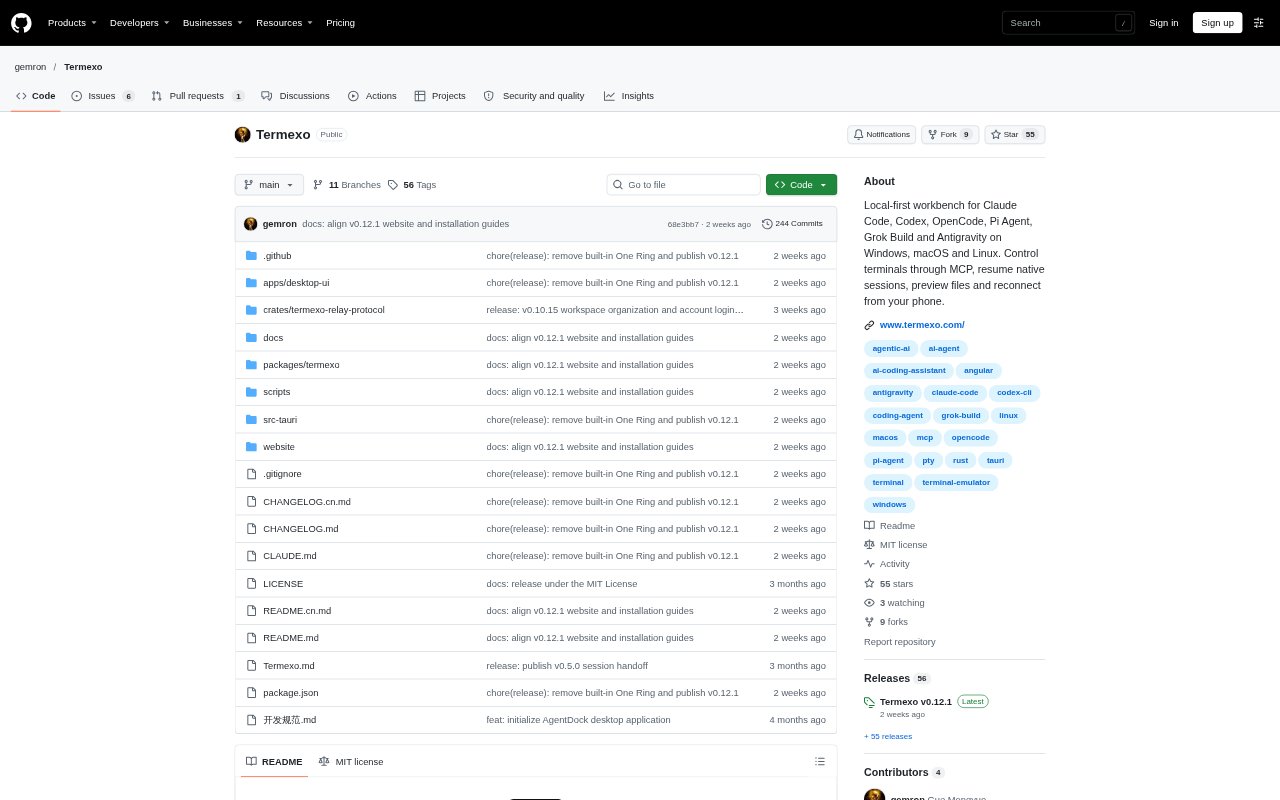
Termexo is a desktop workbench for running and coordinating AI coding agents on Windows, macOS, and Linux. Through MCP, a connected AI can find supported agent terminals, send instructions, and read their output; people can also monitor sessions, manage project workspaces, and use a task board. It is designed for individual developers and team members working across multiple projects or agents, with optional remote access to a running desktop.
Termexo Features:
MCP Terminal Control: Connect an AI through MCP to find Claude Code, Codex, OpenCode, Pi Agent, Grok Build, or Antigravity terminals, send input, submit it, and read output.
Project Workspaces: Group project folders and their terminals, layouts, and configuration into separate workspaces, with each project able to remember its own terminal arrangement.
Task Board: Create tasks with a goal and completion criteria, assign them to Claude Code, Codex, OpenCode, Pi Agent, or Grok Build, and track their board status.
Native Session Resume: Search saved sessions across supported agents and projects by name, path, branch, or model, then reopen them using each CLI’s native resume command.
Status Notifications: Show distinct notices when an agent is waiting for approval, waiting for input, or finished, with links that take you to the relevant terminal.
Provider Profiles: Manage model, account, and network profiles for providers and compatible gateways, and switch Claude Code terminals between configured models.
Optional Remote Access: Reconnect to the same running terminal from another device through a self-hosted relay or trusted LAN or VPN, while the host computer stays on.
Termexo Benefits:
Less Window Switching: Keeping projects and agent terminals together makes it easier to follow parallel work without repeatedly hunting through separate windows.
Fewer Repeated Updates: Visible agent states and task progress help you spot which work needs attention without checking every terminal for new output.
Easier Resumption: Returning to a native session or passing along a handoff with progress and next steps reduces the need to reconstruct project context.
More Flexible Models: Saved provider settings let you change a Claude Code project’s model without reinstalling the CLI or editing configuration files by hand.
Work Away From Desk: Optional remote access lets you check a long-running task or respond to an approval without moving the session off its host computer.
Use Cases:
Parallel Project Work: Keep terminals for a work project, a side product, and open-source repositories organized while moving between their tasks.
Agent Task Assignment: Give coding agents implementation, testing, or review tasks, then follow progress and inspect the results from the workbench.
Cross-Agent Handoffs: Resume a saved conversation with another agent or prepare a handoff that records a project’s goal, progress, and next step.
Remote Task Checks: Use a phone or another computer to check terminal output, answer an approval, or send the next instruction while away from the development PC.
Model Switching: Point Claude Code at a configured provider or compatible gateway when a project calls for a different model.