
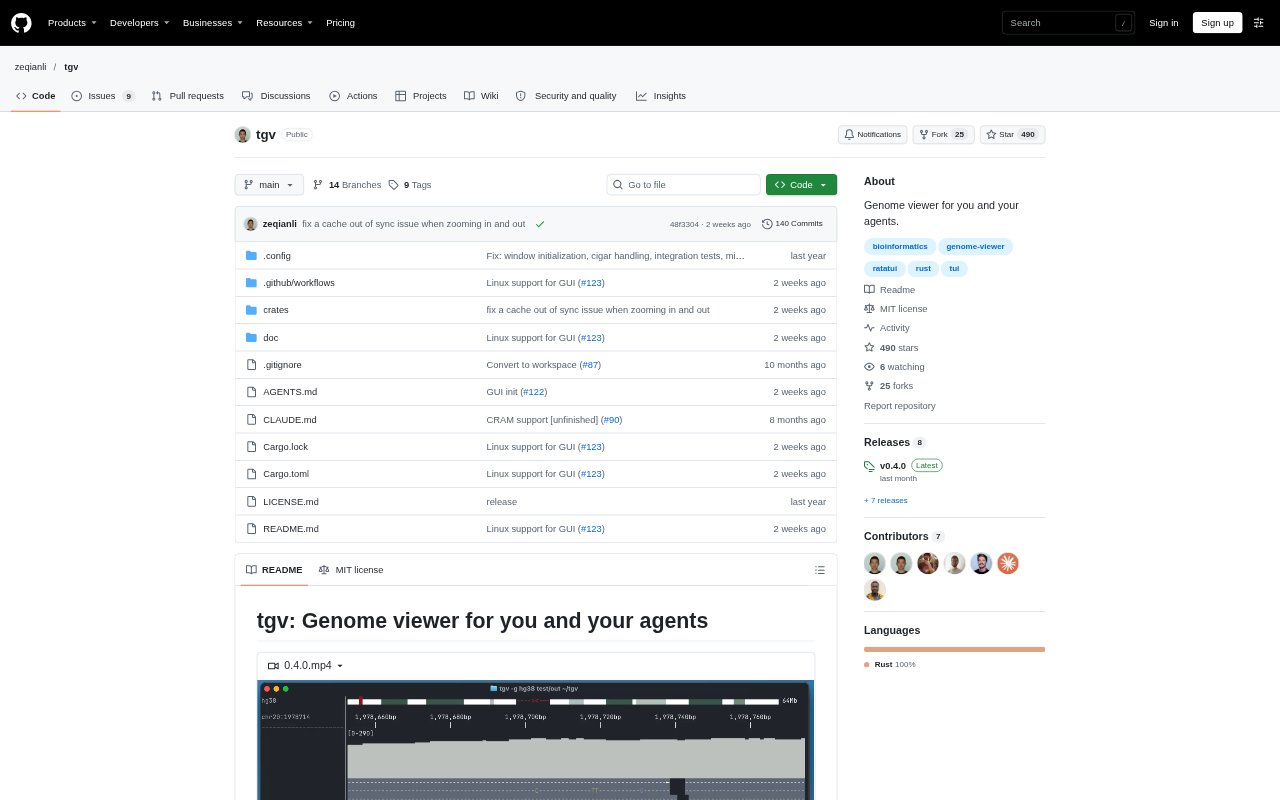
What is tgv?
tgv is a terminal-based genome viewer for researchers and bioinformatics teams working with genomic data, including in remote SSH sessions. It lets people browse reference genomes and open common alignment, variant, and interval files, with mouse or keyboard controls. Its MCP interface also lets AI agents inspect datasets and navigate the viewer; the project describes tgv as being in early development.
tgv Features:
Terminal Viewer: Browse genomes in a terminal interface, including during an SSH session, without switching to a separate graphical application.
Keyboard Navigation: Move through genomic regions with vim-style commands, jump to a gene or chromosome position, and zoom with keyboard shortcuts.
Mouse Controls: Click, scroll, drag, and hover in the viewer to navigate with a mouse as an alternative to keyboard commands.
File Formats: Open BAM, VCF, BCF, BED, and bigBed files, including multiple files provided together on the command line.
Reference Genomes: Browse UCSC reference genomes, use hg38 as a starting point, and download a local reference cache for faster access.
Agent Access: Connect AI agents through MCP so they can inspect datasets and navigate the viewer; the project also describes SQL-based multi-omics analysis.
tgv Benefits:
Stay in SSH: Inspect genomic data where it is stored and avoid interrupting a remote workflow to open a separate desktop viewer.
Fewer Tool Hops: Keep genome browsing and file inspection in one terminal workflow rather than switching among separate command-line utilities.
Simpler Navigation: Jump directly to genes and genomic positions, making it easier to focus on the region relevant to an analysis.
Clearer Collaboration: Let an agent navigate the same viewer while explaining its inspection, giving people a shared way to follow the analysis.
Fewer Coordinate Errors: Use a single data workflow in place of scripts that chain tools with different coordinate conventions, reducing opportunities for indexing mistakes.
Use Cases:
Remote Alignment Review: Open a BAM file on a remote machine and browse its genomic alignment from the terminal during an SSH session.
Variant Inspection: Navigate to a gene or chromosome position while reviewing VCF or BCF variant files alongside other genomic inputs.
Region Exploration: Move across genes and exons, zoom into an area, and inspect intervals from BED or bigBed files.
Multi-File Review: Open local and S3-hosted genomic files in one session when examining related alignment, variant, or interval data.
Agent-Assisted Analysis: Connect an MCP-compatible agent to inspect an omics dataset, navigate the viewer, and support SQL-based multi-omics analysis.