

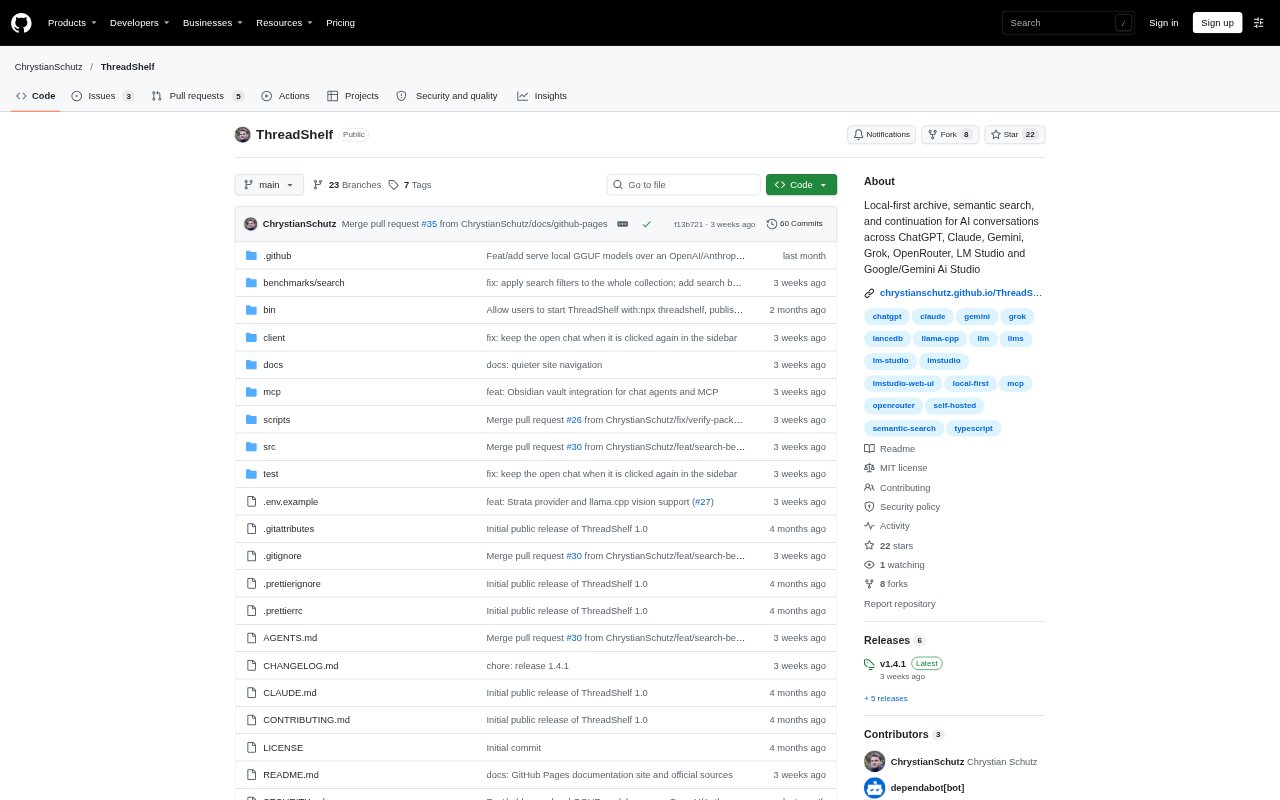
What is ThreadShelf?
ThreadShelf is a local-first archive for conversations exported from ChatGPT, Claude, Google AI Studio, OpenRouter, LM Studio, and Grok. It helps people find older discussions by meaning or exact text, reopen the full thread, and export conversations to Markdown. The archive can also be searched through a web interface, command-line tools, an HTTP API, or an MCP client. Continuing a thread or starting a new chat is optional, using a local model or an explicitly external provider.
ThreadShelf Features:
Conversation Imports: Parse chat exports from ChatGPT, Claude, Google AI Studio, OpenRouter, LM Studio, and Grok into a shared conversation format.
Semantic Search: Search the archive with local multilingual embeddings to find discussions by topic, even when the original wording is unclear.
Exact Search: Match specific text such as error strings, identifiers, or code, with filters for collection, role, model, and date.
Thread Reconstruction: Open the complete original conversation around a matching turn, then export any conversation as a Markdown file.
Shared Index Access: Search the same local index through a React web interface, command-line tools, an HTTP API, or an MCP server.
Optional Continuation: Continue an archived thread or start a chat with a local GGUF model through llama.cpp, or choose OpenRouter as an external provider.
ThreadShelf Benefits:
More Private Retrieval: Keep parsing, embeddings, storage, and search on the local machine rather than sending archived conversations to a hosted search service.
Useful Without Generation: Search and revisit archived chats without setting up a language model, so retrieval remains available as a standalone workflow.
Less Context Hunting: Find an old exchange by topic or exact phrase and return to its full thread instead of manually scanning scattered chat histories.
Clear Data Boundaries: Use loopback-only local generation or knowingly select the external option, which sends the chosen conversation context and prompt off-device.
Use Cases:
Find Past Advice: Search across exported chats when you remember a subject discussed with an AI assistant but cannot recall which provider or thread contained it.
Recover Code Details: Look up an exact error message, identifier, or code fragment from a previous troubleshooting conversation and reopen the surrounding exchange.
Continue Older Threads: Reopen an exported conversation and append a response using a local llama.cpp model or the explicitly external OpenRouter provider.
Retrieve Through MCP: Connect an MCP-capable client to search the archive and read threads when bringing prior AI conversations into another tool's workflow.