

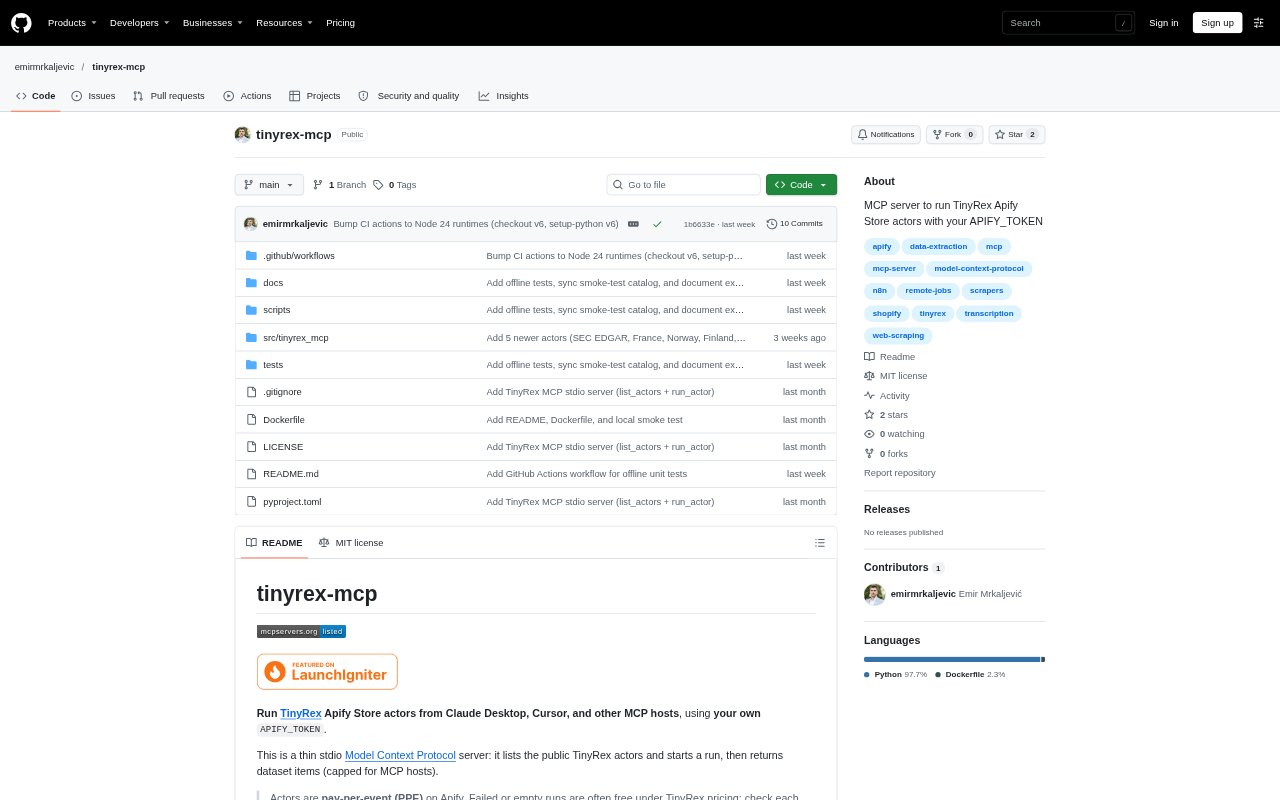
What is TinyRex MCP?
TinyRex MCP connects MCP-compatible AI clients to public TinyRex actors in the Apify Store. It lets users discover available actors and start runs with an input object, then returns the resulting dataset items. The server is designed for use with clients such as Claude Desktop and Cursor, and requires an Apify API token. It is suited to people who want to run TinyRex’s data-gathering and lookup tools from an MCP host.
TinyRex MCP Features:
Actor Catalog: The list_actors tool provides names, descriptions, Store pages, and example inputs for all 27 public TinyRex actors.
Actor Runs: The run_actor tool starts a selected TinyRex actor with a supplied input object and waits for the run to finish.
Dataset Results: Run results include dataset items, itemCount, runId, and status, with the returned item count capped for MCP hosts.
MCP Support: The server uses stdio and can be configured for Claude Desktop, Cursor, and other MCP hosts.
Apify Account: The server uses the user's APIFY_TOKEN, and actor charges are paid through the user's Apify account rather than billed separately by the MCP.
Actor Coverage: The public catalog includes tools for jobs, tenders, company records, websites, ecommerce products, documents, and audio or video transcription.
TinyRex MCP Benefits:
One Client Workflow: Users can find and run supported data tools from their MCP host instead of switching between separate actor pages to start each task.
Easier Tool Choice: Actor descriptions and example inputs help users identify a suitable actor and shape a request before running it.
Reviewable Results: Run status and item counts give users context for interpreting the returned dataset rather than receiving results without run details.
Controlled Results: The item cap helps keep large actor outputs within limits suited to MCP hosts, while the requested maximum can be set for a run.
Separate Billing: Using the user's own Apify account makes the actor charges distinct from the MCP server, which does not bill separately.
Use Cases:
Find Job Listings: Use the jobs actors to gather listings from supported sources such as Workday, ATS platforms, or remote-job sites.
Research Tenders: Run tender actors to collect opportunities from TED, TenderNed, or the listed US and UK tender sources.
Check Company Records: Look up company information using actors for GLEIF LEIs, UK Companies House, France, Norway, or Finland.
Audit Websites: Run on-page SEO, broken-link, Lighthouse, or tech-stack checks when reviewing a website.
Extract Document Text: Use the PDF OCR actor to extract text from documents, or the transcription actor to process audio and video.