

What is tmux-restore?
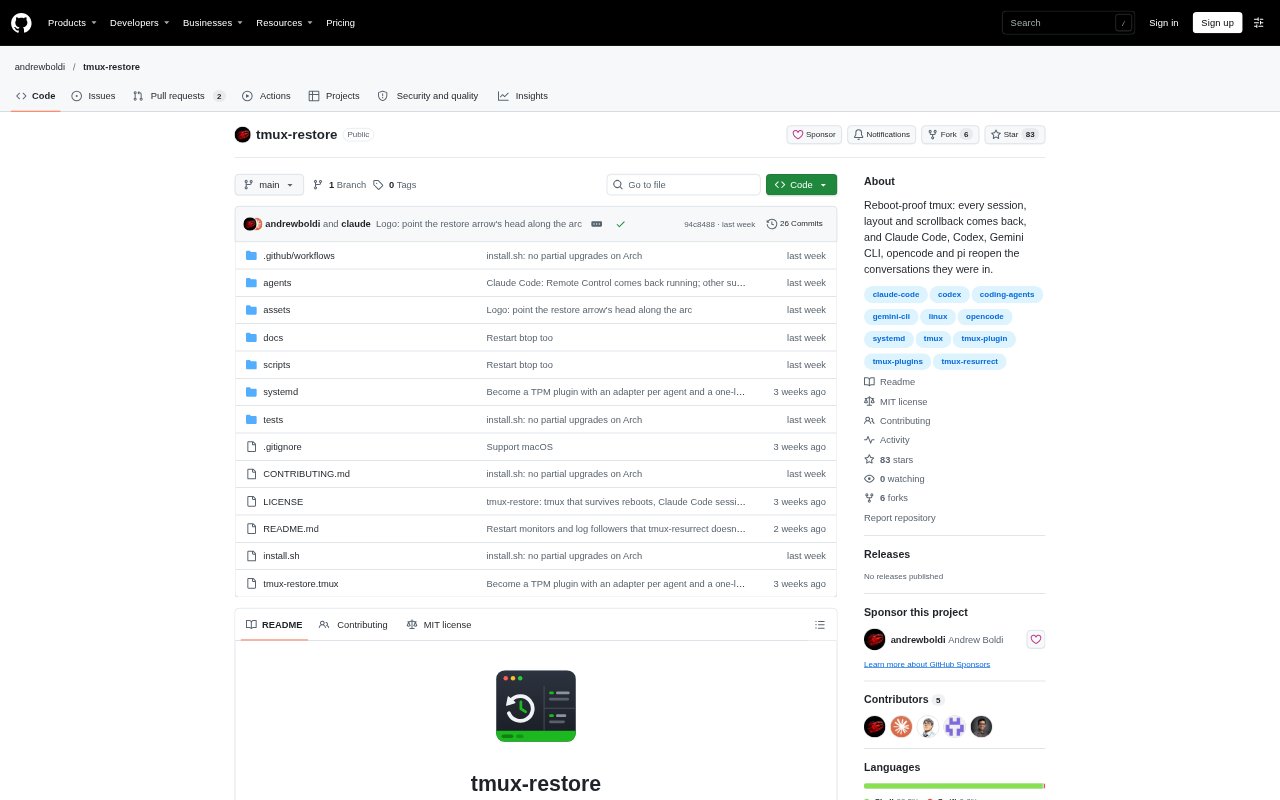
tmux-restore is a tmux plugin for preserving terminal sessions across reboots and restoring them when tmux starts again. It builds on tmux-resurrect and tmux-continuum, adding more frequent saves, a save during shutdown, and conversation recovery for supported coding agents. It is intended for developers who run editors, commands, or AI coding agents in tmux panes and want to return to their previous work after restarting a machine.
tmux-restore Features:
Agent Conversations: Claude Code, Codex, Gemini CLI, opencode, and pi panes can reopen the conversation they were using, with the same flags.
Frequent Saves: The plugin saves every minute and performs another save as the machine shuts down.
Session Restoration: Built on tmux-resurrect and tmux-continuum, it restores tmux sessions, windows, splits, working directories, and scrollback.
Process Restart: Editors, monitors, log followers, and commands listed in @resurrect-processes can be restarted in their panes.
Python Environments: Python virtual environments can be restored after adding a line to the user's zsh or bash startup file.
Pane Scrollback: Pane contents are saved to disk by default, with a tmux setting available to turn off scrollback capture.
Custom Agent Adapters: Users can add a short adapter for another agent in a personal configuration directory or contribute it to the project.
tmux-restore Benefits:
Less Rebuilding: Returning to restored windows, splits, and working directories avoids reconstructing a terminal workspace after a reboot.
Conversation Continuity: Resuming an agent's existing conversation helps developers carry ongoing coding work forward instead of starting over.
Reduced Recovery: Frequent saves limit the amount of recent terminal state that may need to be recreated after a crash or power cut.
Visible Work Preserved: Restored scrollback lets users refer to earlier pane output instead of repeating commands just to recover its context.
Simpler Re-entry: Restarted tools and processes bring familiar work back into the terminal without manually reopening each one.
Use Cases:
Agent Coding: A developer can reboot during a Claude Code, Codex, Gemini CLI, opencode, or pi session and return to its conversation.
Multi-Pane Projects: A developer working across several tmux windows and splits can restore the project layout and each pane's working directory.
Long-Running Logs: An operator following output with tail -f, journalctl -f, or kubectl logs -f can have the log-following command restarted.
Editor Workflows: A developer who keeps an editor beside a shell in tmux can restore the editor and the surrounding terminal arrangement.
Virtualenv Projects: A Python developer can restore a tmux workspace with its virtual environment after configuring the shell startup file.