

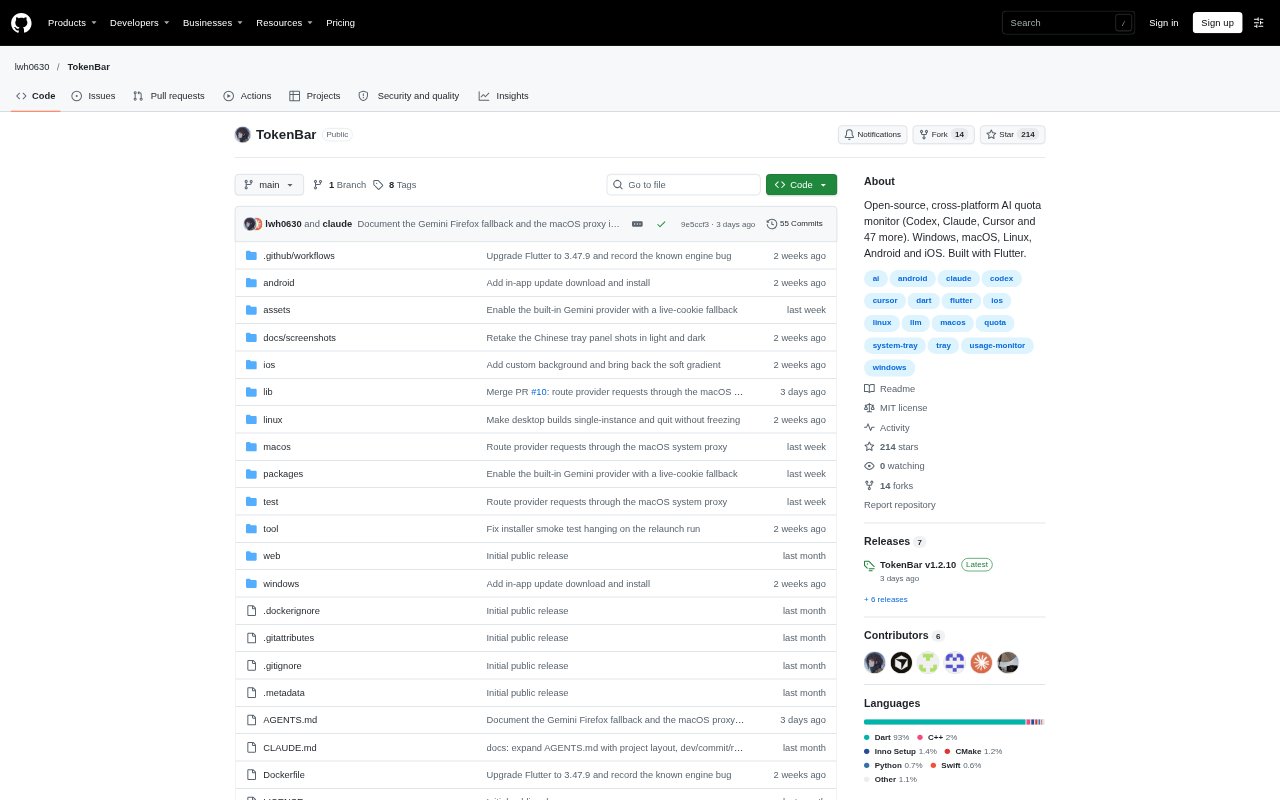
What is TokenBar?
TokenBar is an open-source monitor for AI usage quotas, balances, spending and reset times across 53 services. It runs on Windows, macOS, Linux, Android and iOS, giving people who use multiple AI providers a shared view of account usage. Desktop versions can read existing logins from supported official apps or command-line tools, while other connections use an API key, token or cookie. An optional self-hosted server can sync usage snapshots for viewing on other devices.
TokenBar Features:
Quota Windows: View remaining usage and reset countdowns for supported 5-hour, weekly, monthly and per-model quota windows.
Balances and Spend: Check provider-reported credit balances, spending and caps in the provider's own currency or credit unit.
Usage Pace: Compare usage with a linear pace and see projected usage at reset for supported quota windows.
Usage History: Review stacked usage bars across 24-hour, 7-day and 30-day periods, broken down by quota window or cost item.
Low-Quota Alerts: Set thresholds for low-quota notifications and receive an alert when a low quota resets.
Account Connections: Reuse supported desktop app or CLI logins in read-only mode, or connect with an API key, token or cookie.
Desktop and Sync: Use a desktop tray icon and account panel, or optionally sync usage snapshots through a self-hosted server.
TokenBar Benefits:
Fewer Account Checks: A combined view of supported providers reduces the need to visit each service separately to check remaining usage.
Plan Around Resets: Seeing reset times alongside remaining quota helps users judge when capacity will become available again.
Understand Consumption: Historical breakdowns make it easier to see which quota windows or cost items account for recent usage.
Catch Tight Limits: A pace comparison and configurable alerts help users notice when a quota is running low or usage is ahead of pace.
Check Usage on the Go: Cross-platform apps and optional snapshot syncing let users consult account usage away from their main desktop.
Use Cases:
Multi-Provider Work: A developer using Codex, Claude and Cursor can check their supported quotas and resets from one dashboard.
API Budget Checks: A team member monitoring OpenAI API spend or an OpenRouter credit balance can review account usage without opening each provider dashboard.
Quota Planning: Someone working against a weekly or 5-hour coding-plan limit can check remaining capacity and its reset time before starting a task.
Usage Review: A user investigating recent AI costs can compare historical usage by time period and cost item.
Desktop-to-Phone Checks: A user can push snapshots from a computer to a self-hosted server and view them later on a phone or in a browser.